Embedded JavaScript executed but the result did not display
- Dominant language
- Jupyter Notebook
- Stars
- 13.3k
- Forks
- 5.8k
- Avg merge
- 6d 11h
- Merged PRs (30d)
- 7
Description

Hi there,
I was trying to embed the script below into my jupyter notebook, the script executed and I found those code embedded into my notebooks` output correctly but I could not get the result.
Here is the script:
```HTML
Market Quotes by TradingView
{
"width": "770",
"height": "450",
"locale": "en",
"symbolsGroups": [
{
"symbols": [
{
"name": "COINBASE:BTCUSD"
}
],
"name": "Equities"
}
]
}
```
How I embed it:

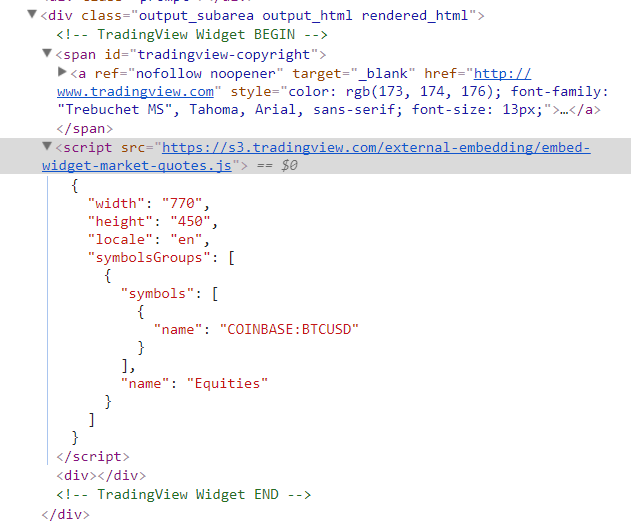
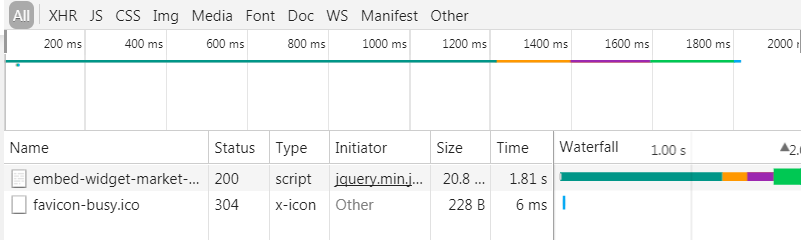
In Chrome`s devtool, I can see those code embedded into the page and embed-widget-market-quotes.js fetched:
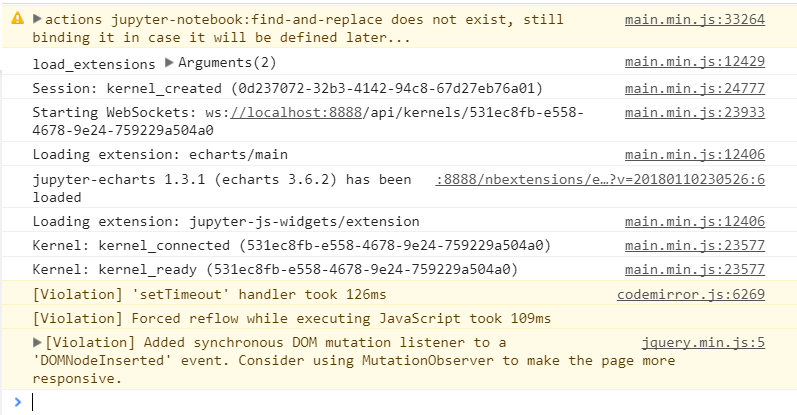
In console, there is no error complained:
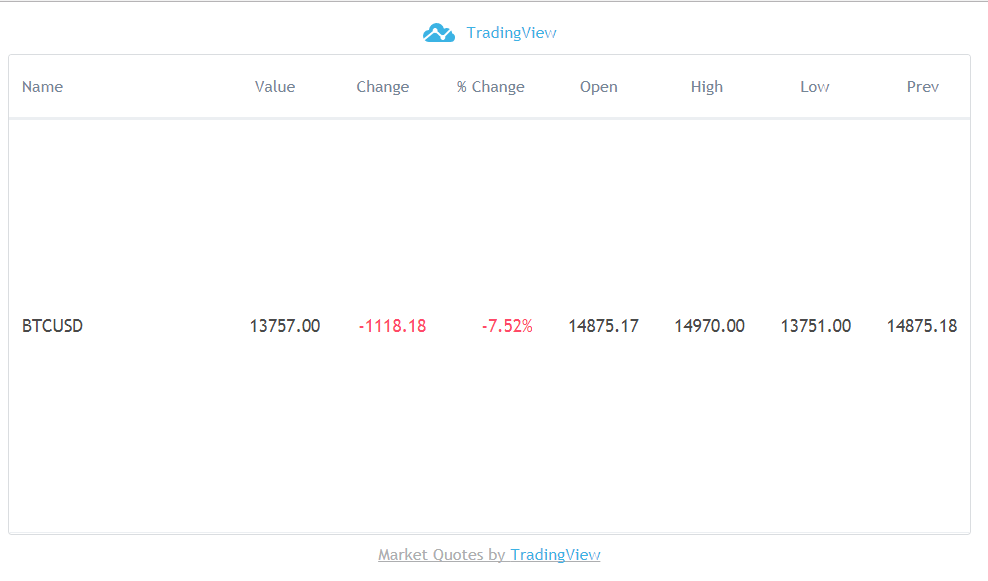
The script works properly in a single html file:
Any idea? Thanks in advance~
Contributor guide
Research direction
Reproduce the TradingView embedded JavaScript example in a Jupyter notebook and compare its rendered output with the standalone HTML file shown in the report. Inspect the notebook's rendered HTML output and browser behavior; done means the widget result displays in the notebook without console errors.
Written by the indexing model from the issue text.
Assessment
- Tech stack
- javascript, jupyter-notebook
- Domain
- frontend, web-dev
- Issue type
- Bug
- Difficulty
- 4/5
- Estimated time
- 3-5 days
- Activity status
- Stale
- Clarity
- Needs clarification
- Newbie friendliness
- 25/100