Deleting a selected activity doesn't navigate the teacher to the Add Activity screen
Open
Nobody has claimed this yet.
bug
JIG panel
- Dominant language
- Rust
- Stars
- 14
- Forks
- 18
- PR merge metrics
- No merged PRs in 30d
Description
Describe the bug
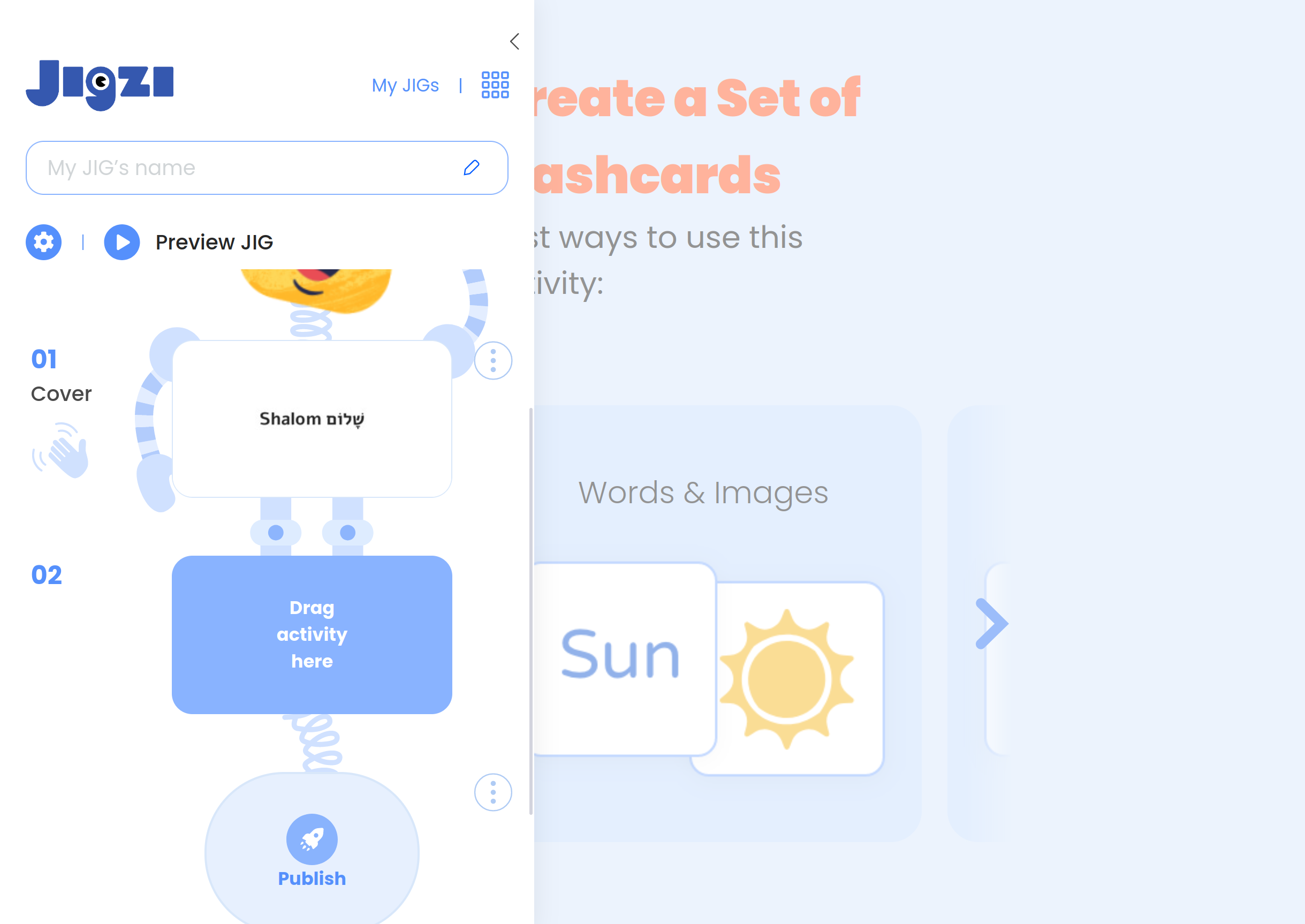
Deleting an activity which is the currently selected activity when editing a JIG doesn't navigate the teacher to the Add Activity screen.
To Reproduce
Steps to reproduce the behavior:
- Create a new JIG
- Add an activity - you will be taken to the screen to setup the new activity
- Using the context menu, delete the activity
- Observe that you are still on the screen to setup the activity
Expected behavior
The teacher should be taken back to the Add Activity screen so that they can drag a new activity type into the sidebar
Screenshots
Contributor guide
No contributing guide indexed for this repository
First steps
- Read the whole issue, then the project's contributing guide.
- Comment on the issue to say you are picking it up — it saves two people doing the same work.
- Fork the repository and make your change on a branch.
- Open a pull request that references the issue number.
Assessment
This issue has not been assessed yet.