How to change the background
- Dominant language
- C++
- Stars
- 14k
- Forks
- 2.6k
- Avg merge
- 5d 18h
- Merged PRs (30d)
- 6
Description
### Checklist
- [X] I have searched for [similar issues](https://github.com/isl-org/Open3D/issues).
- [X] For Python issues, I have tested with the [latest development wheel](http://www.open3d.org/docs/latest/getting_started.html#development-version-pip).
- [X] I have checked the [release documentation](http://www.open3d.org/docs/release/) and the [latest documentation](http://www.open3d.org/docs/latest/) (for `master` branch).
### My Question
Hello. I am using your **open3d.visualization.Visualizer** to conduct mesh visualization. It succeeds.
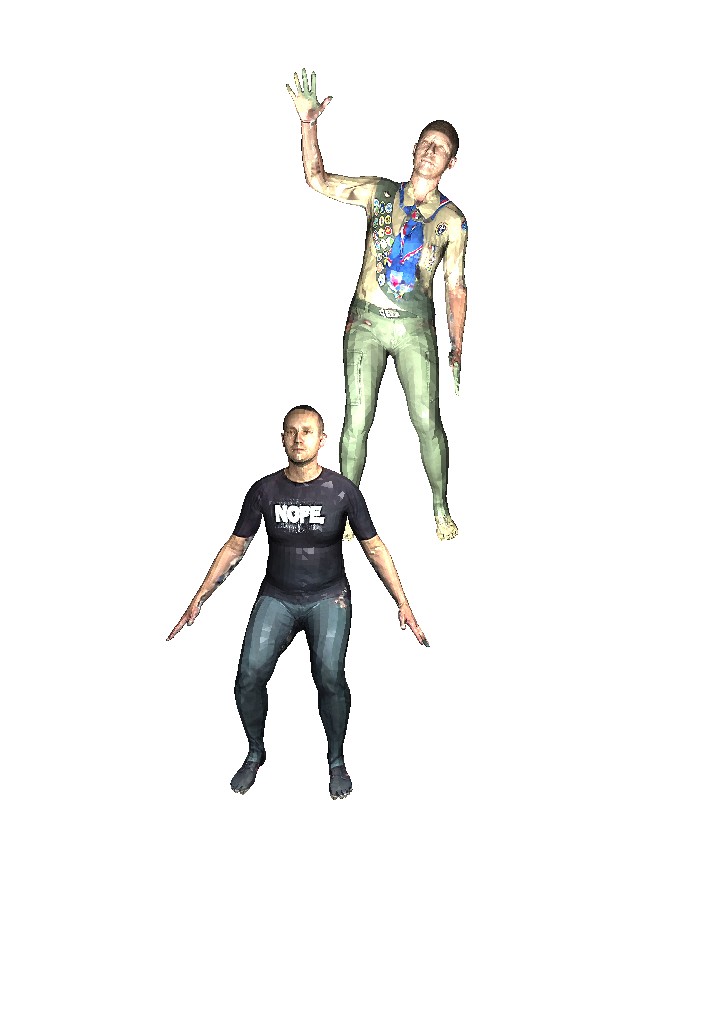
However, the background is pure white, and I want to change its background to a customized image. I checked that there are no corresponding APIs for it. The only mentioned method is to change the background color (pure color not image).
How can I achieve it?
Contributor guide
No contributing guide indexed for this repository
Assessment
This issue has not been assessed yet.