Viewer Issues When Capturing Depth Images From A Point Cloud
- Dominant language
- C++
- Stars
- 14k
- Forks
- 2.6k
- Avg merge
- 5d 18h
- Merged PRs (30d)
- 6
Description
**Issue 01**
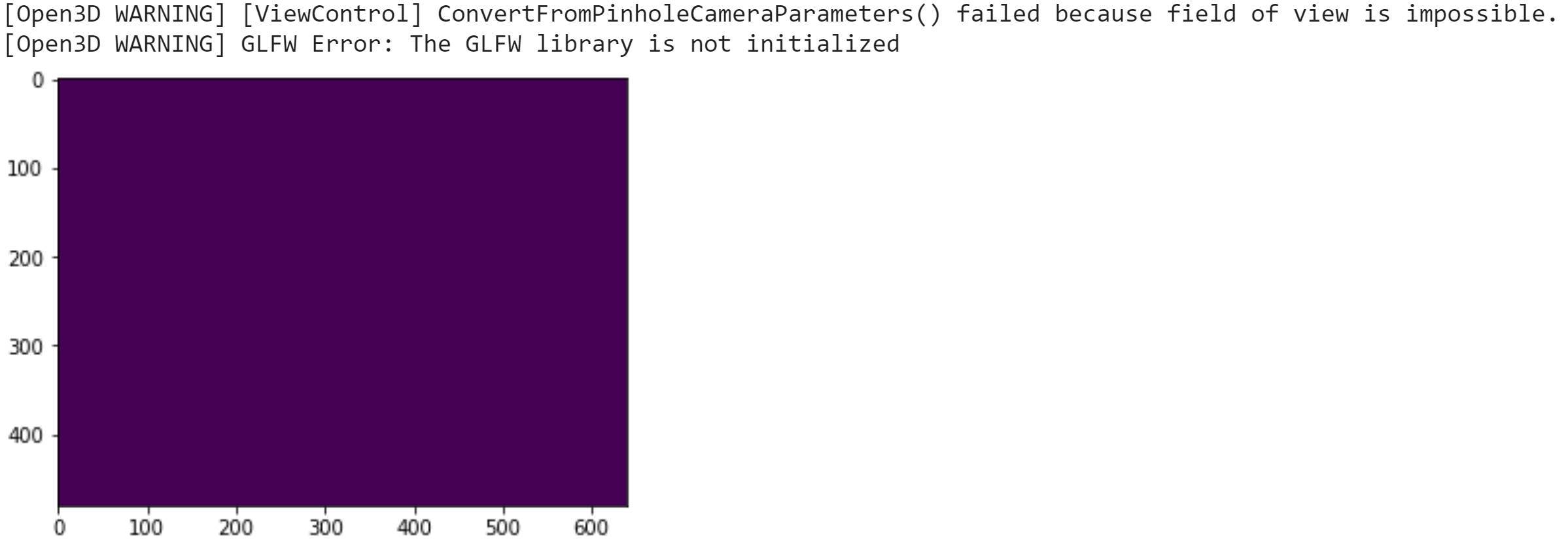
The depth image is created without an issue when the shell is restarted. But if the same code is run again, the depth image is not correctly created even though in the viewer window it shows the correct camera perspective.
**[Open3D WARNING] GLFW Error: The GLFW library is not initialized is the warning received in this scenario**
**Issue 02**
Every time when it is run the following warning is popped up.
**[Open3D WARNING] [ViewControl] ConvertFromPinholeCameraParameters() failed because field of view is impossible.**
**Issue 03**
Is there any possibility to save the depth image without opening (popping up) the viewer window? The idea behind this is to generate multiple depth images by iterating through extrinsic parameters. I tried with
**viewer.create_window(width=width, height=height, visible=False)**
, but it did not work. The notebook kept "Busy" the entire time without producing any result.
**To Reproduce Please Find the Python Script**
```
import open3d as o3d
import numpy
import transforms3d
from scipy.spatial.transform import *
import matplotlib.pyplot as plt
pcd = o3d.io.read_point_cloud("point_cloud.ply")
camera_parameters = o3d.camera.PinholeCameraParameters()
width = 640
height = 480
focal = 436.36536507936506
K = [[focal * width, 0, width / 2 - 0.5],
[0, focal * width, height / 2 - 0.5],
[0, 0, 1]]
camera_parameters.extrinsic = numpy.array([[1,0,0,0],
[0,1,0,0],
[0,0,1,0],
[0,0,0,1]])
camera_parameters.intrinsic.set_intrinsics(width=width, height=height, fx=K[0][0], fy=K[1][1], cx=K[0][2], cy=K[1][2])
viewer = o3d.visualization.Visualizer()
viewer.create_window(width=width, height=height)
viewer.add_geometry(pcd)
viewer.run()
control = viewer.get_view_control()
control.convert_from_pinhole_camera_parameters(camera_parameters)
depth = viewer.capture_depth_float_buffer(False)
viewer.capture_depth_image("depth_image.png", do_render = False, depth_scale=10000.0)
viewer.destroy_window()
depth_array = numpy.asarray(depth)
plt.imshow(depth_array)
plt.imsave("depth_plot.png", depth_array, dpi = 100)
plt.show()
```
**Expected Behavior**
It was expected to generate depth images without popping up the viewer window.
**Screenshots**

**Environment (please complete the following information):**
- Operating system: Windows 10 64-bit
- Python version: Python 3.8
- Open3D version: 0.12.0
- Is this a remote workstation? no
- How did you install Open3D? pip
Contributor guide
No contributing guide indexed for this repository
Research direction
Start with the reproducible Python script and the Visualizer, ViewControl, and depth-capture calls shown in the issue. Investigate the repeated-run warnings and hidden-window behavior; done means depth images are generated reliably without a visible viewer or a permanently busy notebook.
Written by the indexing model from the issue text.
Assessment
- Tech stack
- python
- Domain
- computer-graphics
- Issue type
- Bug
- Difficulty
- 4/5
- Estimated time
- 3-5 days
- Activity status
- Stale
- Clarity
- Needs clarification
- Newbie friendliness
- 25/100