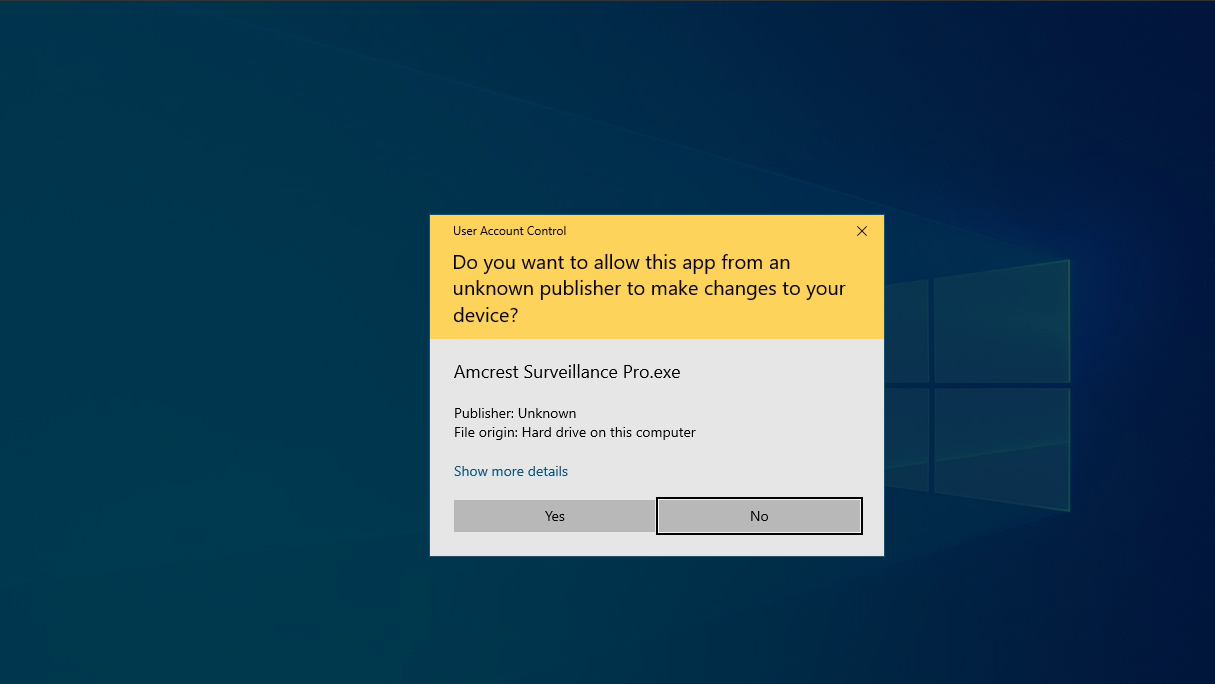
Remote control screen closed if we open UAC application on remote machine.
Nobody has claimed this yet.
- Dominant language
- C#
- Stars
- 5.1k
- Forks
- 1.6k
- PR merge metrics
- No merged PRs in 30d
Description
**Describe the bug**
Not able to access the machine if we start any application that requires UAC (User Account Control).
**To Reproduce**
1. Connect the client
2. On Client side open any of the application that requires UAC.
3. As soon as we start the application on remote side complete screen will be blank, no way to get out from that.
**Desktop (please complete the following information):**
- OS: Windows 10
- Browser [chrome]

Contributor guide
No contributing guide indexed for this repository
First steps
- Read the whole issue, then the project's contributing guide.
- Comment on the issue to say you are picking it up — it saves two people doing the same work.
- Fork the repository and make your change on a branch.
- Open a pull request that references the issue number.
Research direction
No files or tests are named. Reproduce on Windows 10 in Chrome by launching a UAC application on the remote client, then trace the remote screen and session behavior. Done means the remote display remains usable and the client can recover without closing the control screen.
Written by the indexing model from the issue text.
Assessment
- Tech stack
- csharp
- Domain
- desktop, operating-systems
- Issue type
- Bug
- Difficulty
- 4/5
- Estimated time
- 3-5 days
- Activity status
- Stale
- Clarity
- Mostly clear
- Newbie friendliness
- 35/100