Doesn't re-scale on dpi changes
- Dominant language
- C++
- Stars
- 12.3k
- Forks
- 593
- Avg merge
- 2d 8h
- Merged PRs (30d)
- 9
Description
**Describe the bug**
To work around the sorry status in Linux of mixed-dpi displays, my 4k/scale 2 laptop is configured to fall back to 1080p and scale 1 when I plug in a non hidpi external monitor. The menu on the tray icon re-scales correctly, but copyq's main interface (preferences and clipboard window) doesn't, it remains at the previous scaling.
**To Reproduce**
Steps to reproduce the behavior:
1. Start copy q
2. Configure your desktop to a different scaling level
3. Open copyq's clibpoard window or preferences
4. See error
**Expected behavior**
CopyQ detects new scaling and re-scales itself
**Screenshots**
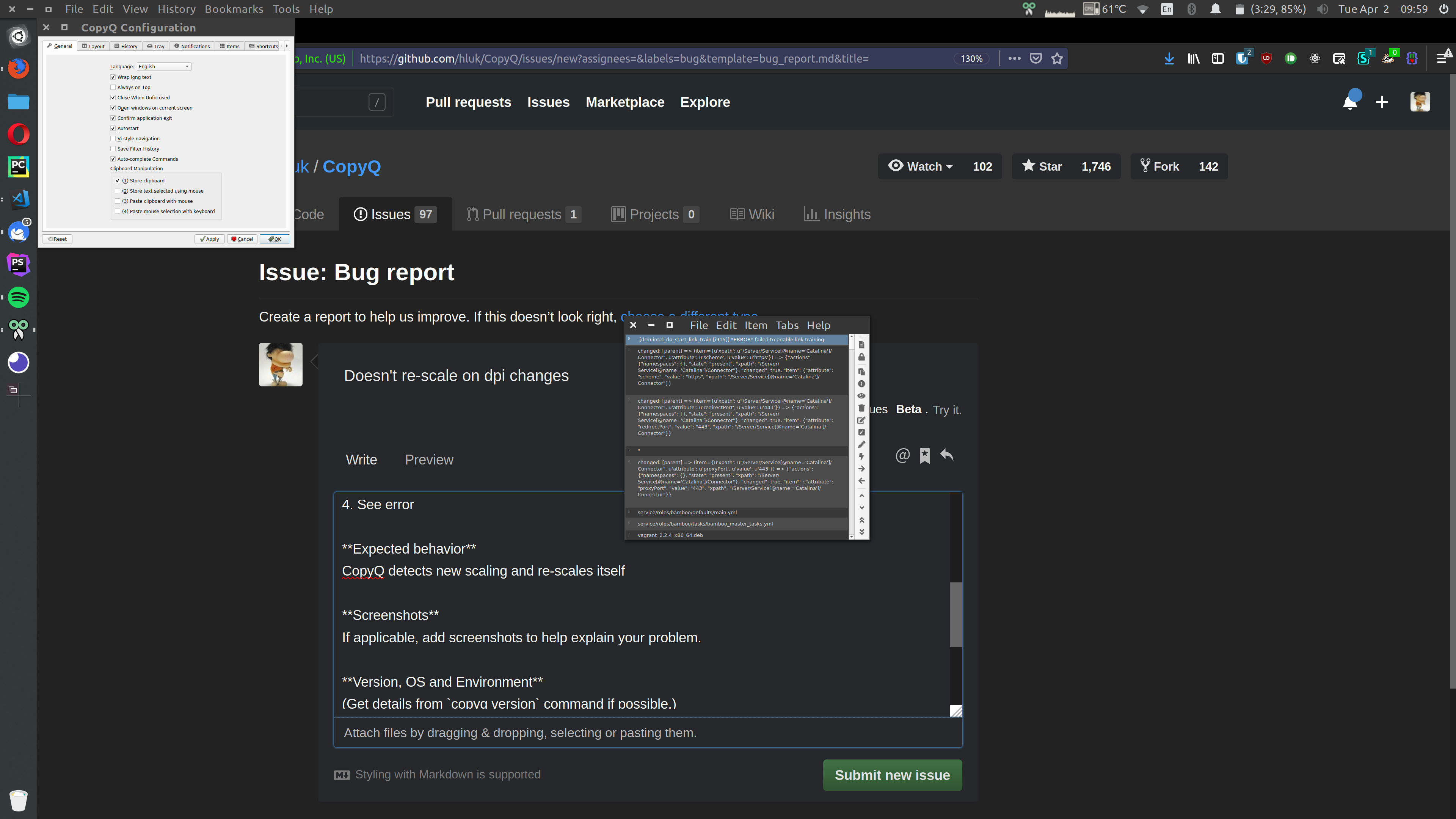
**Version, OS and Environment**
```
~ copyq --version Tue 02 Apr 2019 09:49:31 BST
CopyQ Clipboard Manager v3.7.3
Qt: 5.11.1
Compiler: GCC
Arch: x86_64-little_endian-lp64
OS: Ubuntu 18.10
```
Ubuntu 18.10, Unity 7
**Additional context**
Add any other context about the problem here.
Contributor guide
No contributing guide indexed for this repository
Assessment
This issue has not been assessed yet.