hasura / hasura/graphql-engine
CLI console fails to load in Chrome with CORS error
- Dominant language
- TypeScript
- Stars
- 32.1k
- Forks
- 3k
- PR merge metrics
- PR metrics pending
Description
I'm using a hasura server hosted on heroku, and have developed a schema using the console accessed via the heroku page. Now I'm trying to only run the console locally.
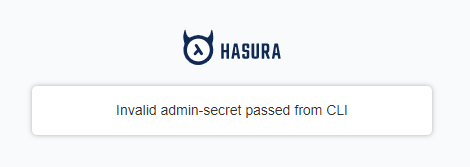
When I run `hasura console` in my command prompt (Win 10) I get an error page in Chrome (v`79.0.3945.130`), but not in Firefox:
Looking in the request through the dev tools, I can see that the correct `admin-secret` is supplied. It looks like the first `query` request fails with no response captured from the server:
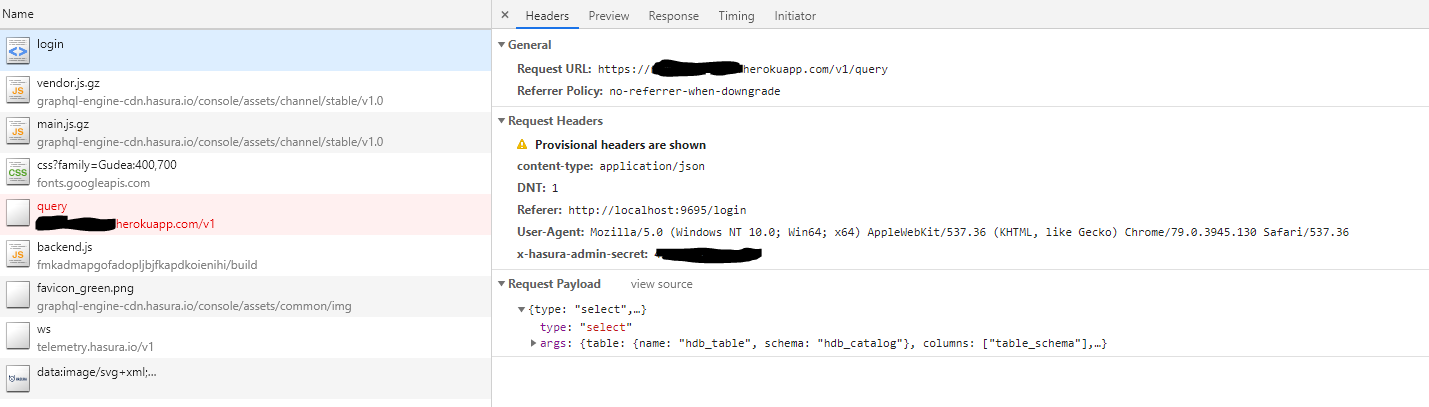
There are errors in the console indicating a CORS issue:
```
Access to fetch at 'https://ppp.herokuapp.com/v1/query' from origin 'http://localhost:9695' has
been blocked by CORS policy: Response to preflight request doesn't pass access control check:
The 'Access-Control-Allow-Origin' header has a value 'https://localhost:9695' that is not equal
to the supplied origin. Have the server send the header with a valid value, or, if an opaque
response serves your needs, set the request's mode to 'no-cors' to fetch the resource with
CORS disabled.
ppp.herokuapp.com/v1/query:1 Failed to load resource: net::ERR_FAILED
main.js.gz:1 Request error: TypeError: Failed to fetch
```
The heroku app has the following env vars

Running in Firefox, the console loads as expected, but there are no preflight requests captured in the console so I can't easily compare the headers.
Its possible this is an issue with Chrome?
Contributor guide
Assessment
This issue has not been assessed yet.