Batch job UI Timestamps and Duration
- Dominant language
- Go
- Stars
- 17k
- Forks
- 2.1k
- Avg merge
- 1d 9h
- Merged PRs (30d)
- 105
Description
This is a suggestion to add some information to the web UI for batch jobs.
One of my questions when on `/ui/jobs` with a batch job is "how long has this been running?" or "when did this start?"

Following this job to its specific page, eg `/ui/jobs/demo`:

I'm still not seeing this type of information surfaced. I'm also more interested in the _dispatched_ job than the registered one. So if I click through to the dispatched job at the bottom and arrive at `/ui/jobs/demo%2Fdispatch-1525490256-cef8e537`:
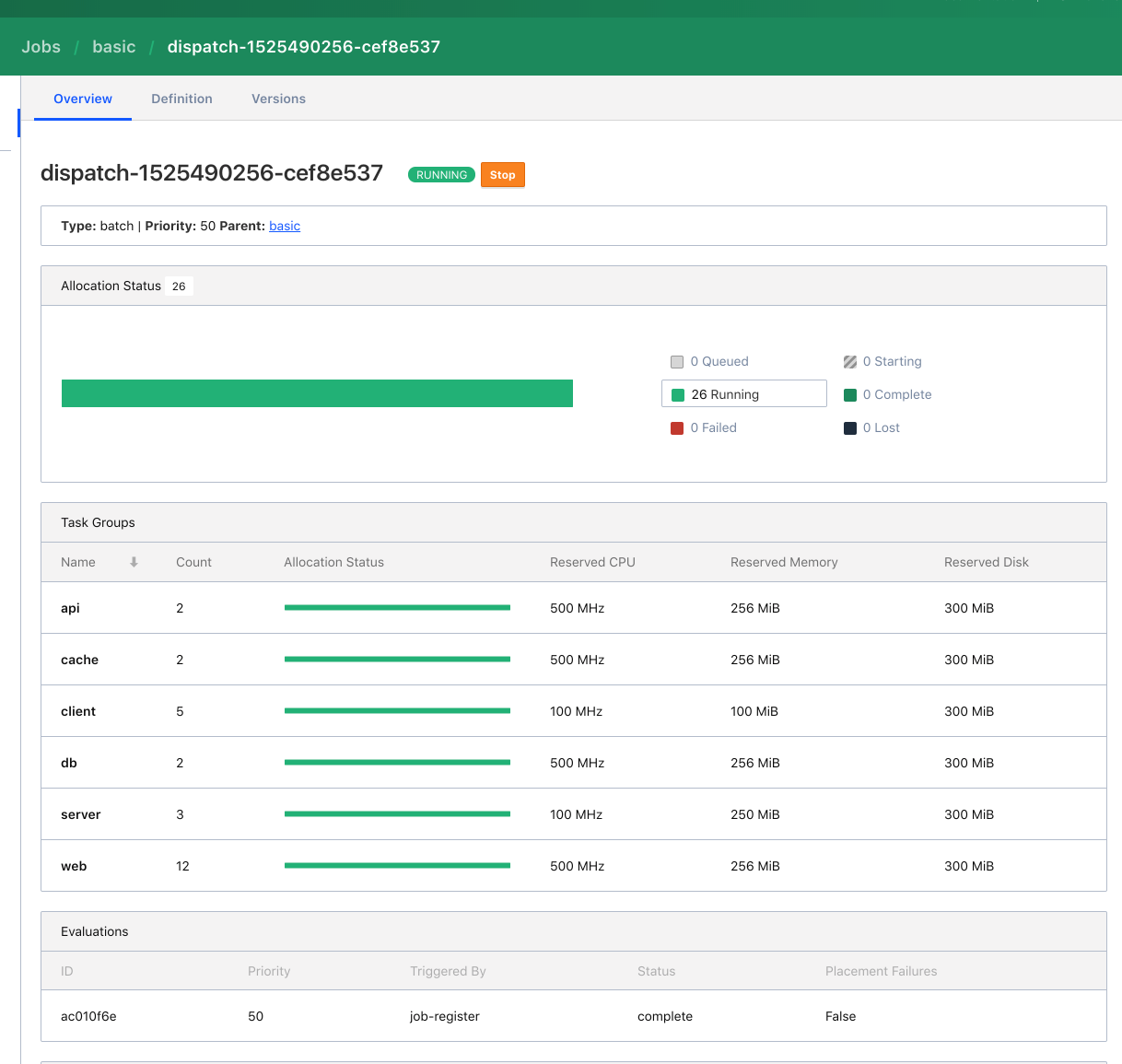
Clicking through again to task groups (eg `/ui/jobs/demo%2Fdispatch-1525490256-cef8e537/api`), I'm given a modified timestamp:
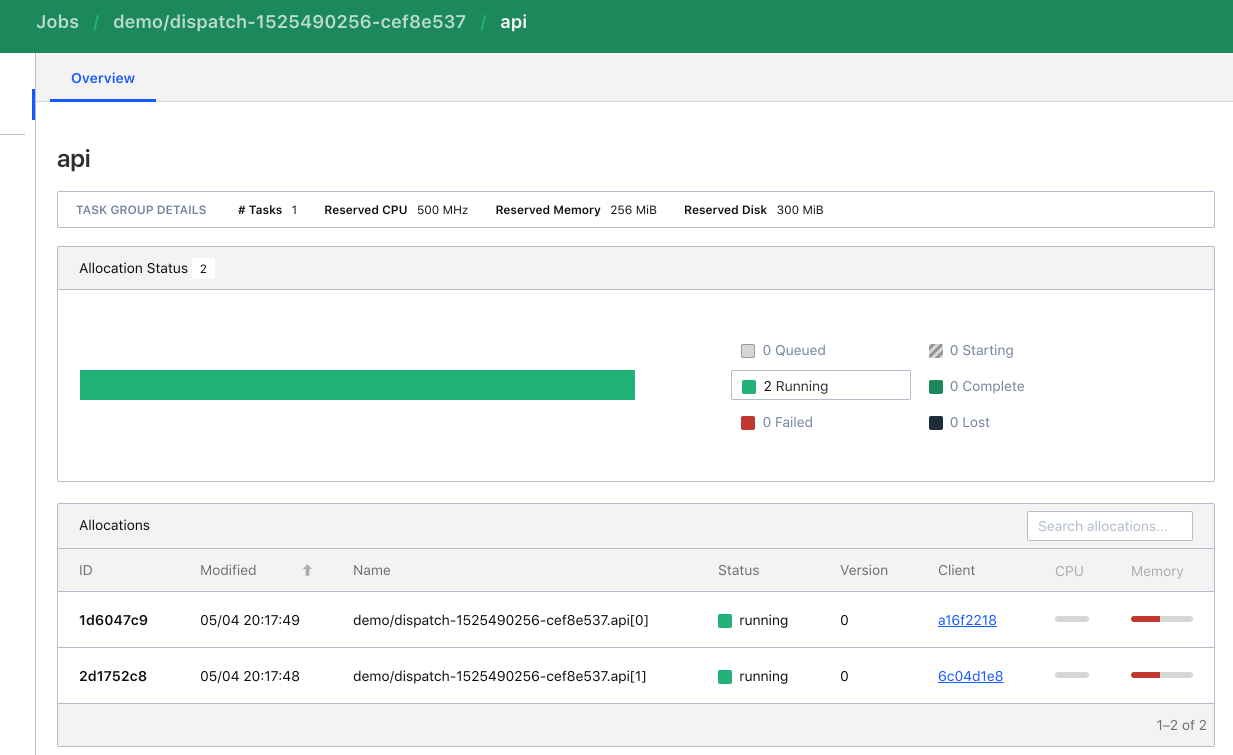
This sort gets me what I want, assuming there haven't been modifications since launch (with some UTC conversion! 😛) but it took me a while to get a clear answer to my original question -- "how long has this batch job been running?". A more thorough view is in the events or the task, again, deeper / more clicking.
Contributor guide
No contributing guide indexed for this repository
Assessment
This issue has not been assessed yet.