Clicking policy dropdown in token view shows empty policy
- Dominant language
- Go
- Stars
- 30.1k
- Forks
- 4.6k
- Avg merge
- 1d 18h
- Merged PRs (30d)
- 39
Description
#### Overview of the Issue
On a token view page (e.g. http://localhost:8500/ui/dc1/acls/tokens/a8e4602e-045e-98bd-f7d3-3276c3cfb14a) clicking the policy dropdown shows a empty policy:
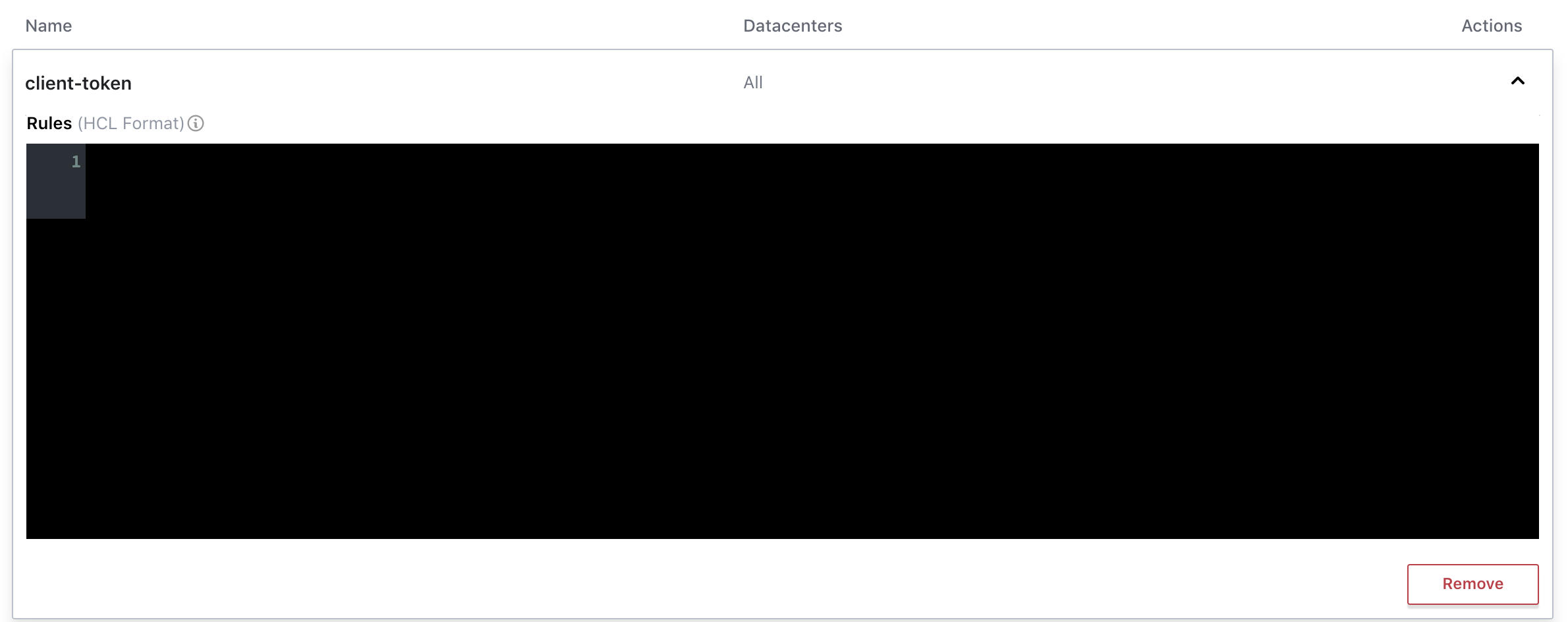
Consul Version: 1.6.2
The API call for the policy details is made and returns successfully:


There are no console errors.
If I collapse the dropdown and click it again, the policy appears:
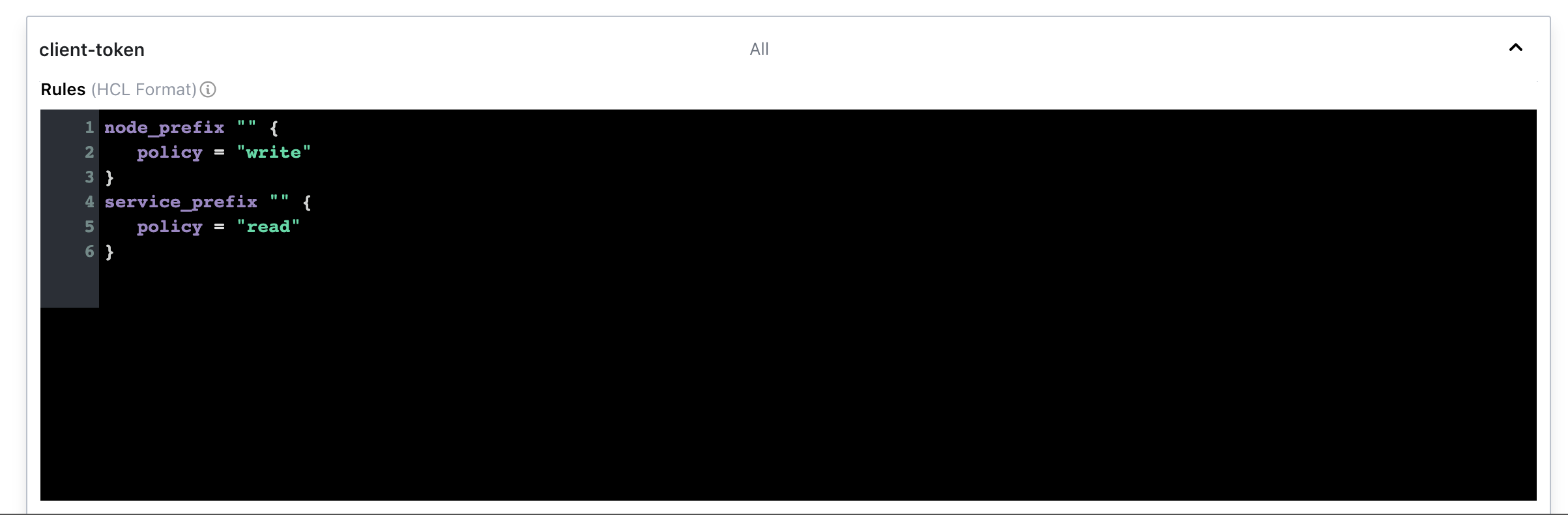
Contributor guide
Research direction
Start at the Consul UI token view and trace the policy dropdown's first open alongside the successful policy-details API response. Reproduce the issue with the linked token-view URL; done means the returned policy is visible on the initial click, without requiring the dropdown to be reopened.
Written by the indexing model from the issue text.
Assessment
- Domain
- authorization, frontend
- Issue type
- Bug
- Difficulty
- 3/5
- Estimated time
- 1-2 days
- Activity status
- Stale
- Clarity
- Needs clarification
- Newbie friendliness
- 35/100