gregnb / gregnb/mui-datatables
Sorting with customBodyRender?
Nobody has claimed this yet.
- Dominant language
- JavaScript
- Stars
- 2.7k
- Forks
- 905
- PR merge metrics
- No merged PRs in 30d
Description
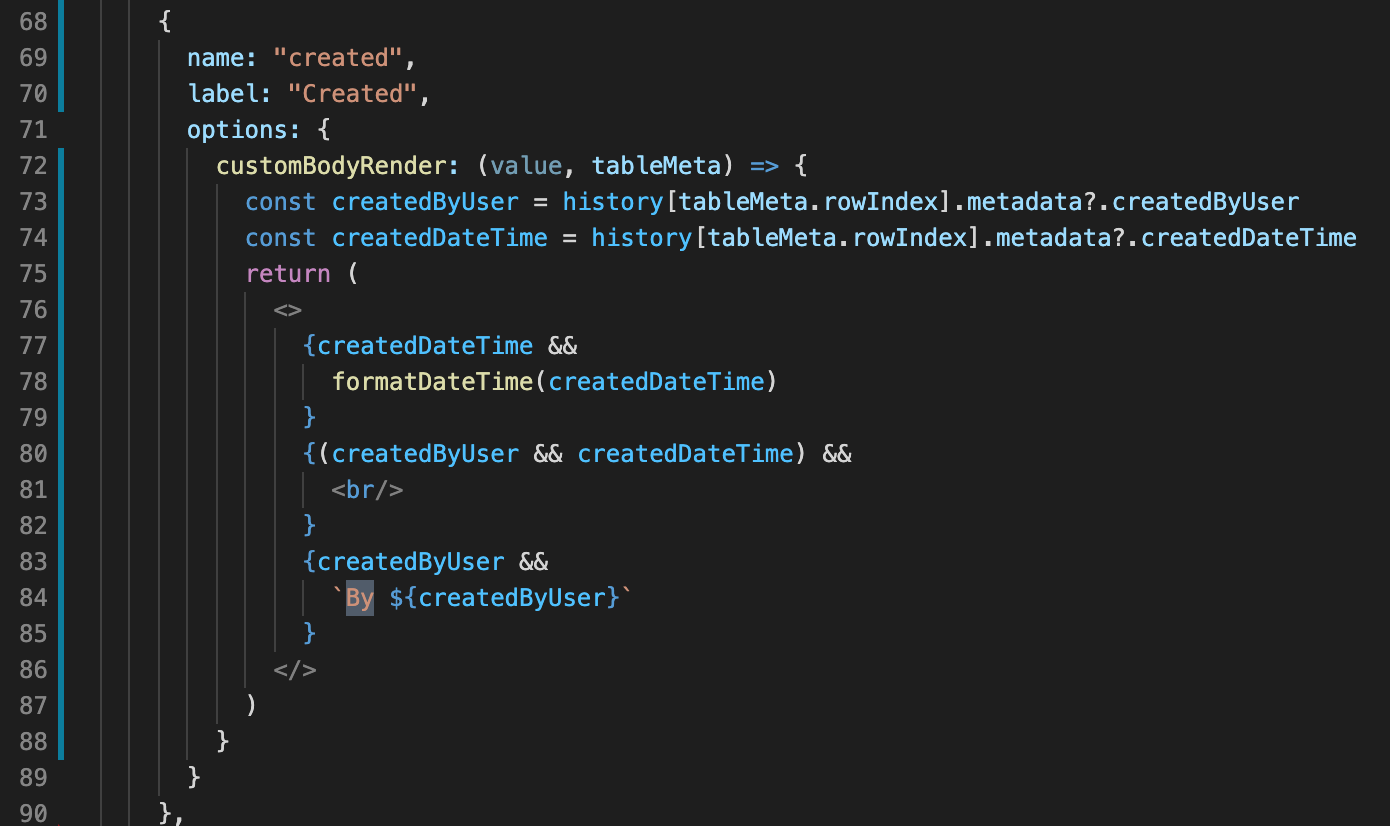
@patorjk I am using customBodyRender to render row data. I have combined two fields createdByUser and createdDateTime into one column for organization. How can I sort this column data by createdDateTime?
   {
 name: "created",
 label: "Created",
 options: {
 customBodyRender: (value, tableMeta) => {
 const createdByUser = history[tableMeta.rowIndex].metadata?.createdByUser
 const createdDateTime = history[tableMeta.rowIndex].metadata?.createdDateTime
 return (
 <>
 {createdDateTime &&
 formatDateTime(createdDateTime)
 }
 {(createdByUser && createdDateTime) &&
 <br/>
 }
 {createdByUser &&
By ${createdByUser}
 }
 </>
 )
 }
 }
 },
Contributor guide
No contributing guide indexed for this repository
First steps
- Read the whole issue, then the project's contributing guide.
- Comment on the issue to say you are picking it up — it saves two people doing the same work.
- Fork the repository and make your change on a branch.
- Open a pull request that references the issue number.
Research direction
Start by reading the customBodyRender configuration shown in the issue and inspect how sorting is handled for the combined created column. Determine whether the requested behavior belongs in the column options or the table's existing sorting path; done means the column sorts by createdDateTime while still displaying both fields.
Written by the indexing model from the issue text.
Assessment
- Tech stack
- javascript, react
- Domain
- frontend
- Issue type
- Feature
- Difficulty
- 4/5
- Estimated time
- 3-5 days
- Activity status
- Stale
- Clarity
- Needs clarification
- Newbie friendliness
- 25/100