Can't start up the workspace if the URL contains multiple slashes
Open
Nobody has claimed this yet.
feature: context awareness
meta: never-stale
team: webapp
- Dominant language
- TypeScript
- Stars
- 13.8k
- Forks
- 1.4k
- Avg merge
- 17h 58m
- Merged PRs (30d)
- 5
Description
Bug description
If the URL contains multiple slashes and it's a valid URL on GitHub, for example:
Add the prefix https://gitpod.io/# to the URL or clicks the Gitpod button via Chrome extension, the workspace is unable to start up with the error page.
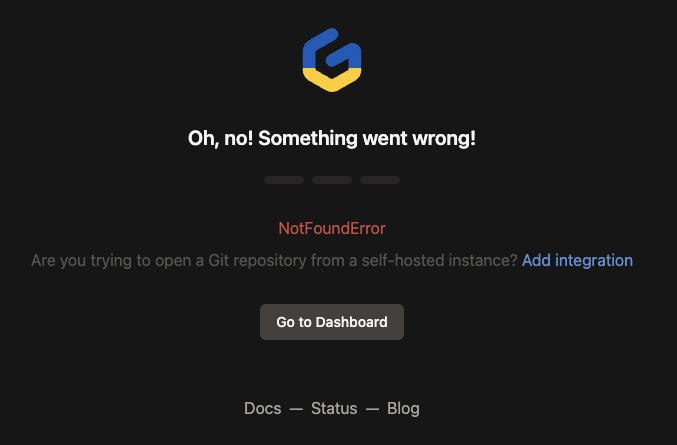
Steps to reproduce
Access the GitHub repo with multiple slashes in the URL.
Workspace affected
No response
Expected behavior
No response
Example repository
No response
Anything else?
No response
Contributor guide
First steps
- Read the whole issue, then the project's contributing guide.
- Comment on the issue to say you are picking it up — it saves two people doing the same work.
- Fork the repository and make your change on a branch.
- Open a pull request that references the issue number.
Research direction
Start by reproducing the failure with the listed GitHub URLs, both by adding the https://gitpod.io/# prefix and through the Chrome extension. Trace the URL handling used during workspace startup; done means valid GitHub URLs containing multiple slashes start a workspace successfully without the error page.
Written by the indexing model from the issue text.
Assessment
- Tech stack
- typescript
- Domain
- cloud
- Issue type
- Bug
- Difficulty
- 3/5
- Estimated time
- 1-2 days
- Activity status
- Stale
- Clarity
- Mostly clear
- Newbie friendliness
- 35/100