Bad top menu when trying to use an expired Team invite
Nobody has claimed this yet.
- Dominant language
- TypeScript
- Stars
- 13.8k
- Forks
- 1.4k
- Avg merge
- 17h 58m
- Merged PRs (30d)
- 5
Description
Bug description
When you try to use a Team join invite that has expired (~was revoked) or no longer exists, you see this error page:
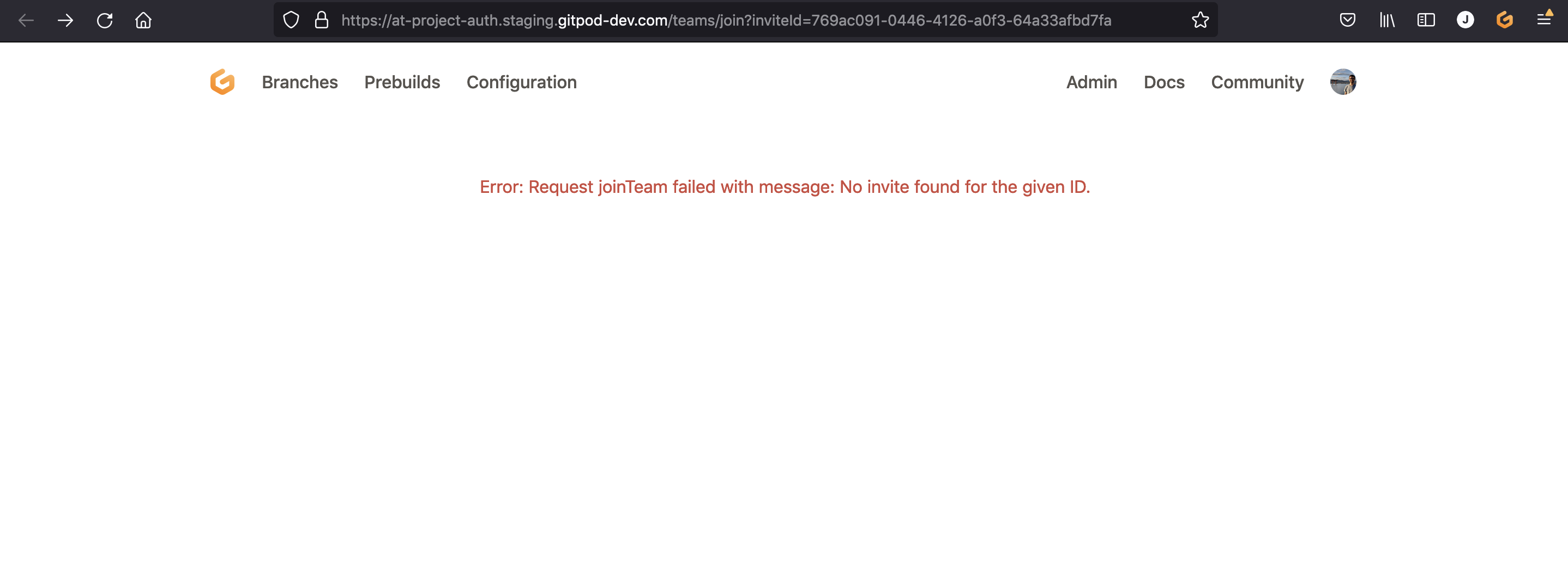
If you pay close attention to the top menu, it makes no sense (Branches? Prebuilds? Configure? 😳)
If you try to click these, they lead to empty pages that also make no sense:
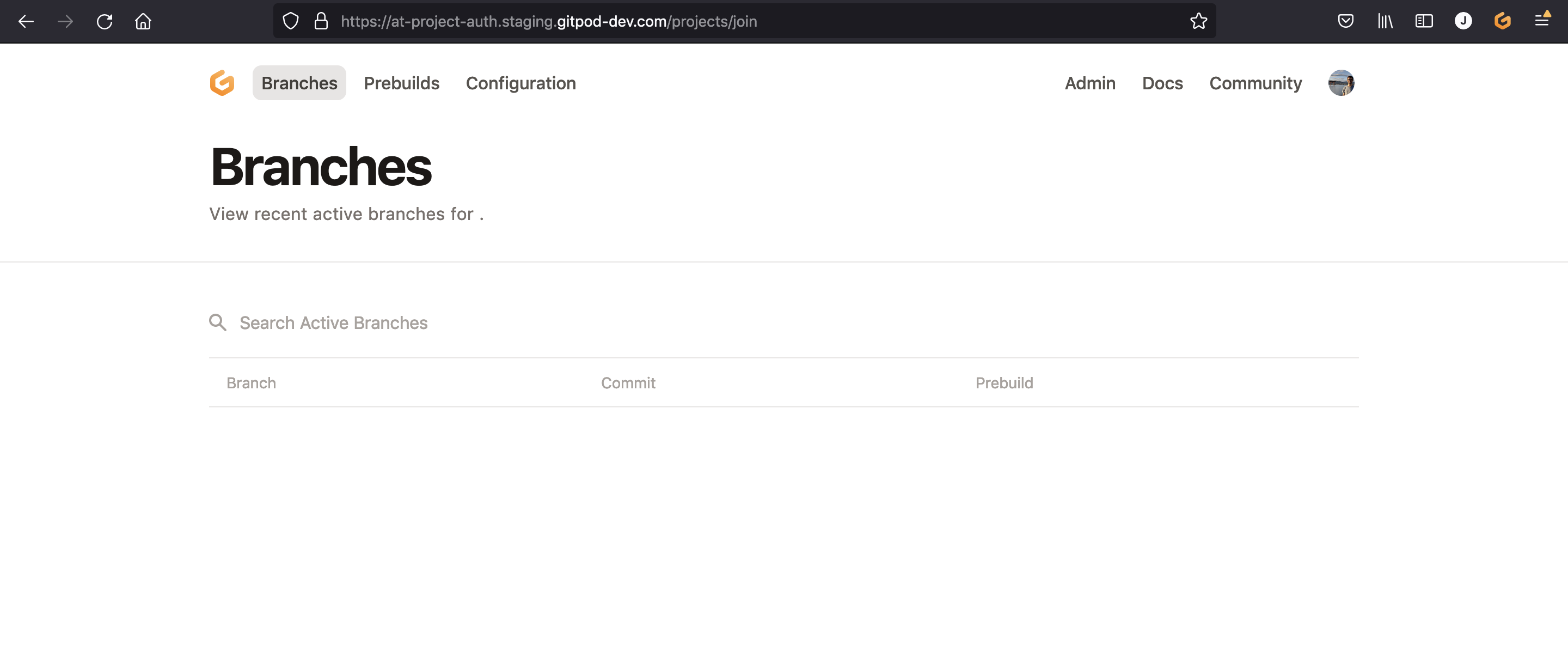
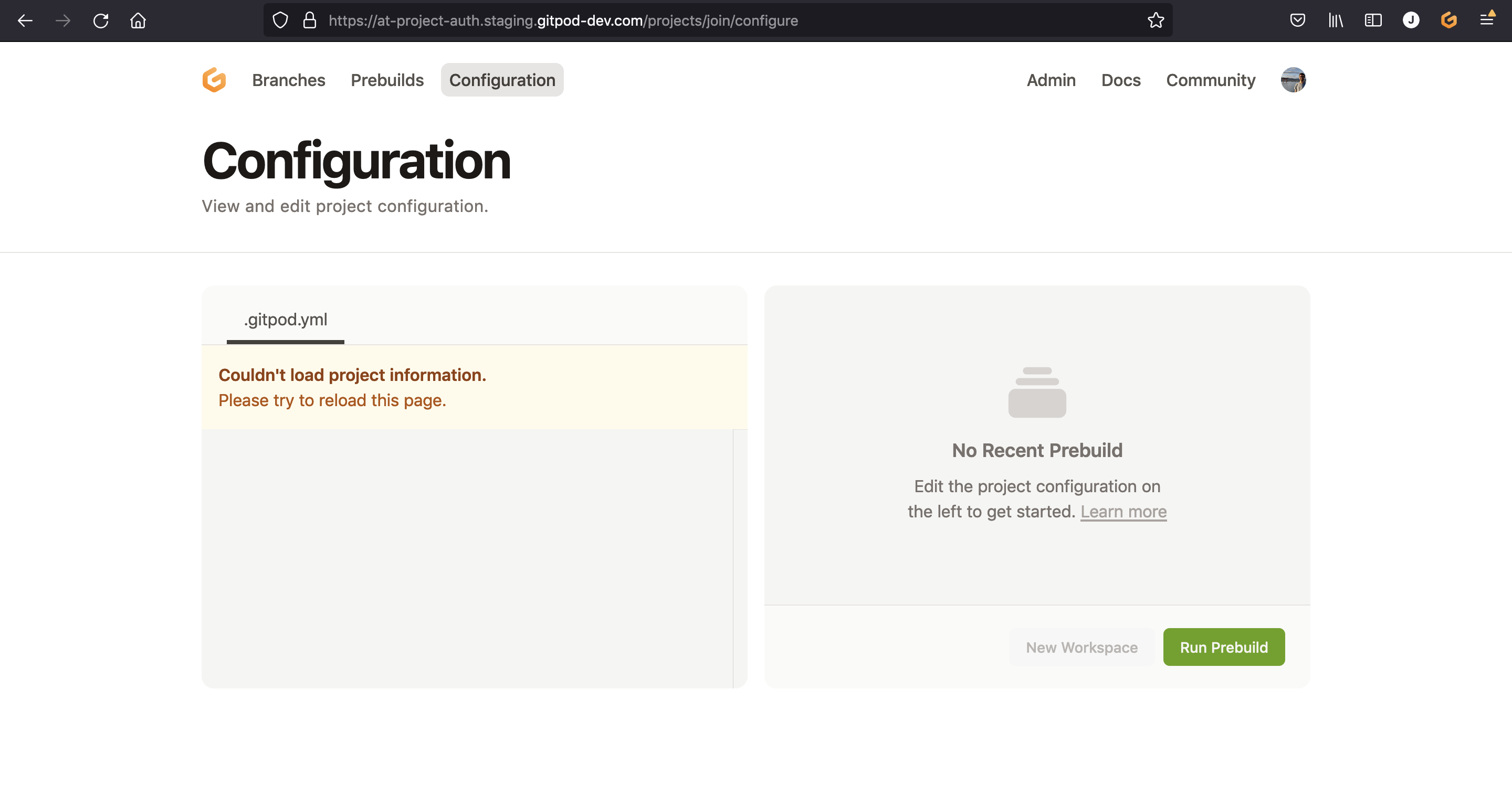
Steps to reproduce
- Try to use an in-existent or expired invite link, e.g. https://at-project-auth.staging.gitpod-dev.com/teams/join?inviteId=769ac091-0446-4126-a0f3-64a33afbd7fa
- Observe/try the top menu
Expected behavior
The top menu should not be a team menu.
Maybe it could be a "minimal" menu? As configured here:
Example repository
No response
Anything else?
No response
Contributor guide
First steps
- Read the whole issue, then the project's contributing guide.
- Comment on the issue to say you are picking it up — it saves two people doing the same work.
- Fork the repository and make your change on a branch.
- Open a pull request that references the issue number.
Research direction
Reproduce the expired or nonexistent invite flow with the provided teams/join URL, then inspect components/dashboard/src/Menu.tsx around the referenced lines. Confirm that this error state uses a minimal menu rather than team navigation, and verify that its menu items no longer lead to empty team pages.
Written by the indexing model from the issue text.
Assessment
- Tech stack
- typescript
- Domain
- frontend
- Issue type
- Bug
- Difficulty
- 2/5
- Estimated time
- 1-3 hours
- Activity status
- Stale
- Clarity
- Clearly specified
- Newbie friendliness
- 42/100