Account Blocked When Using Netdata Repo and Docker Container
Nobody has claimed this yet.
- Dominant language
- TypeScript
- Stars
- 13.8k
- Forks
- 1.4k
- Avg merge
- 17h 58m
- Merged PRs (30d)
- 5
Description
Bug description
I have created a new workspace using the Netdata repository and then started up the Netdata container using their suggested command:
docker run -d --name=netdata \
  -p 19999:19999 \
  -v netdataconfig:/etc/netdata \
  -v netdatalib:/var/lib/netdata \
  -v netdatacache:/var/cache/netdata \
  -v /etc/passwd:/host/etc/passwd:ro \
  -v /etc/group:/host/etc/group:ro \
  -v /proc:/host/proc:ro \
  -v /sys:/host/sys:ro \
  -v /etc/os-release:/host/etc/os-release:ro \
  --restart unless-stopped \
  --cap-add SYS_PTRACE \
  --security-opt apparmor=unconfined \
  netdata/netdata
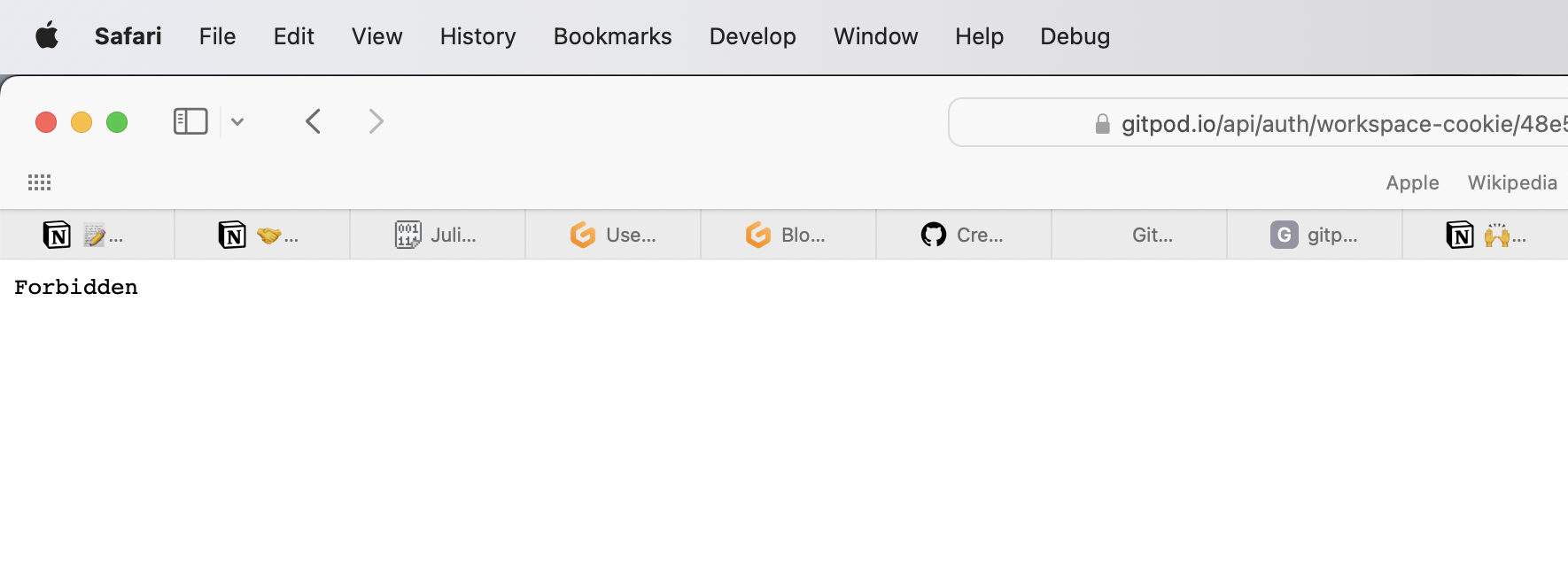
Within 5-10 seconds my workspace stopped and I see a Forbidden message:
I was able to locate the Google log entry but it was rather vague.
Steps to reproduce
- Create a new workspace based on the Netdata repository - https://gitpod.io/#https://github.com/netdata/netdata
- If a terminal isn't open, create one and use the following command:
docker run -d --name=netdata \ -p 19999:19999 \ -v netdataconfig:/etc/netdata \ -v netdatalib:/var/lib/netdata \ -v netdatacache:/var/cache/netdata \ -v /etc/passwd:/host/etc/passwd:ro \ -v /etc/group:/host/etc/group:ro \ -v /proc:/host/proc:ro \ -v /sys:/host/sys:ro \ -v /etc/os-release:/host/etc/os-release:ro \ --restart unless-stopped \ --cap-add SYS_PTRACE \ --security-opt apparmor=unconfined \ netdata/netdata - Within 5-10 seconds note your workspace has stopped and you see a Forbidden message.
Workspace affected
netdata-netdata-4bw8algm36c
Expected behavior
While I expect that we do block nefarious code and such I wasn't expecting that Netdata get blocked as it is legitimate.
Example repository
https://github.com/netdata/netdata
Anything else?
No response

Contributor guide
First steps
- Read the whole issue, then the project's contributing guide.
- Comment on the issue to say you are picking it up — it saves two people doing the same work.
- Fork the repository and make your change on a branch.
- Open a pull request that references the issue number.
Research direction
Reproduce the failure by creating a workspace from the Netdata repository and running the Docker command in the issue, then inspect the linked Google log entry and the resulting Forbidden state. Done means the legitimate Netdata container can run without the workspace being stopped or incorrectly blocked.
Written by the indexing model from the issue text.
Assessment
- Tech stack
- docker
- Domain
- cloud, security
- Issue type
- Bug
- Difficulty
- 4/5
- Estimated time
- 3-5 days
- Activity status
- Stale
- Clarity
- Mostly clear
- Newbie friendliness
- 35/100