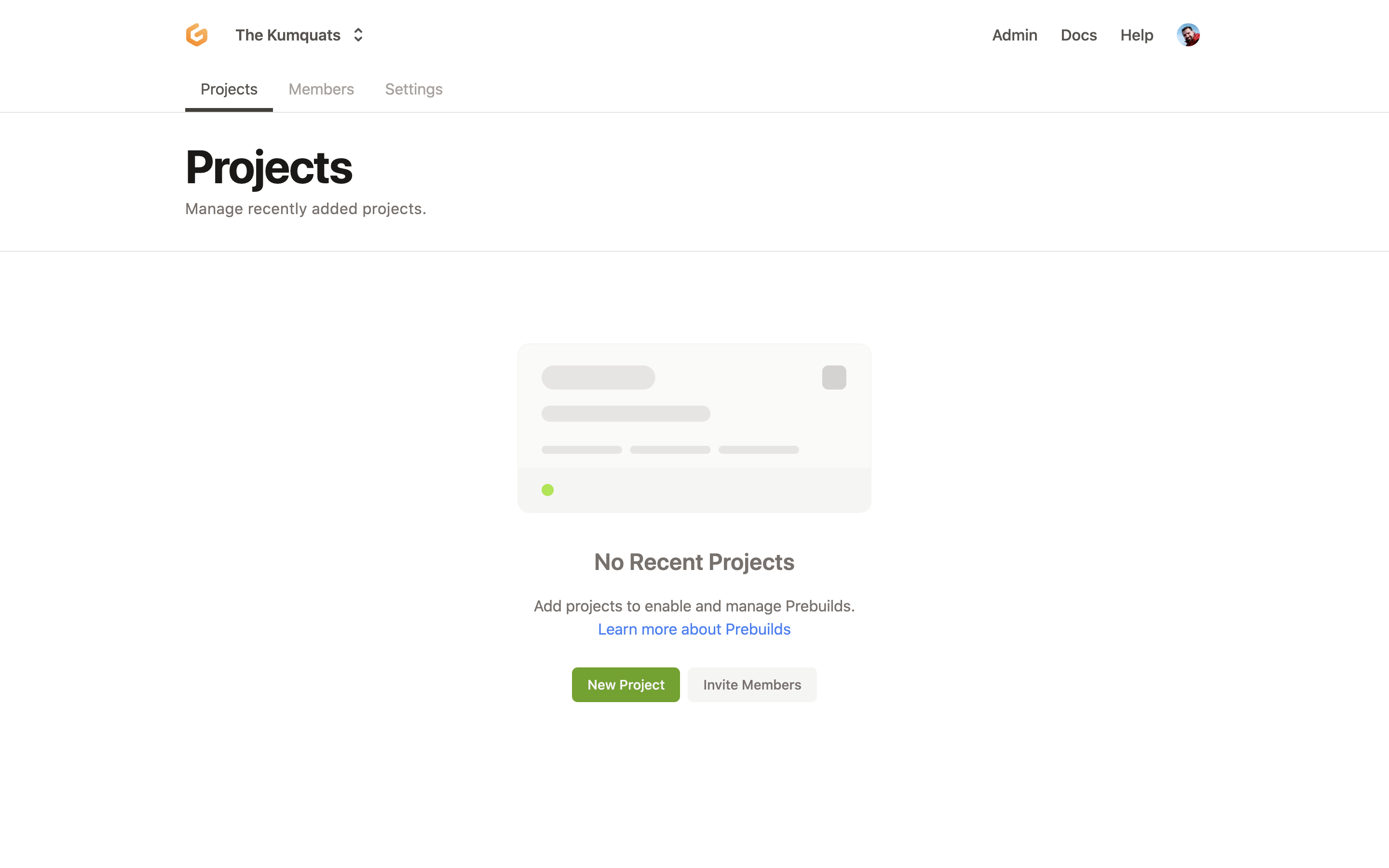
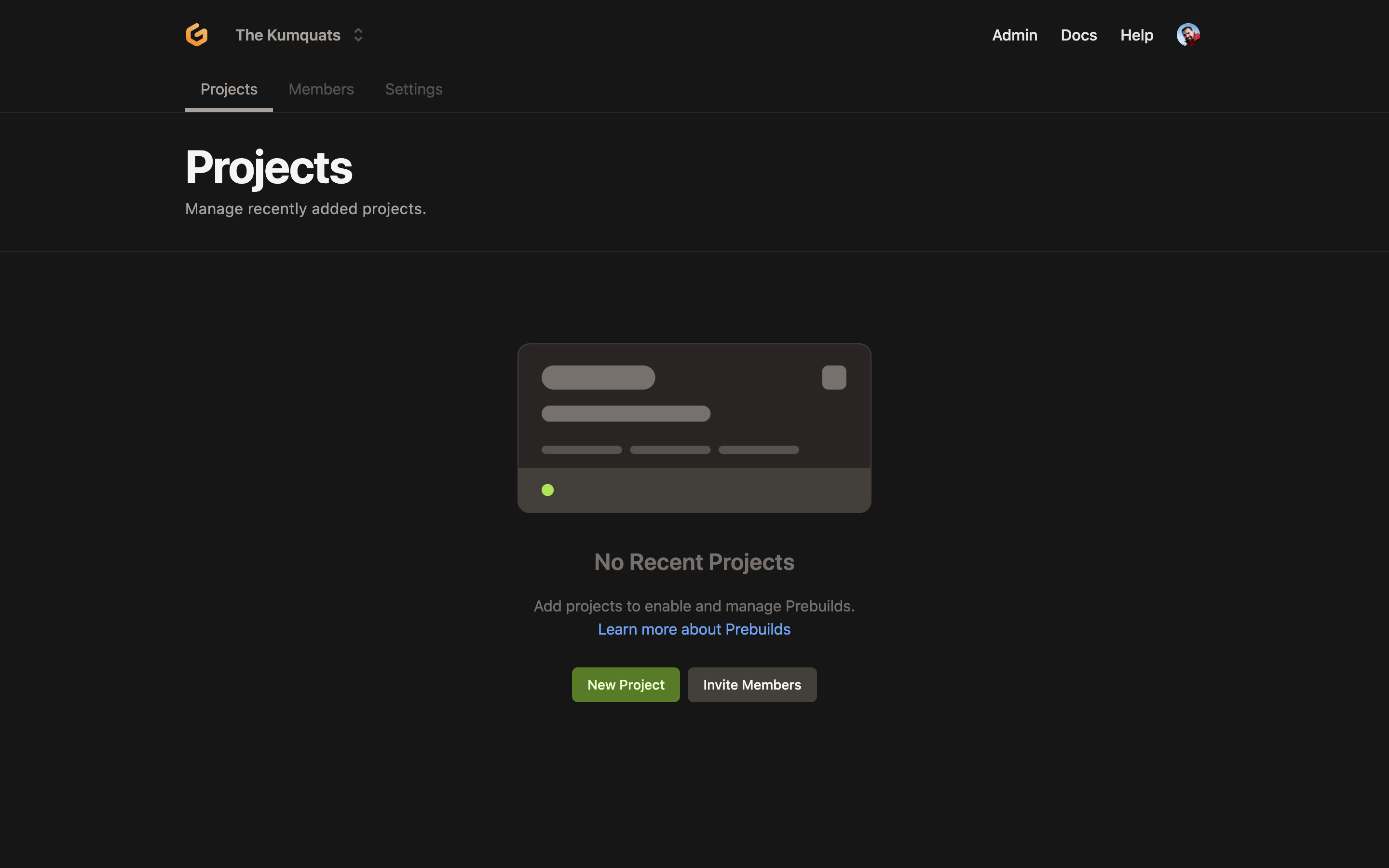
Consider updating the dashboard colors to match the color palette from the website
Nobody has claimed this yet.
- Dominant language
- TypeScript
- Stars
- 13.8k
- Forks
- 1.4k
- Avg merge
- 17h 58m
- Merged PRs (30d)
- 5
Description
Problem to solve
Currently, the dashboard and the website follow slightly different color palettes for all elements. While this conscious decision to follow and different approach to design and development of these two helped us save a significant amount of time, it could be nice to consider updating the dashboard colors to match the color palette from the website which is using our brand colors, etc.
See also relevant discussion (internal).
| Dashboard | Website |
|---|---|
 |
 |
 |
 |
Contributor guide
First steps
- Read the whole issue, then the project's contributing guide.
- Comment on the issue to say you are picking it up — it saves two people doing the same work.
- Fork the repository and make your change on a branch.
- Open a pull request that references the issue number.
Research direction
Start by locating the dashboard color definitions and the website palette in the TypeScript frontend. Compare the elements shown in the issue's screenshots and review the linked discussion for the intended brand colors. Done means the dashboard's relevant colors match the agreed website palette without breaking its existing design.
Written by the indexing model from the issue text.
Assessment
- Tech stack
- typescript
- Domain
- frontend
- Issue type
- Feature
- Difficulty
- 4/5
- Estimated time
- 3-5 days
- Activity status
- Stale
- Clarity
- Mostly clear
- Newbie friendliness
- 35/100