Adjust the timeframe shown in the Slack Metric alert chart
- Dominant language
- Python
- Stars
- 44.8k
- Forks
- 4.9k
- Avg merge
- 22h 21m
- Merged PRs (30d)
- 586
Description
### Problem Statement
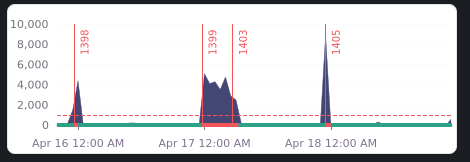
Currently, roughly three days of history are shown. Depending on the type of alert, we'd want this to some times show more or less context than precisely three days. In our instance, we aren't really interested in the daily alert trend for this alert, so there's little point in having the graph span several days back.
### Solution Brainstorm
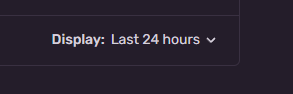
There already is a "Display" select on the Edit Alert Rule page, which could also be used to customize the preview shown in Slack messages:
### Product Area
Alerts
Contributor guide
Assessment
This issue has not been assessed yet.