Feature request: Increase visibility of entropy image visualization
- Dominant language
- JavaScript
- Stars
- 35.8k
- Forks
- 4.1k
- Avg merge
- 2d 26m
- Merged PRs (30d)
- 33
Description
When using the "Entropy" operation to evaluate a binary input, uploading the binary file, and viewing the "Image" output, the following is shown:
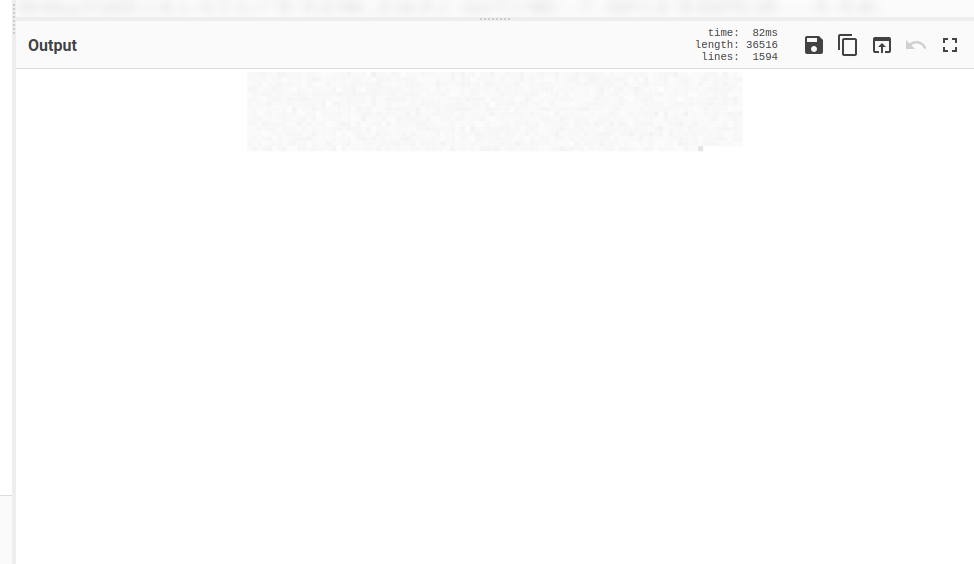
The binary is a random file with a high degree of entropy (7.944551488303201 bits per byte according to the Shannon scale), but the resulting visualization is incredibly faint, to the point that these 45 year old eyes can barely make it out. Could the color palette of that visualization be configurable, or perhaps changed to something with a higher contrast?
Here's my input file (added the ".txt" extension for uploading to GitHub): [entropy.bin.txt](https://github.com/gchq/CyberChef/files/9427357/entropy.bin.txt).
There may already be docs on this, although I can't seem to locate them, but what exactly is the image visualization showing me? I noticed that the size of the input will impact the number of blocks displayed in the visualization. My input is 407,432 bytes in size, but the visualization says the output is 36,516 bytes. That's ~11.1576 bytes per block? Or is that just the size of the image itself?
Additional info:
* Version: 9.46.0
* Compile time: 08/07/2022 16:20:07 UTC
* User-Agent:
Mozilla/5.0 (X11; Linux x86_64) AppleWebKit/537.36 (KHTML, like Gecko) Chrome/104.0.5112.102 Safari/537.36
* [Link to reproduce](https://gchq.github.io/CyberChef/#recipe=Entropy('Image'))
Contributor guide
Assessment
This issue has not been assessed yet.