galaxyproject / galaxyproject/training-material
Improvement for slides: different ways to move between slides and a helpful tipbox for newbies
- Dominant language
- HTML
- Stars
- 367
- Forks
- 1.1k
- Avg merge
- 16h 27m
- Merged PRs (30d)
- 49
Description
I've found out since learning how to work with Galaxy and its slides I almost intuitively click to move between slides. I've seen on the gitter outreachy channel the first week some other participants seem confused on how to move between them also.
I've thought that it would be good to implement a left click to continue moving and a right click to go backwards or a scrolling upwards to move forwards/downards to move backwards
I also think a kind pop up tip box could say something like "First time using the slides? Remember to navigate using the left/right arrow keys".
This tip box could be implemented when hovering over the slide button as I think that if you wanted to do a presentation it would be a bit akward/non user friendly to always have to close a pop-up upon opening a slide
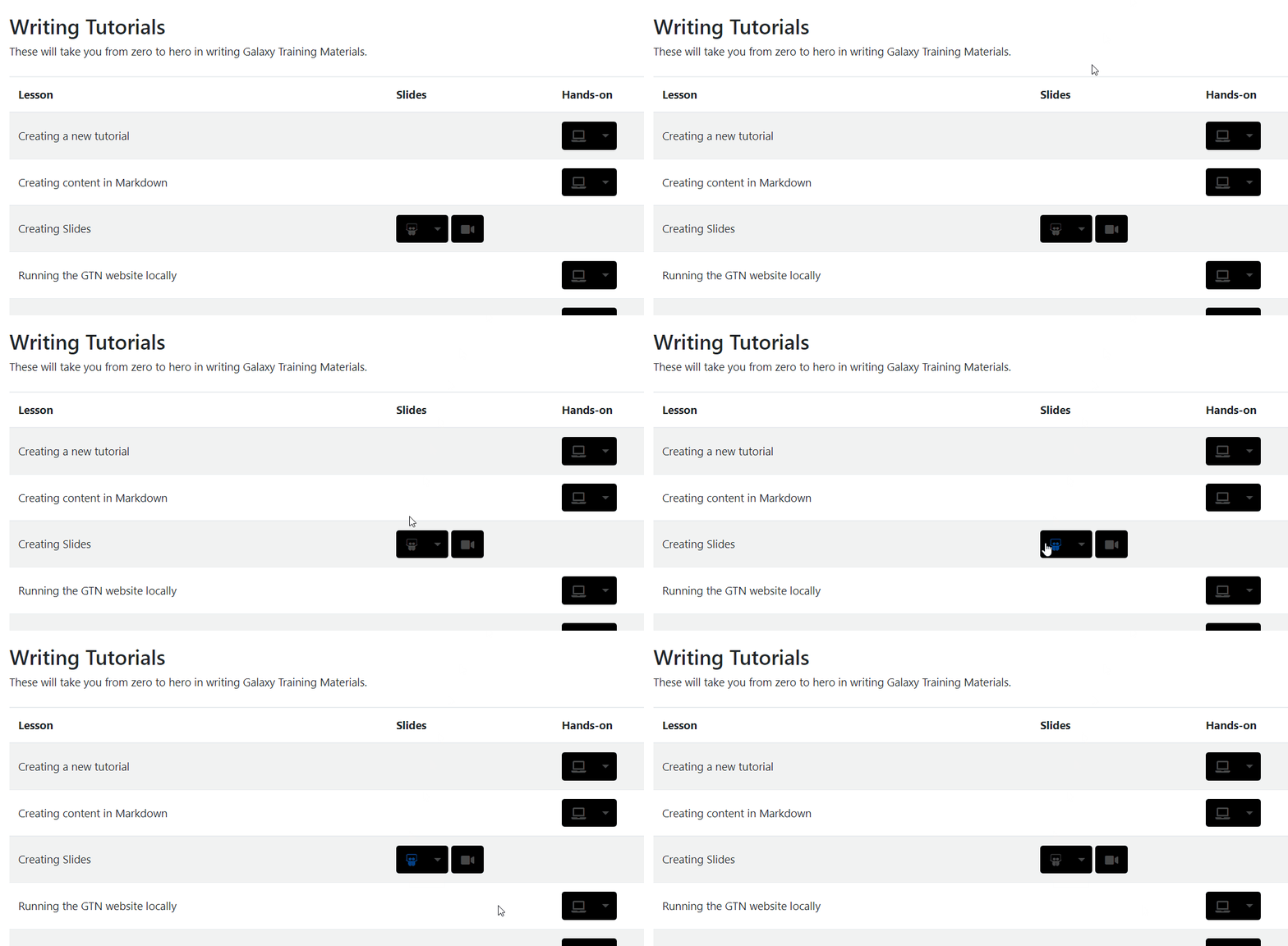
I'm not sure if jquery can be implemented withing galaxy but something like [this ](https://jqueryui.com/tooltip/#default) is what I have in mind
Contributor guide
Research direction
The issue does not name a file, test, or slide entry point. Locate the existing slide navigation and determine how keyboard navigation currently works before clarifying which mouse, scrolling, and tooltip behaviors are wanted; done means an agreed interaction design is implemented without disrupting presentations.
Written by the indexing model from the issue text.
Assessment
- Tech stack
- jquery
- Domain
- frontend
- Issue type
- Feature
- Difficulty
- 5/5
- Estimated time
- Over a week
- Activity status
- Stale
- Clarity
- Needs clarification
- Newbie friendliness
- 25/100