formulahendry / formulahendry/vscode-code-runner
[Bug]
- Dominant language
- TypeScript
- Stars
- 2.4k
- Forks
- 351
- PR merge metrics
- No merged PRs in 30d
Description
- VS Code Version: 1.57.1
- OS Version: Windows 10 21H1 19043.1081
- Code Runner Version: v0.11.4
**Describe the bug**
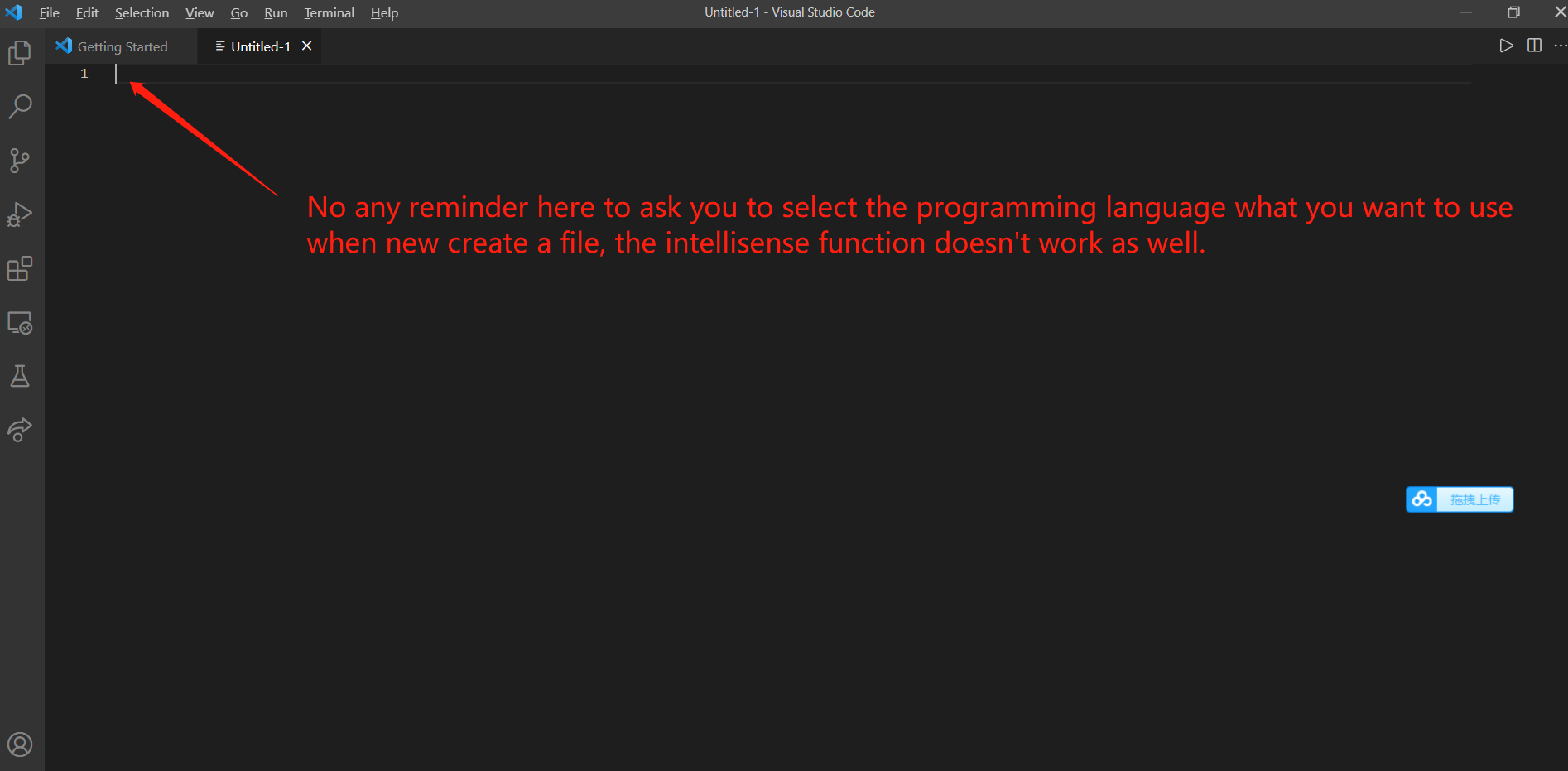
It did not prompt any setting of chosing which programming language to use when to new create a file.
I did saw it works well on the another Laptop, but it did not work well on my Thinkpad.
**To Reproduce**
Steps to reproduce the behavior:
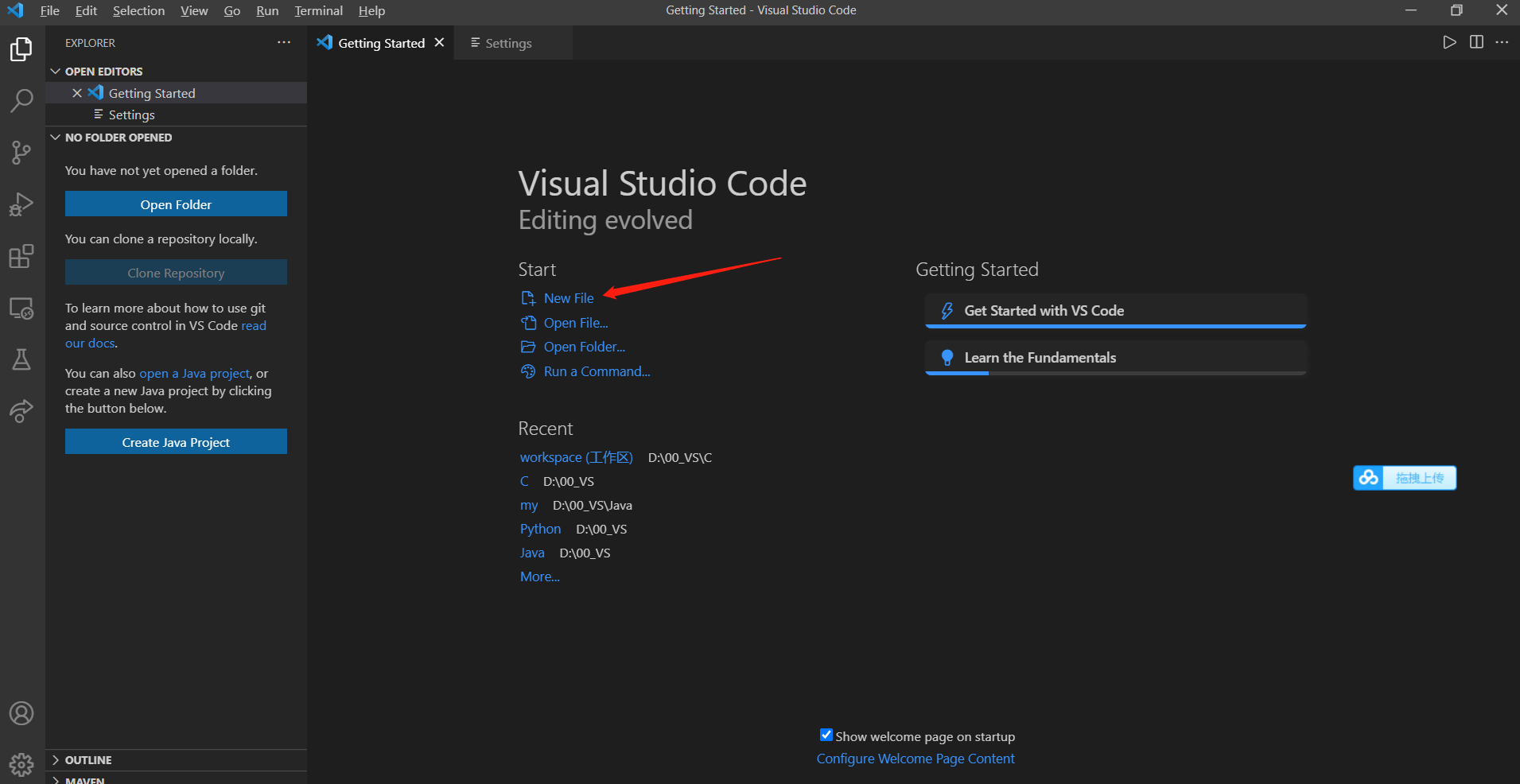
1. Open the VS code.
2. File->"New File" or "Control +N"
**Actual behavior**
No any message pops up to ask you to select which programming language you want to use for coding.
The intellisense doesn't work as well.
**Expected behavior**
It should let me to chose which coding langage at the begining.
**Screenshots**
Please kindly see the screenshot below. Did I miss something during the VS code installation or extensions?
Contributor guide
No contributing guide indexed for this repository
Assessment
This issue has not been assessed yet.