forcedotcom / forcedotcom/devops-center-feedback
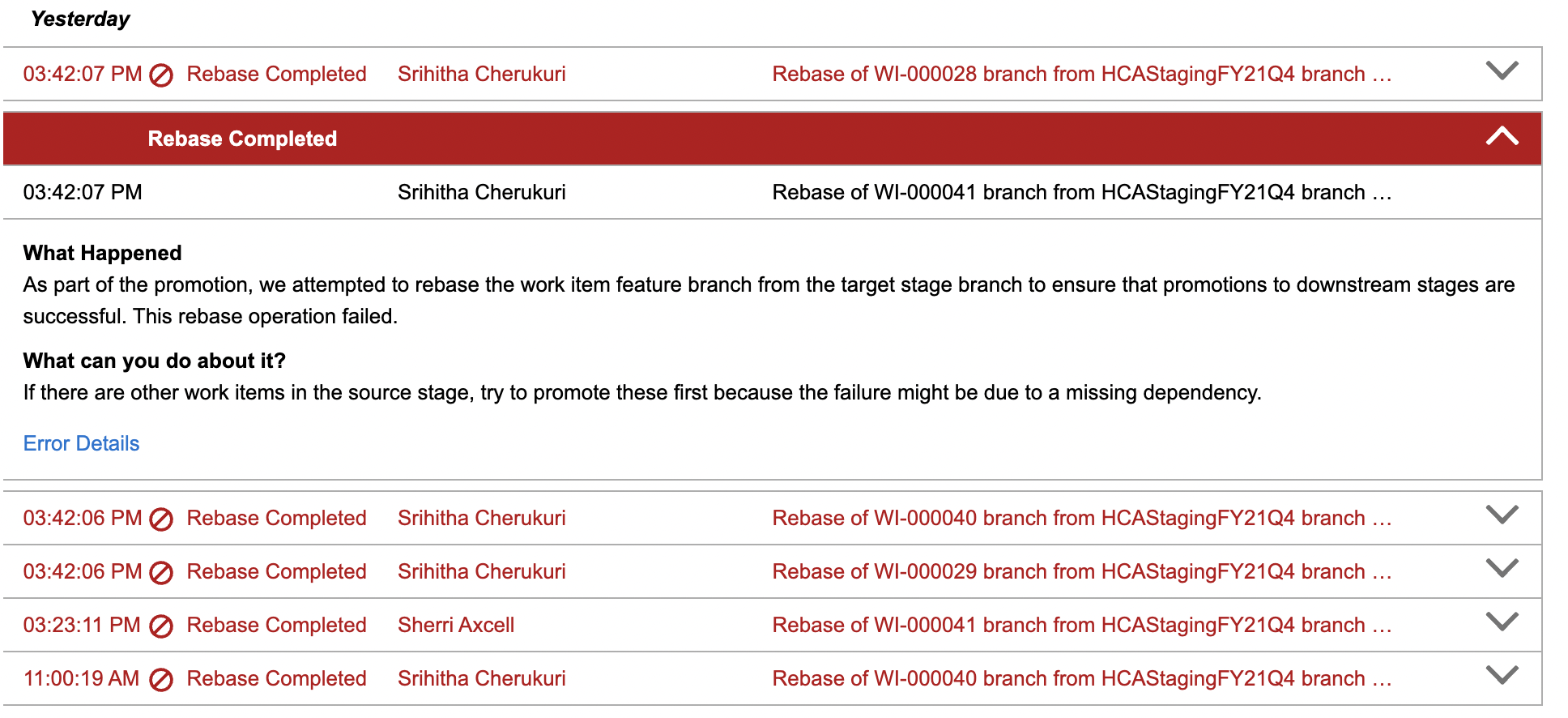
Rebase Error
- Dominant language
- No language data
- Stars
- 61
- Forks
- 2
- PR merge metrics
- No merged PRs in 30d
Description
**Describe the bug**
Rebase error and cannot move ahead with promotion to next stage. DevOps tells me I need to address the conflicts manually and gave me the commands, that I need to manually add but where/how do I add those commands? How to fix the rebase error so I can continue promotion to the next stage? Is there any option directly available in DevOps or any set of instructions on how to address this issue in GitHub? Added below is one of the rebase errors, I have multiple work items in the HCAMerge project that has the same set of error messages and that is blocking me to move ahead with promotion to the next stage.
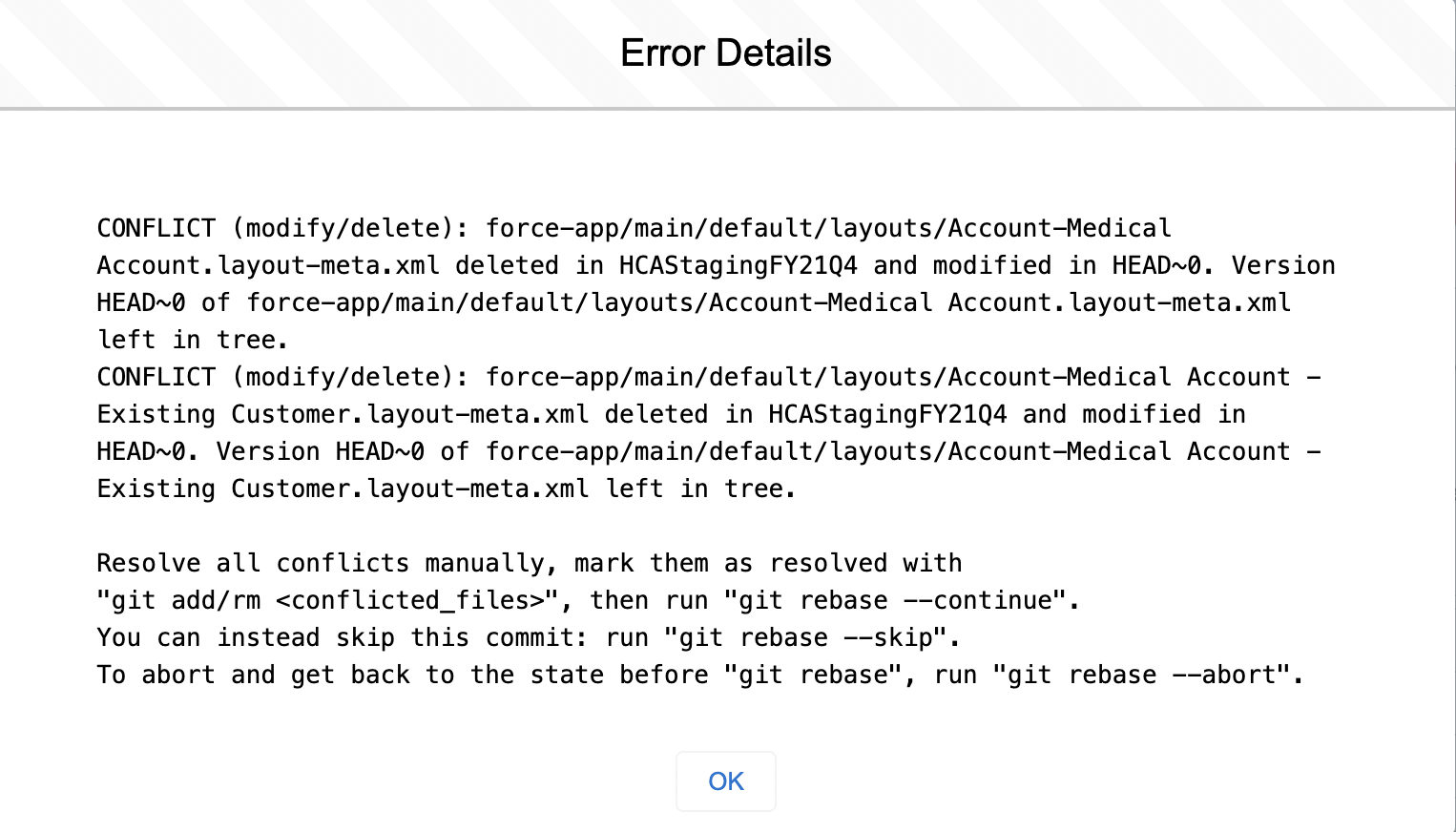
"CONFLICT (modify/delete): force-app/main/default/layouts/Account-Medical Account.layout-meta.xml deleted in HCAStagingFY21Q4 and modified in HEAD~0. Version HEAD~0 of force-app/main/default/layouts/Account-Medical Account.layout-meta.xml left in tree.
CONFLICT (modify/delete): force-app/main/default/layouts/Account-Medical Account - Existing Customer.layout-meta.xml deleted in HCAStagingFY21Q4 and modified in HEAD~0. Version HEAD~0 of force-app/main/default/layouts/Account-Medical Account - Existing Customer.layout-meta.xml left in tree.
Resolve all conflicts manually, mark them as resolved with
"git add/rm ", then run "git rebase --continue".
You can instead skip this commit: run "git rebase --skip".
To abort and get back to the state before "git rebase", run "git rebase --abort". "
**Expected behavior**
Promote to next stage without conflicts
Contributor guide
Assessment
This issue has not been assessed yet.