elementor / elementor/elementor
🐞 Bug Report: Facelift Publish Settings screens show multiple scroll bars
- Dominant language
- PHP
- Stars
- 7.1k
- Forks
- 1.6k
- Avg merge
- 1d 5h
- Merged PRs (30d)
- 193
Description
### Prerequisites
- [X] I have searched for similar issues in both open and closed tickets and cannot find a duplicate.
- [X] The issue still exists against the latest stable version of Elementor.
### Description
Hi @arielk
In relation to the header, footer and other sections, there are some things that I wanted to share with you directly.
### Steps to reproduce
1- The pop-up publish setting has a scroll bar by default, which really has no reason for its existence.
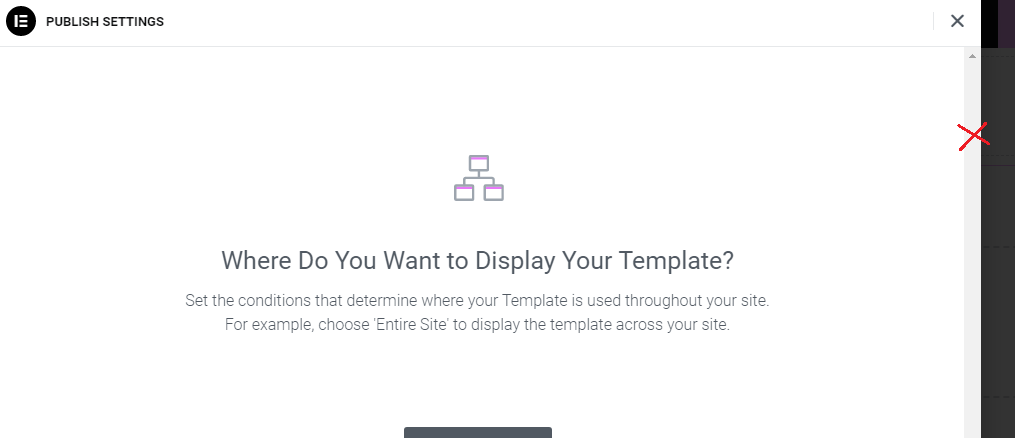
2- As we can see in the image below, the height of the publish setting popup is very high and it actually sticks to the top and bottom. **The same issue causes vertical scrolling to be activated for it on smaller screens, while it really doesn't need scrolling.**
In this case, in addition to the scroll bar mentioned in the first case, we will have two scroll bars.
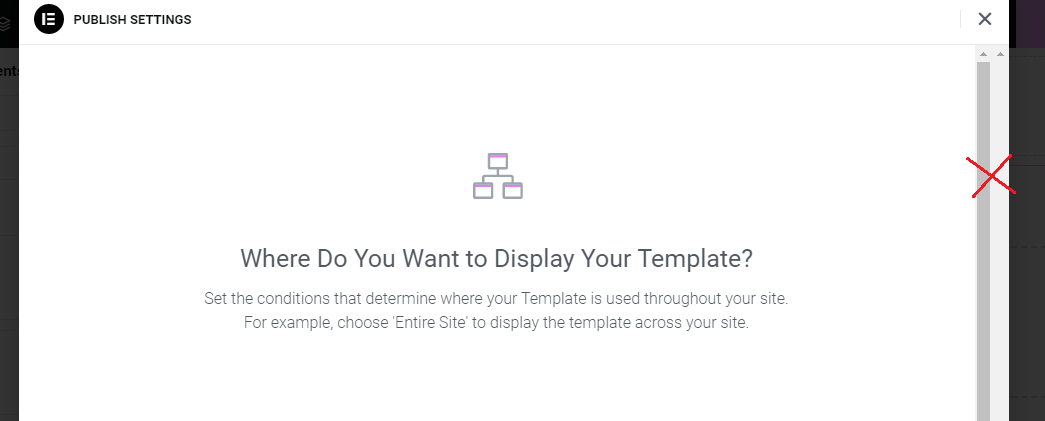
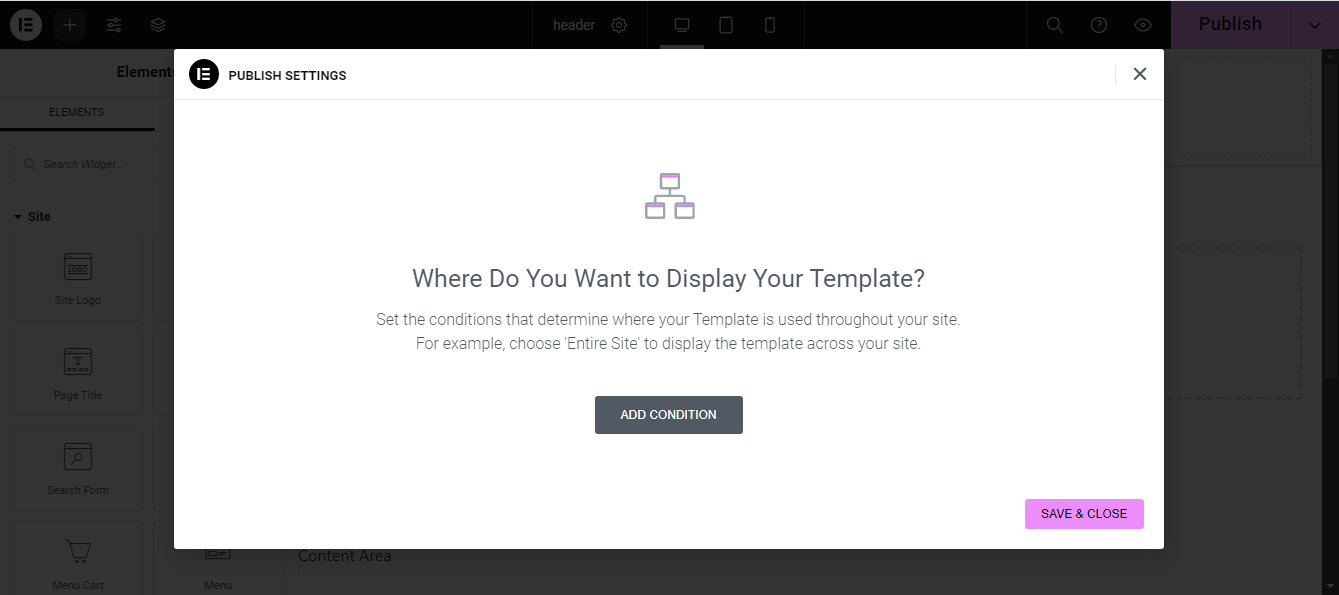
It would be much better if you reduce the height of this popup. **(In the following we see an example to improve it)**
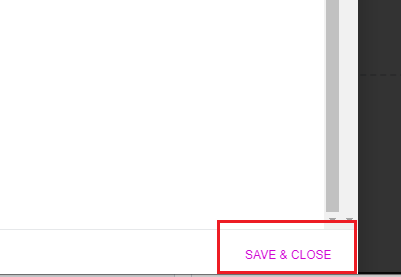
3- The "Save and Close" button on this button looks out of place. There is no similar button in Elementor. In addition, this button is not tangible.
The image below is something that would be really cool.
thank you for your attention
### Isolating the problem
- [X] This bug happens with only Elementor plugin active (and Elementor Pro).
- [X] This bug happens with a Blank WordPress theme active ([Hello theme](https://wordpress.org/themes/hello-elementor/)).
- [X] I can reproduce this bug consistently following the steps above.
### System Info
-
Contributor guide
Assessment
This issue has not been assessed yet.