elementary / elementary/triage
Some keyboard shortcuts stop working after updating eOS through AppCenter
- Dominant language
- No language data
- Stars
- 4
- Forks
- 1
- PR merge metrics
- No merged PRs in 30d
Description
## Prerequisites
- [x] I have searched open and closed issues for duplicates.
## Describe the bug
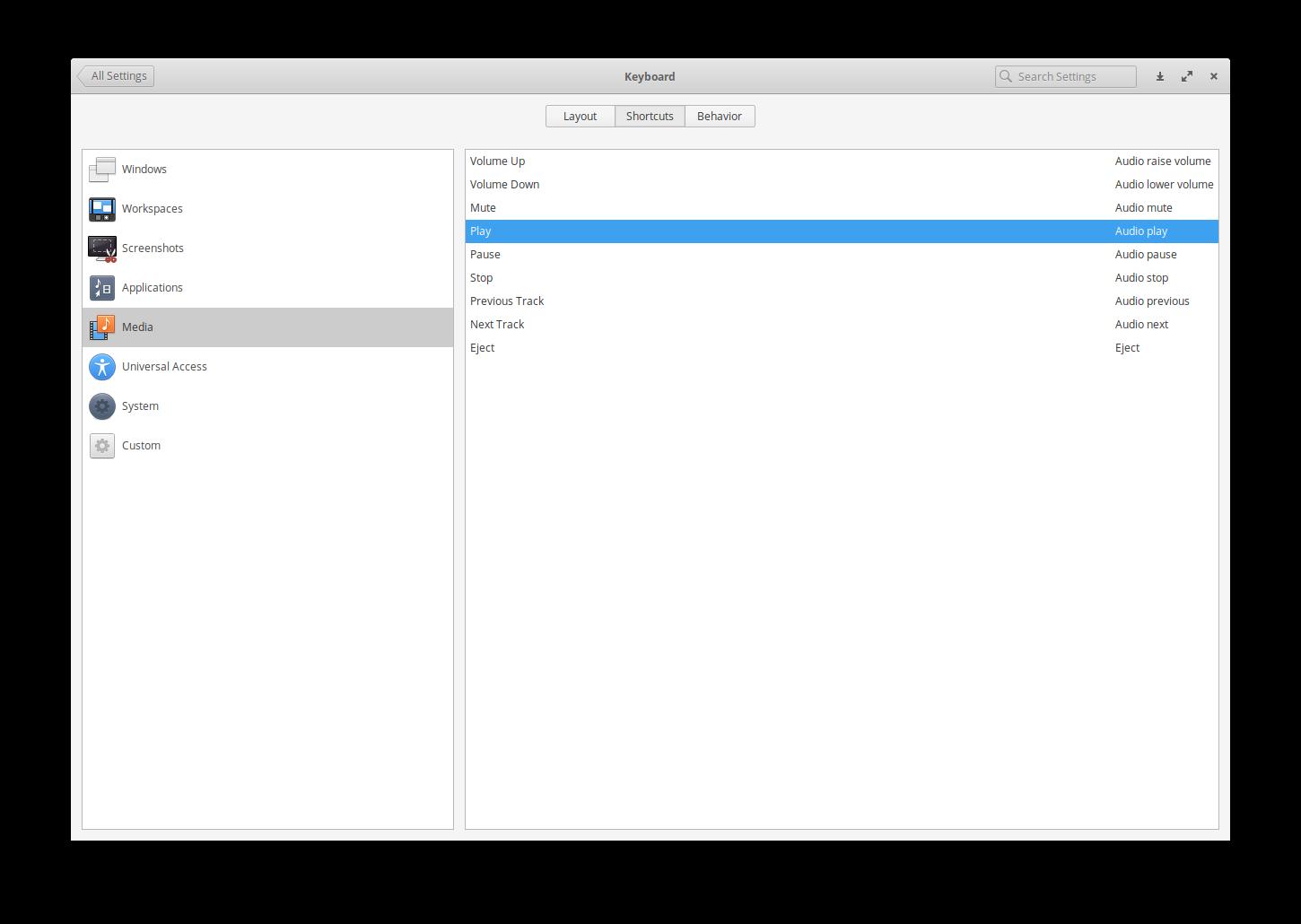
Over the course of the last two weeks whenever there an `Operating Systems Updates` available in AppCenter and I install the updates my keyboard shortcuts for media keys and Lock (SUPER+L) stop working. When I open up the keyboard settings I can see that there are the correct values set for these shortcuts but they will not work until I reassign the shortcuts to the corresponding keys.
### To Reproduce
Steps to reproduce the behavior:
1. Go to `AppCenter`
2. Click on `Installed` tab
3. Install `Operating System Updates`
4. Try to use media shortcut keys or lock screen using keyboard shortcuts
### Expected behavior
Keyboard shortcuts should work as expected
### Screenshots or screen recordings
## Platform Information
- [ ] I'm using the latest version from git that I've manually compiled
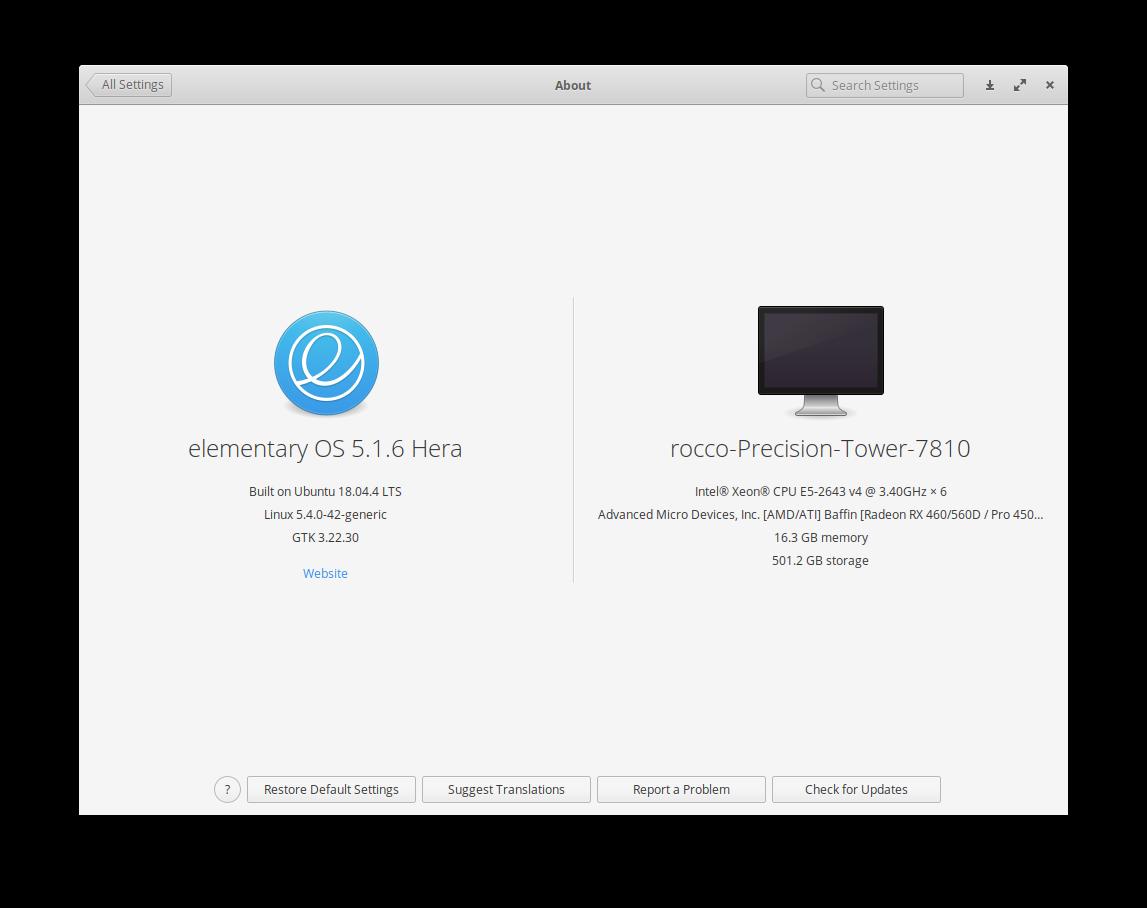
- [x] I'm using the latest released stable version
## Additional context
I am using a Logitech Illuminated Keyboard k740
Contributor guide
Assessment
This issue has not been assessed yet.