elementary / elementary/settings-bluetooth
Mouse disappears after disconnect
- Dominant language
- Vala
- Stars
- 26
- Forks
- 10
- Avg merge
- 10h 55m
- Merged PRs (30d)
- 2
Description
Normally devices that are paired but not connected are listed under "Paired Devices". Example:
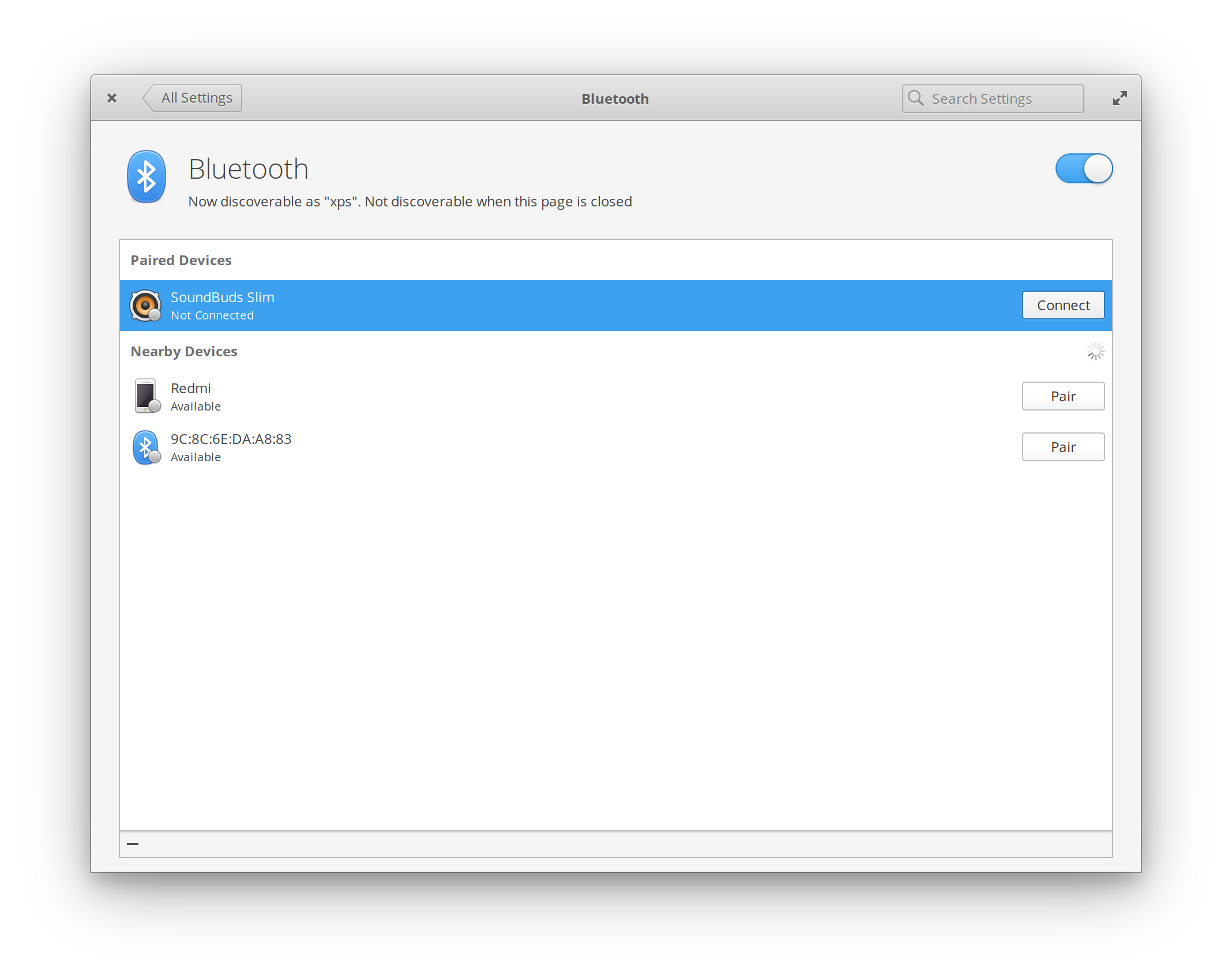
For some reason though my mouse (Logitech M720 Triathlon) disappears completely when I turn it off or press the disconnect button. I need to reopen the bluetooth settings for it to be listed again as Not connected.
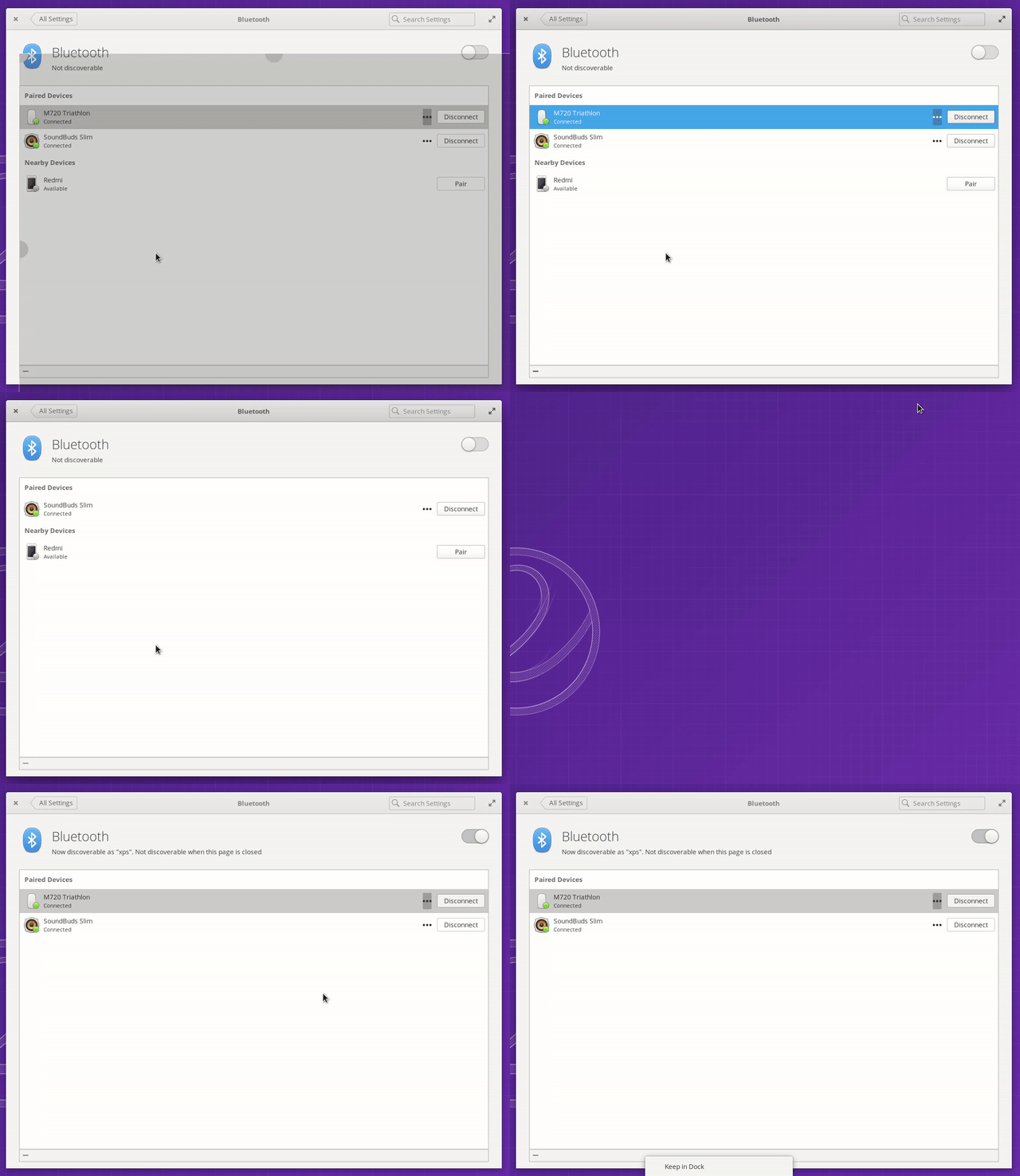
Below a screenshot of the following steps:
1. Turning mouse off.
2. You see the mouse disappear from the list
3. I close and reopen the bluetooth settings
4. The mouse is listed as Not connected.
---
Want to back this issue? **[Post a bounty on it!](https://www.bountysource.com/issues/63923964-mouse-disappears-after-disconnect?utm_campaign=plugin&utm_content=tracker%2F59778156&utm_medium=issues&utm_source=github)** We accept bounties via [Bountysource](https://www.bountysource.com/?utm_campaign=plugin&utm_content=tracker%2F59778156&utm_medium=issues&utm_source=github).
Contributor guide
Assessment
This issue has not been assessed yet.