elementary / elementary/panel-sound
Delay in icon color change of sound/audio settings from yellow to gray
- Dominant language
- Vala
- Stars
- 36
- Forks
- 28
- Avg merge
- 1d 12h
- Merged PRs (30d)
- 11
Description
## Prerequisites
- [x] I have searched open and closed issues for duplicates.
## Describe the bug
When audio is turned off, the audio settings indicator icon goes gray. If there is some audio playing on the computer while audio is off, the icon turns to yellow but the audio is still off as expected. However, when that audio is paused, the icon color doesn't immediately switch from yellow to gray as it should since there is no audio but actually takes about 5 seconds (see gif)
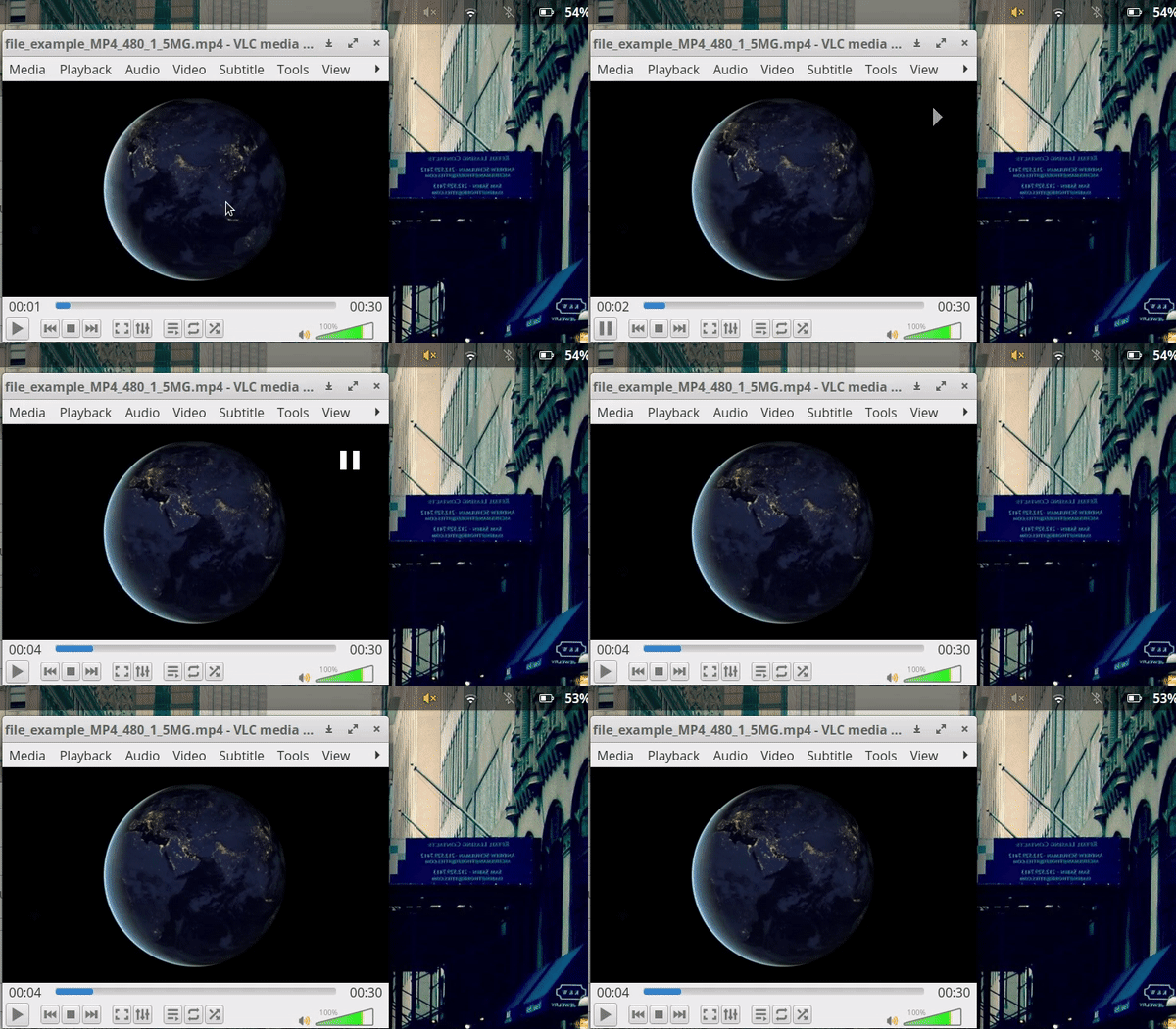
### To Reproduce
Steps to reproduce the behavior:
1. Switch off audio from the wingpanel, you should see an `x` next to the gray audio icon.
2. Start some audio/video with audio.
3. Color changes from gray to yellow
4. Stop the audio/video source
5. Color doesn't immediately change back to gray, it takes about 5 seconds.
### Expected behavior
Color should switch back to gray when audio is paused.
## Platform Information
- OS: elementary OS 5.1 Hera
- Hardware info: Dell XPS 13
- [ ] I'm using the latest version from git that I've manually compiled
- [x] I'm using the latest released stable version
## Additional context
This problem occurs with any audio/video source. I've noticed it with both Spotify and VLC now. Not sure if the delay is the intended behavior.
Contributor guide
Assessment
This issue has not been assessed yet.