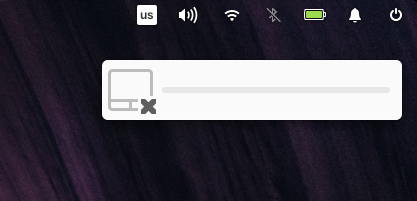
Disabling touchpad notification/indicator includes empty volume bar
- Dominant language
- Vala
- Stars
- 302
- Forks
- 83
- Avg merge
- 1d 1h
- Merged PRs (30d)
- 7
Description
## What Happened
When you disable the touchpad via keyboard shortcut (fn+f9 on mine) — a notification-like indicator that appears has an empty volume bar like if I'm changing the sound. The icon is for the touchpad, tho.
## Expected Behavior
No volume bar, maybe textual explanation.
## Steps to Reproduce
1. Locate the keyboard button that disables the touchpad, somewhere in the "f" row. It should have a touchpad-like icon.
2. Press it, maybe while holding the "fn" key (depends on the keyboard).
3. See notification in the upper-right corner.
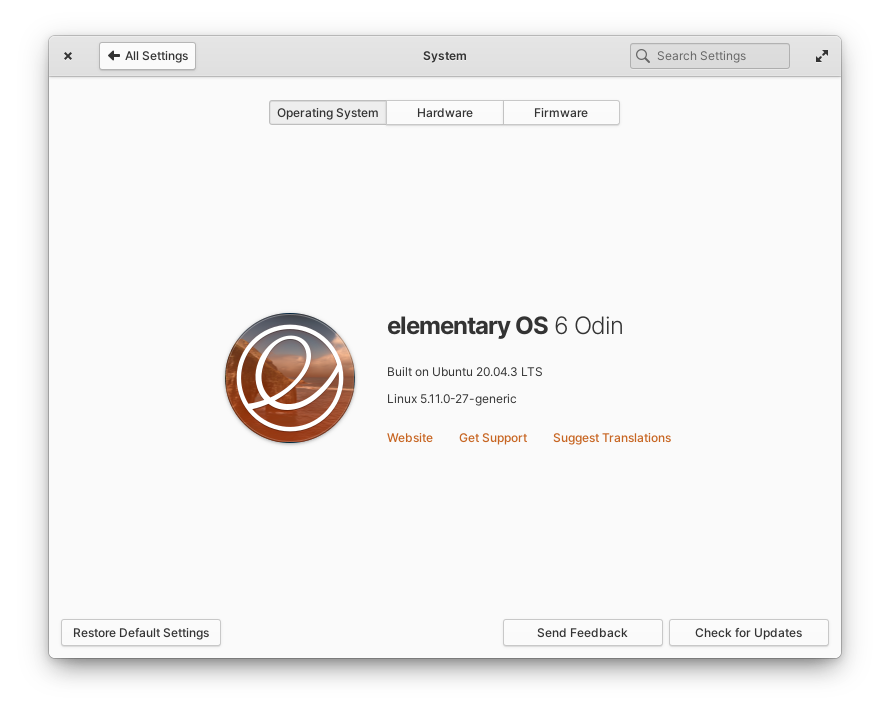
## Platform Information
Contributor guide
Assessment
This issue has not been assessed yet.