Add "Tile" actions and shortcuts to window menu
- Dominant language
- Vala
- Stars
- 302
- Forks
- 83
- Avg merge
- 1d 1h
- Merged PRs (30d)
- 7
Description
Related to #1028
## Problem
It's not obvious from the window menu that you can tile windows left/right. We show it in the Keyboard Shortcuts overlay, but not contextually in the window menu, where it might be more obvious and connected to other window actions.
## Proposal
Add a "Tile window left" and "Tile window right" actions to the window menu. This should probably also include a more general cleanup/reorganizing and grouping of window menu actions since there's a lot going on in there.
## Prior Art
macOS has a sort of context menu on their maximize button with tiling options:
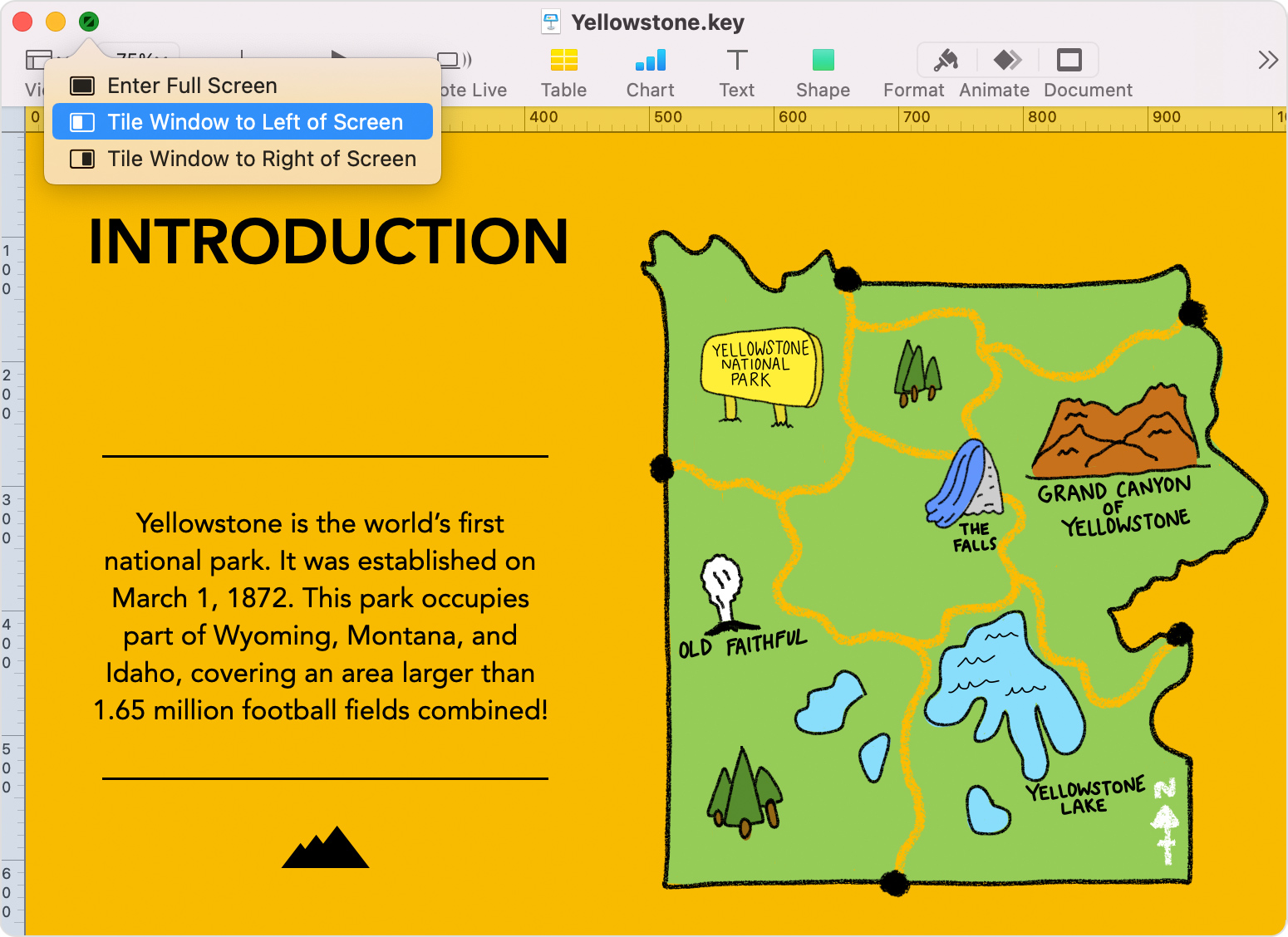
Chrome OS has a weird [click-and-hold on the maximize button](https://support.google.com/chromebook/answer/177891?hl=en) that then shows a left and right arrow for tiling.
It is [not clear if Windows has a context menu](https://support.microsoft.com/en-us/windows/snap-your-windows-885a9b1e-a983-a3b1-16cd-c531795e6241) for this, but they support dragging windows and keyboard shortcuts.
Android has a "Split screen" action in the window menu which automatically tiles it to the top or left of the screen, then lets you choose another app to fill the other space.
Contributor guide
Assessment
This issue has not been assessed yet.