elementary / elementary/applications-menu
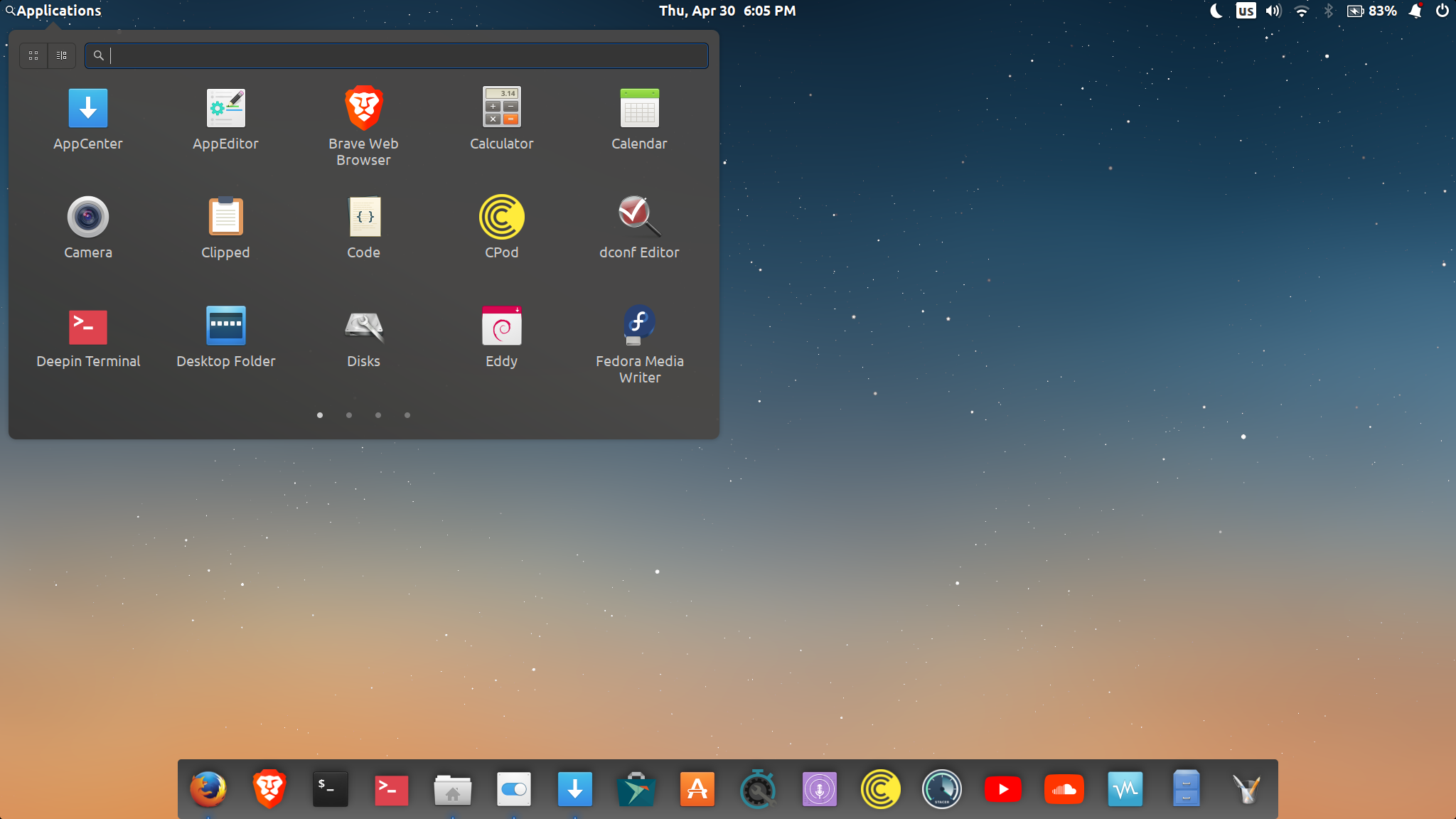
Applications Menu too wide no not looping after the last page
- Dominant language
- Vala
- Stars
- 103
- Forks
- 40
- Avg merge
- 32m
- Merged PRs (30d)
- 2
Description
Alright, I have updated last night. Everything works just fine, except that the applications menu is too wide and doesn't loop after the last page (which, I think, is very impractical since I use that menu a lot), and it is also now "sticky" where I have to actually swipe my fingers for a longer distance on the trackpad to get to the next page of applications. Often times, it doesn't even flip to the next page, it just goes half way then goes back to the page that I am already on, unless, like mentioned above, I swipe my fingers for longer distance. I find that very annoying. I understand that it is now character width based, which means (I think), the larger the text is set to, the larger/wider the menu is. I like my font to be bigger as I have an issue with my vision and smaller text gives me headaches. My "text size" in settings/desktop/appearance is always set to either "large" or "larger", which makes the panel become really wide. I was told by Daniel to report it here as an issue, so here I am.
here is a [link](https://www.dropbox.com/s/3d6qp9xtgc9pz0g/2020-04-30%2018-22-43.mkv?dl=0) to a video I took of the menu to show how it performs
Thanks
Contributor guide
Assessment
This issue has not been assessed yet.