element-hq / element-hq/element-web
Show soft-logged-out user(s) in login screen
- Dominant language
- TypeScript
- Stars
- 13.5k
- Forks
- 2.8k
- PR merge metrics
- PR metrics pending
Description
### Your use case
If i understand soft logout correctly, when an access token becomes invalid (or likewise), users will be kicked back to the login screen, but their user data (plus crucial encryption data) will remain.
Currently, there is no information that displays this on the login screen, it'd be useful to show a soft-logged-out account at the entry screens;
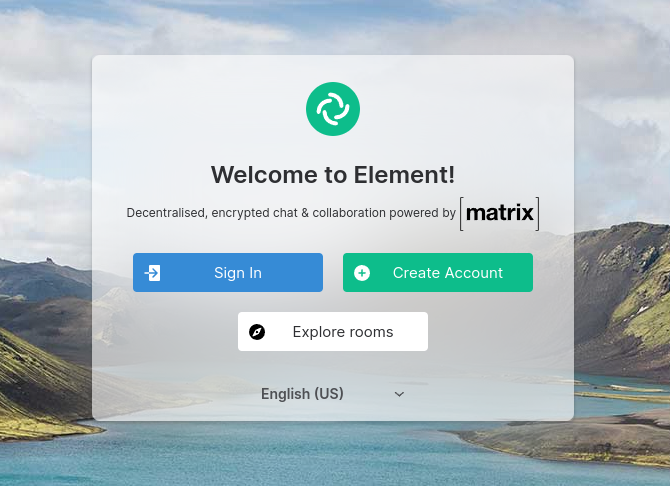
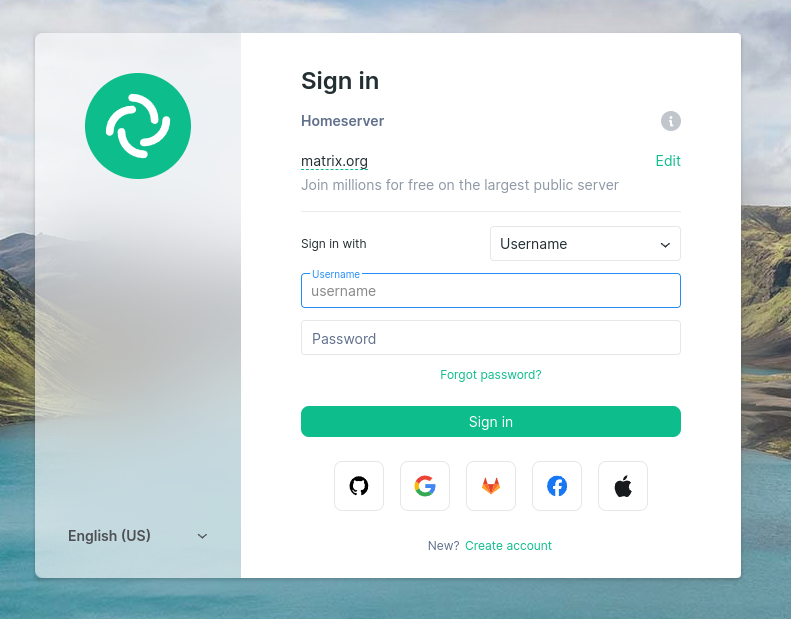
It'd show some basic info (MXID, Display Name, Avatar, "Signed Out"), and when clicking it, it will present the user with a UIA flow (password etc.) to log back in.
It'd also help if there was an indicator of "Encryption Information Stored" or the likes, that the user is aware that encryption information is cached, but that it has been signed out of the homeserver session, and that logging back in will preserve this encryption information.
### Have you considered any alternatives?
_No response_
### Additional context
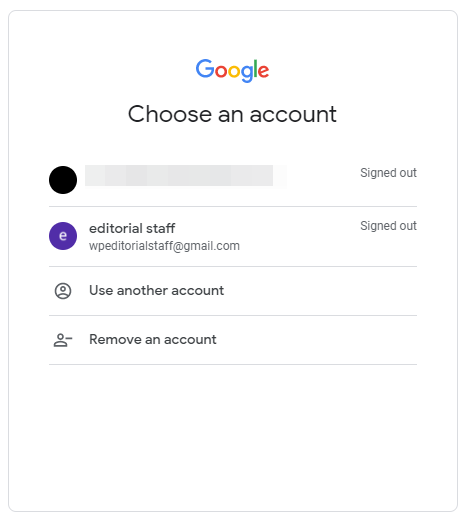
My inspiration comes from what google does, it has a "marker" of a user that was logged in, but displays "signed-out" to show that the user would need to log back in to access this account;
Contributor guide
Assessment
This issue has not been assessed yet.