element-hq / element-hq/element-android
Image rotation produces incorrect aspect ratio
- Dominant language
- Kotlin
- Stars
- 3.7k
- Forks
- 917
- PR merge metrics
- No merged PRs in 30d
Description
### Steps to reproduce
1. Select an image to send
2. Tap the edit button in the top right corner
3. Tap the rotate bottom tab in the editor
4. Tap the 90-degree rotation button
|Select image|Editor|After rotate|
|---|---|---|
|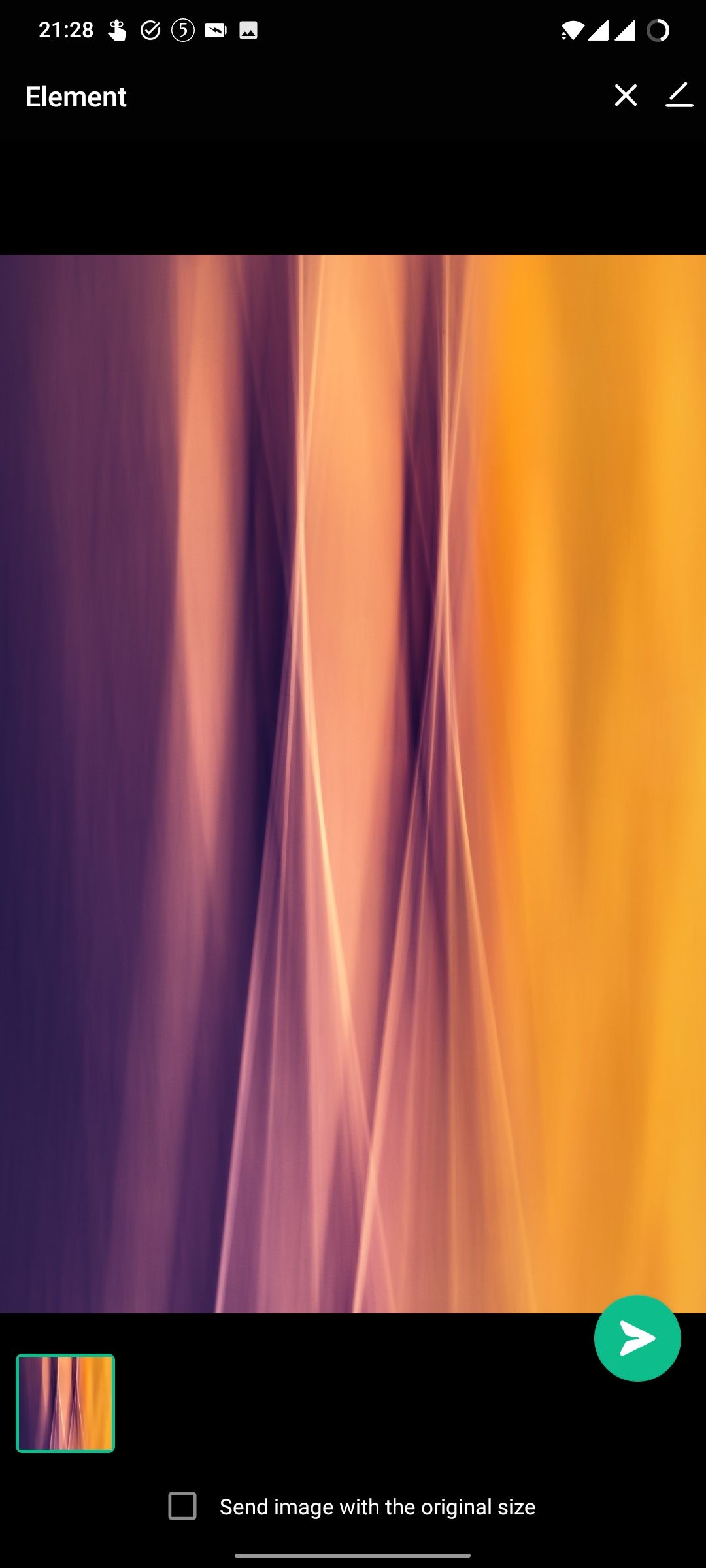|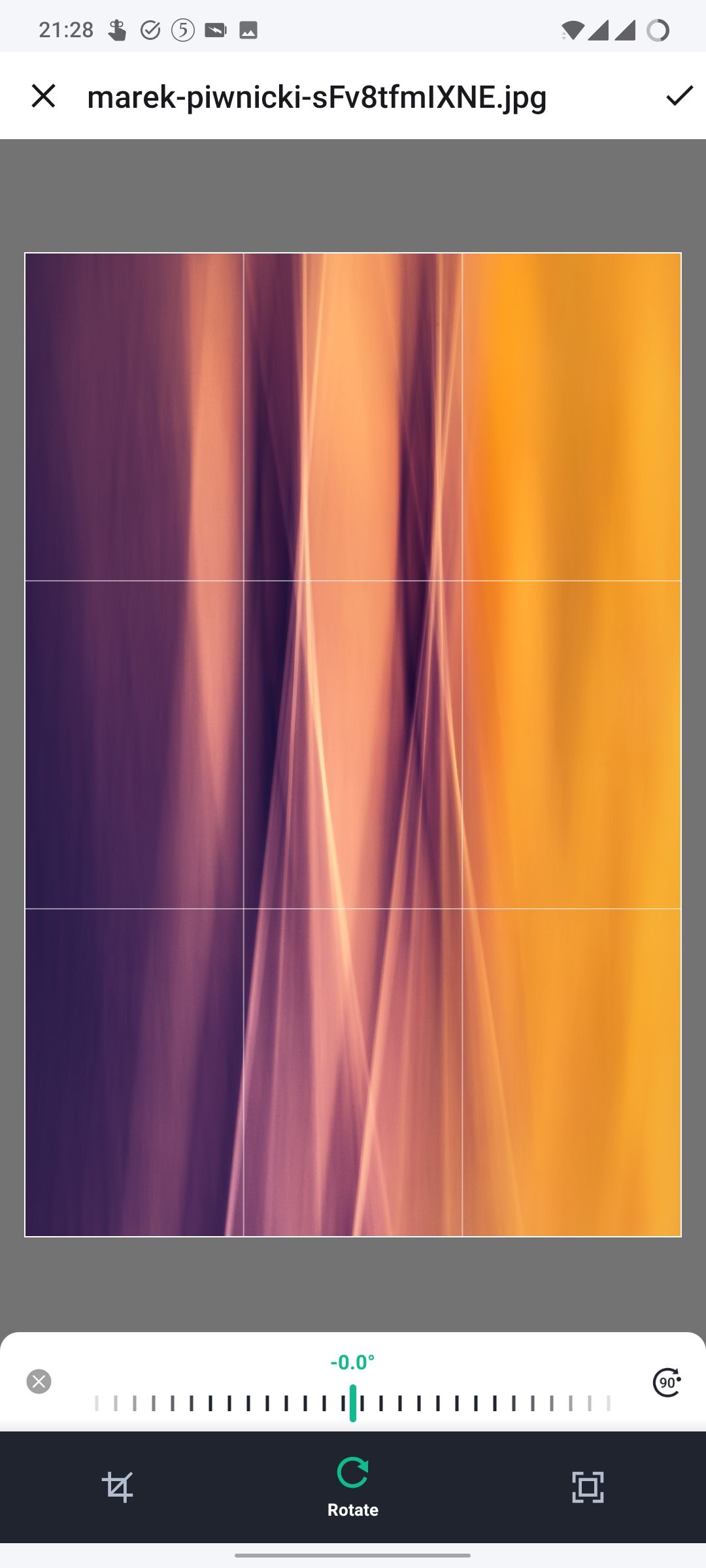|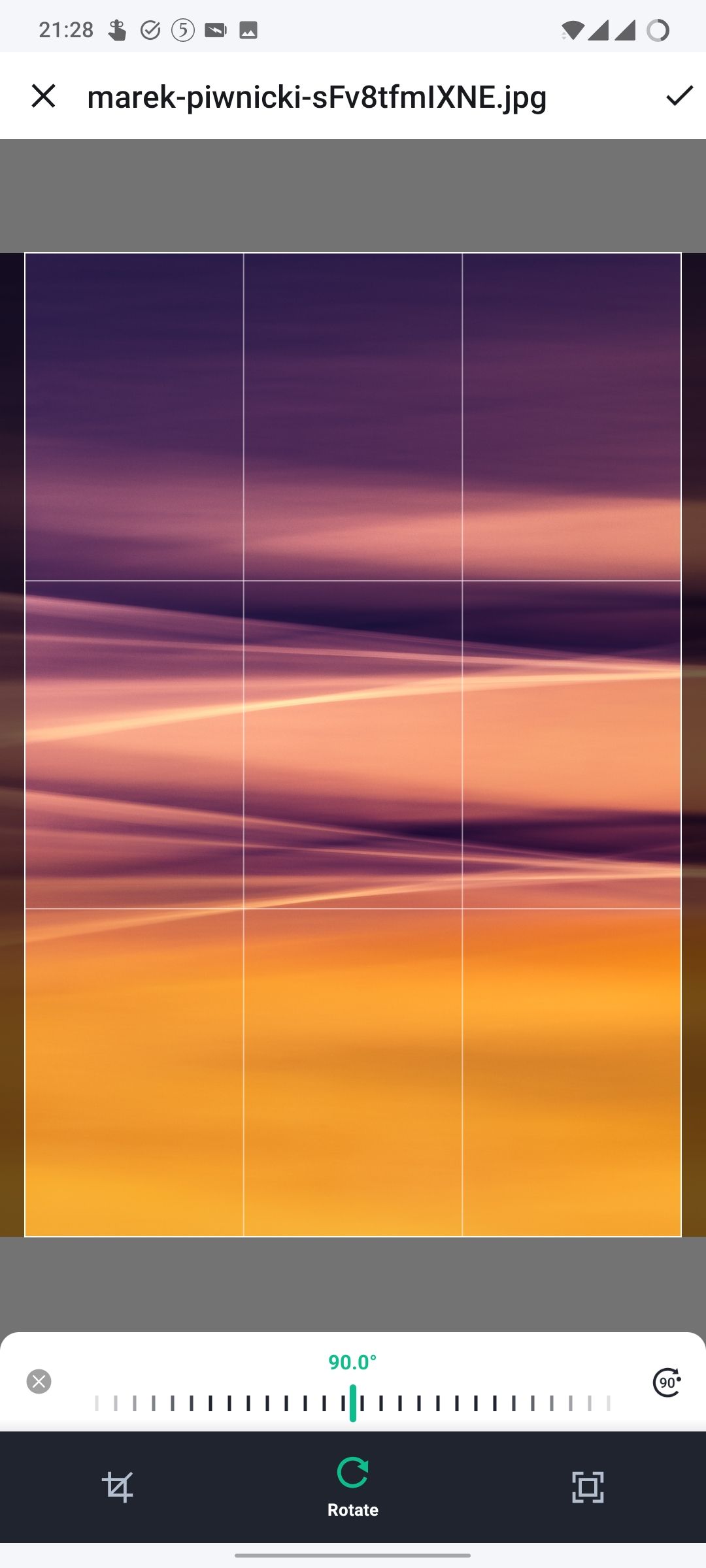|
### Outcome
#### What did you expect?
Rotate my image by 90 degrees like any other photo editor.
#### What happened instead?
The image content is rotated, but the bounds are not. This makes 90-degree rotations useless.
### Your phone model
OnePlus 7T
### Operating system version
Android 11
### Application version and app store
Element 1.4.11
### Homeserver
_No response_
### Will you send logs?
No
Contributor guide
Assessment
This issue has not been assessed yet.