element-hq / element-hq/element-android
broken xsigning state?
- Dominant language
- Kotlin
- Stars
- 3.7k
- Forks
- 917
- PR merge metrics
- No merged PRs in 30d
Description
### Steps to reproduce
1. log into E android 1.3.15 f-droid
2. ignore the xsync popups
3. go to settings
related: https://github.com/vector-im/element-web/issues/20686
### Outcome
#### What did you expect?
can enable xsign
#### What happened instead?
"Cross-Signing is enabled. Keys are not trusted"
There is only the option "to reset keys". I don't want to ruin my xsigned sessions so I'm not touching that.
#### What then?
1. Press "set up secure backup", verification request appears on desktop
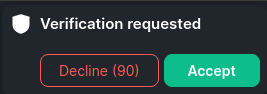
2. Web only says "Verification requested" I think there ought to be a device name in there?
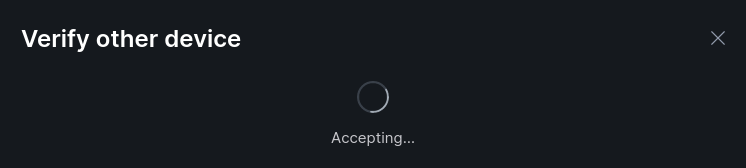
3. Web is stuck "Accepting"
### Your phone model
_No response_
### Operating system version
10
### Application version and app store
1.3.15 F-Droid
### Homeserver
_No response_
### Will you send logs?
No
Contributor guide
Assessment
This issue has not been assessed yet.