element-hq / element-hq/element-android
WebP images not shown
- Dominant language
- Kotlin
- Stars
- 3.7k
- Forks
- 917
- PR merge metrics
- No merged PRs in 30d
Description
**Describe the bug**
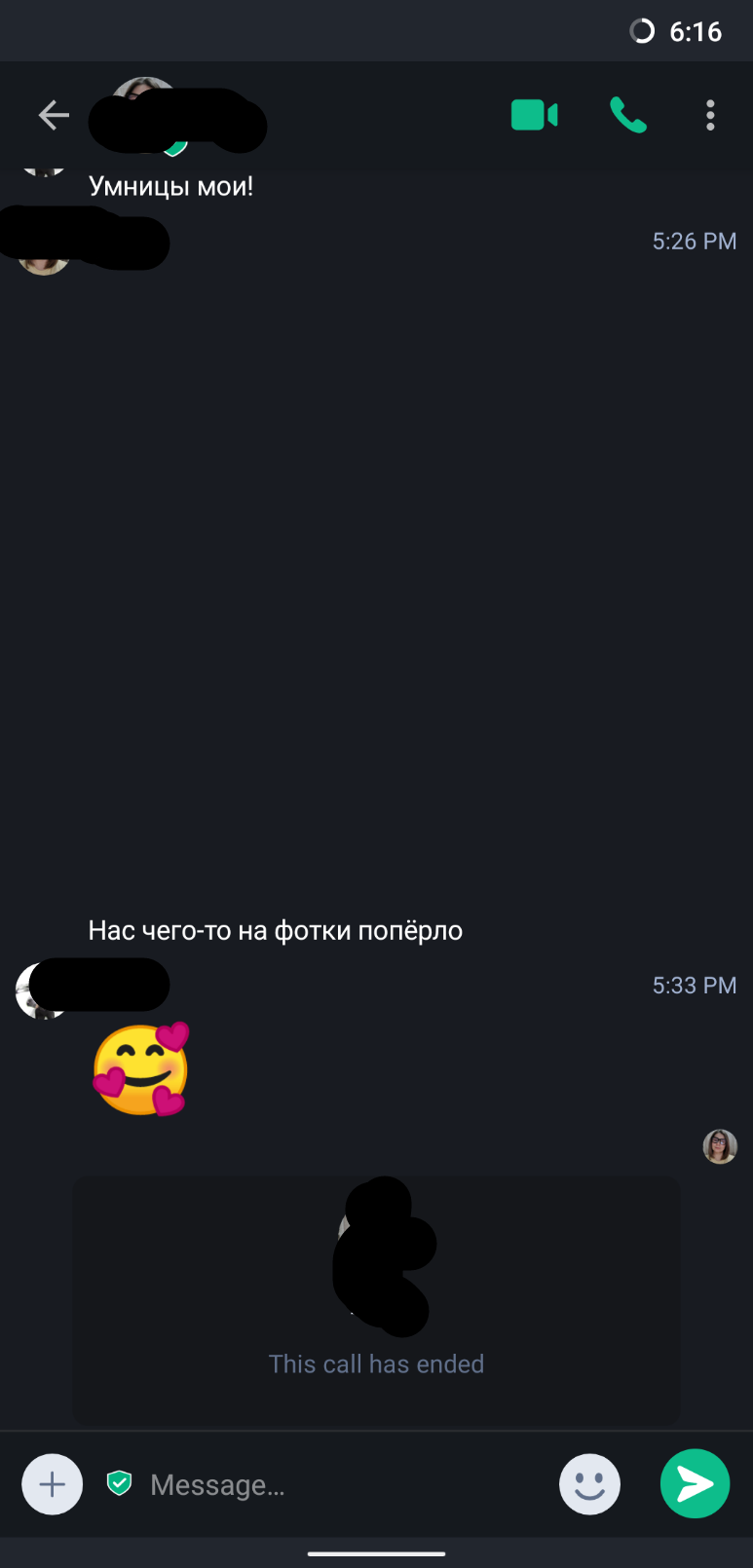
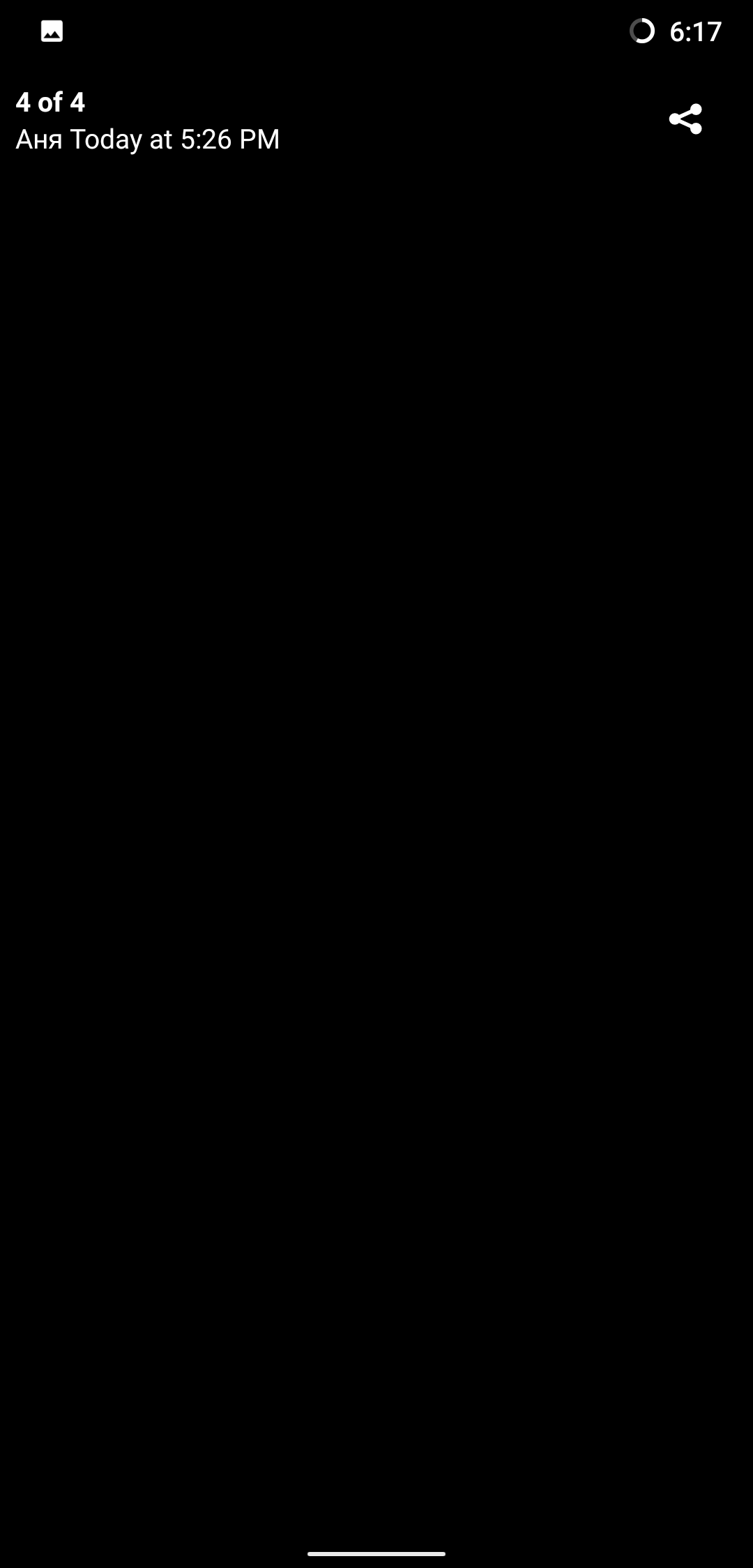
WebP images not shown, instead you have empty space. If you click on shared webp image (empty space), nothing will be shown, too, but you can download image file and view it in gallery app.
**To Reproduce**
Steps to reproduce the behavior:
1. Send a WebP image in chat
2. See empty space instead of preview
3. Click on empty space where should be image preview
4. See empty screen where should be image
**Expected behavior**
WebP image should be visible
**Screenshots**
**Smartphone (please complete the following information):**
- Device: Xiaomi MI8
- OS: LineageOS 17.1 / Android 10
**Additional context**
- App version and store 1.1.0 [40101000] (F-bb33a92d) F-droid
- Homeserver: not related
Contributor guide
Assessment
This issue has not been assessed yet.