element-hq / element-hq/element-android
Improvements to the Key Backup Recovery screen UX
- Dominant language
- Kotlin
- Stars
- 3.7k
- Forks
- 917
- PR merge metrics
- No merged PRs in 30d
Description
Some things that would make the Key Backup Recovery screen nicer from a user experience perspective.
* Disable the "Unlock History" button after it's been pressed
* It can take a few seconds for anything to happen after pressing this button. The button should be disabled after pressing to signal to the user that the press registered, else they'll just keep pressing it and get frustrated
* Remember to enable the button again on error
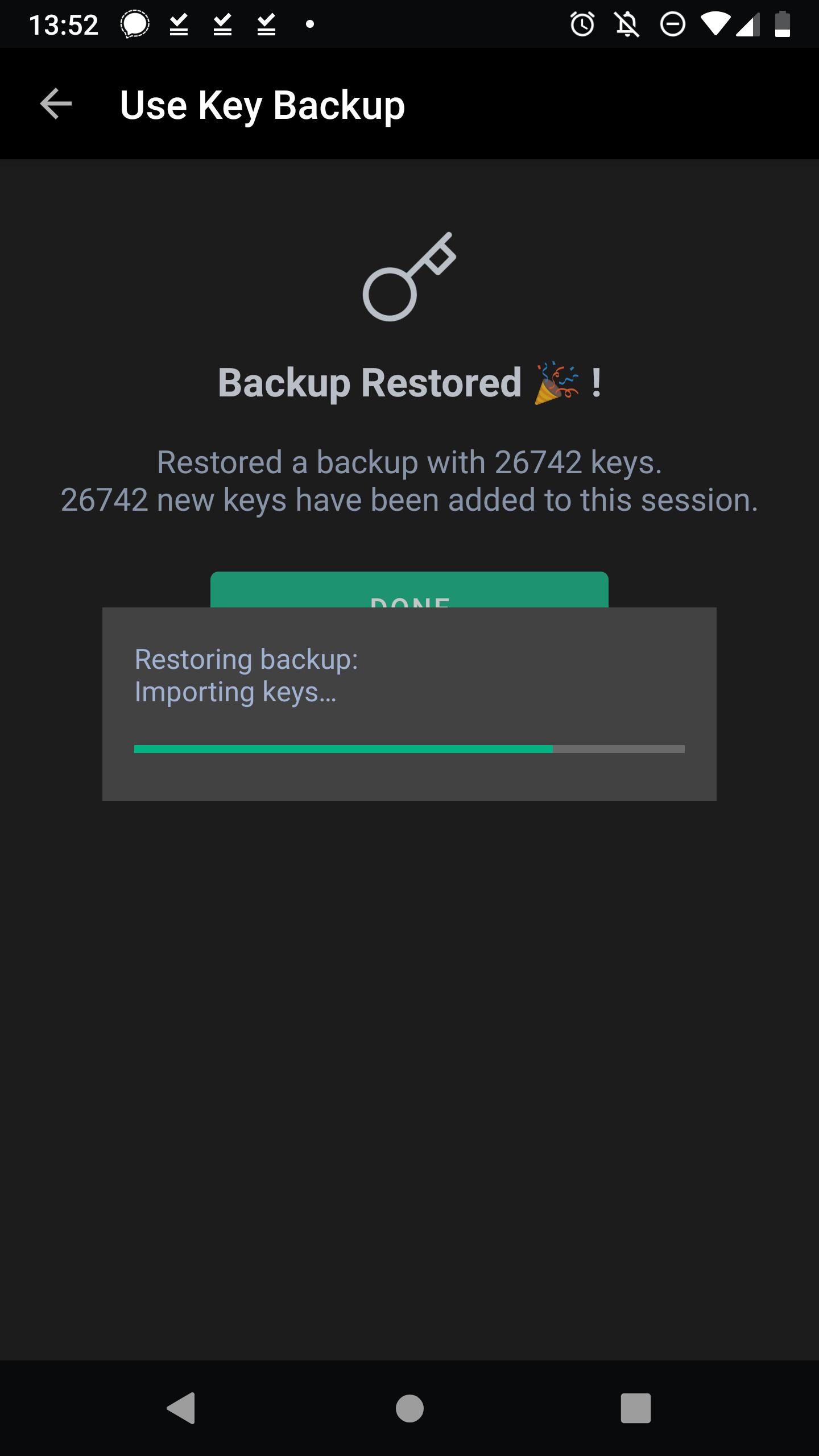
* The password text field is still active (with a blinking cursor) while the key backup process popup is up and ongoing.
* It feels weird to have the background obvious active (and editable looking) while the backup process is ongoing.
Edit: I think I've actually been able to start two key backup recovery processes by pressing the button twice...
Contributor guide
Assessment
This issue has not been assessed yet.