[DpiUnaware] The sub item CheckBox cannot be scaled well in GroupBox control on 300% system DPI
- Dominant language
- C#
- Stars
- 4.9k
- Forks
- 1.1k
- Avg merge
- 20h 23m
- Merged PRs (30d)
- 103
Description
* .NET Core Version:
.NET SDK 7.0.100-alpha.1.21568.2
* Have you experienced this same bug with .NET Framework?:
No
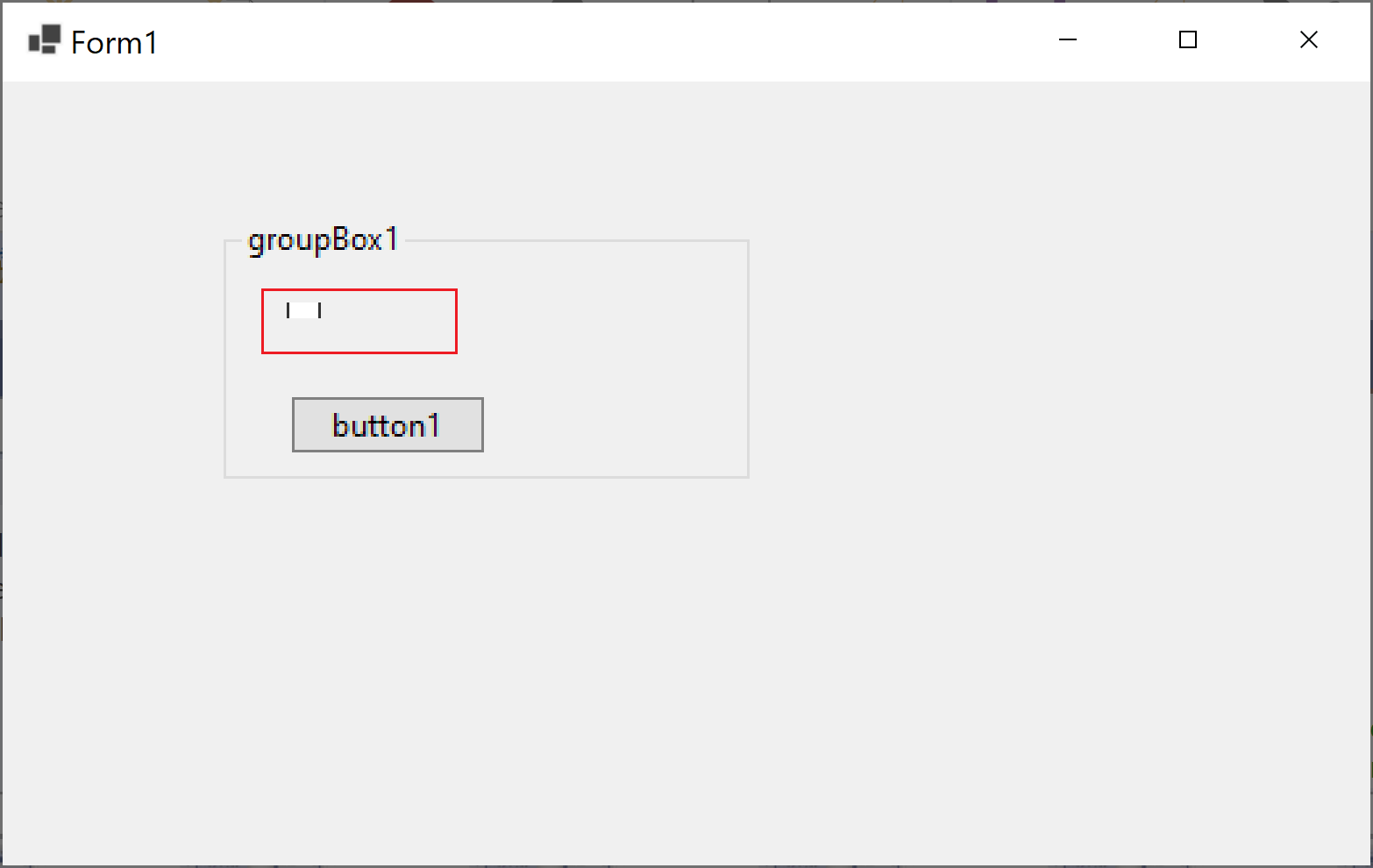
**Problem description:**
The sub item CheckBox cannot be scaled well in GroupBox control on 300% system DPI.
**Expected behavior:**
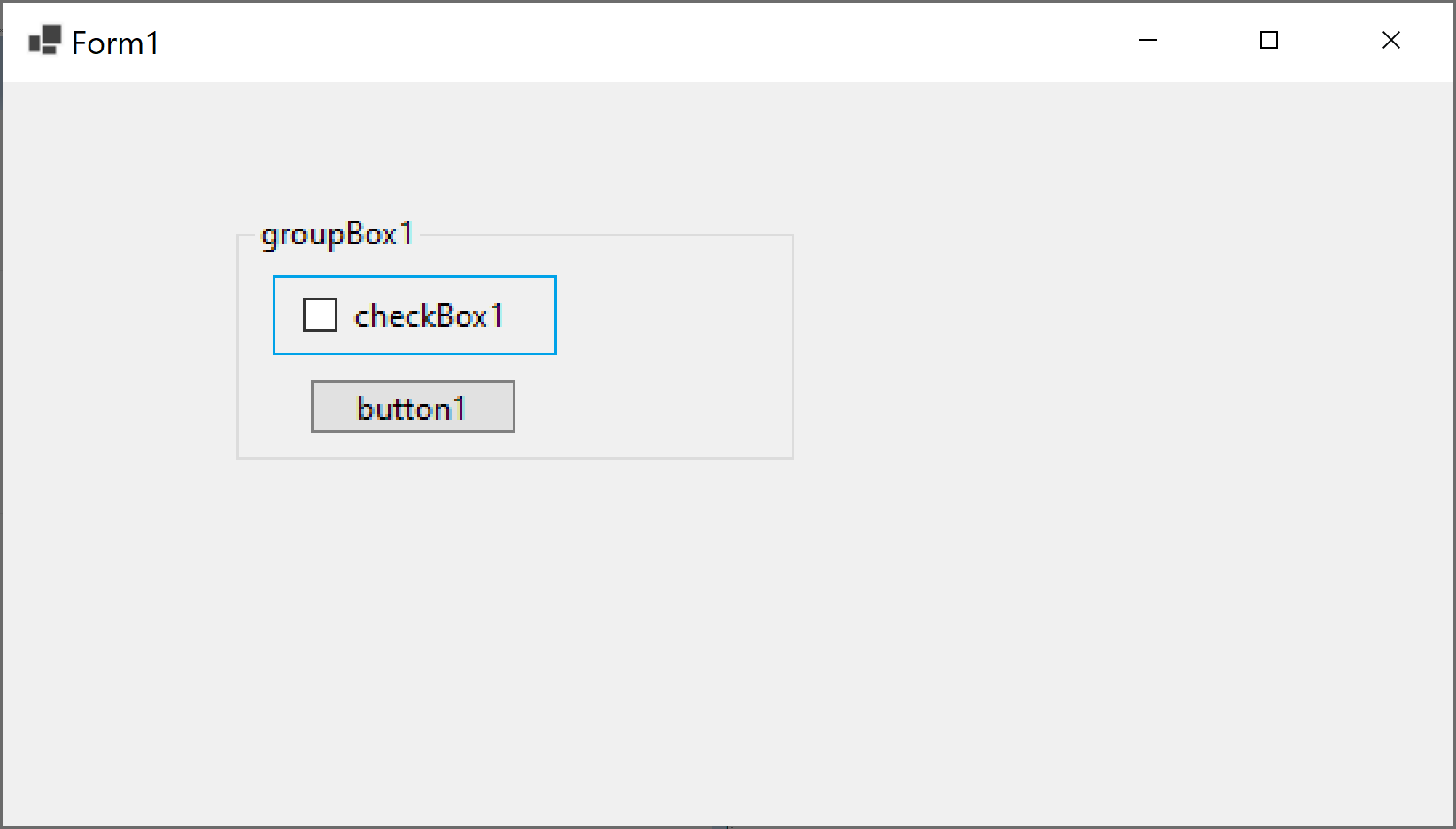
The sub item CheckBox should be scaled well in GroupBox control on 300% system DPI.
**Minimal repro:**
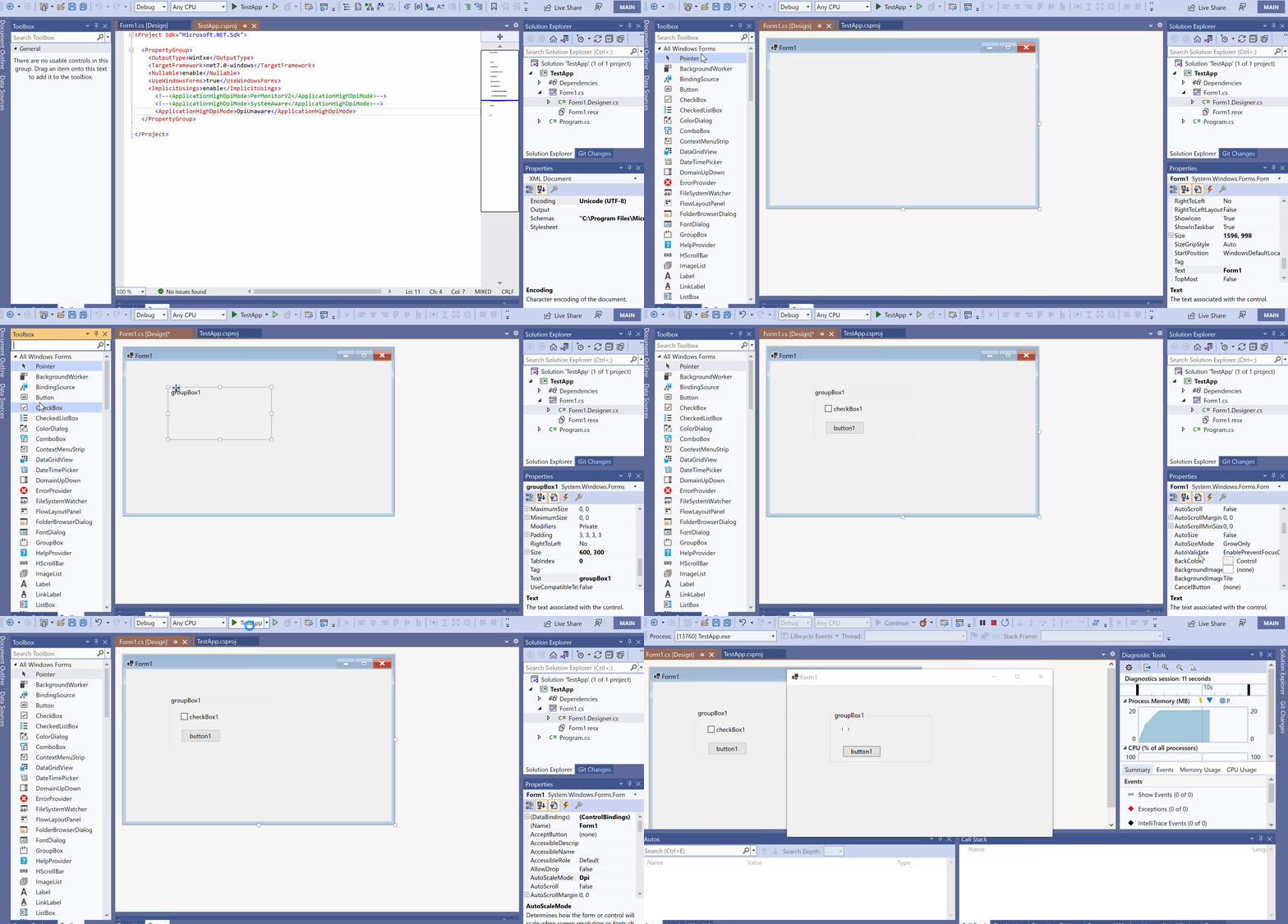
1. Open the [TestApp.zip](https://github.com/dotnet/winforms/files/7600959/TestApp.zip) on 300% DPI.
2. Change the ApplicationHighDpiMode to DpiUnAware in .csproj file and set AutoScaleMode = Dpi for Form1 designer.
3. Run it.
**More info:**
1. This issue cannot repro under DpiUnAware & AutoScaleMode = Font or None.
2. This issue doesn't reproduce under PerMonitorV2 and SystemAware modes.
3. This issue doesn't reproduce in other container controls.
Contributor guide
Assessment
This issue has not been assessed yet.