[HighDPI] WinForms changes the true size of controls with system DPI awareness
- Dominant language
- C#
- Stars
- 4.9k
- Forks
- 1.1k
- Avg merge
- 20h 23m
- Merged PRs (30d)
- 103
Description
* .NET Core Version:
* Have you experienced this same bug with .NET Framework?:
**Problem description:**
Copied from tweet thread: https://twitter.com/awakecoding/status/1389943462871633922?s=20
A 1920x1080 is reported as 4800x2700 with 250% DPI scaling, yet the true size of the control is still 1920x1080 (if I draw using the reported size, it is 250% larger than the real size). This means that when trying to automatically size the contents to the control size, it is always 250% too big when the system DPI scaling is set to 250%. I wouldn't mind if drawing at 250% gave the correct result, but it doesn't. I have to downscale the reported control size:

The odd thing is that by applying this workaround, I get a correct result even on a mixed DPI system. I can move the control between screens and it still gets the correct size by doing the inverse operation. I would have expected maybe an incorrect result on the high dpi screen?
**Minimal repro:**
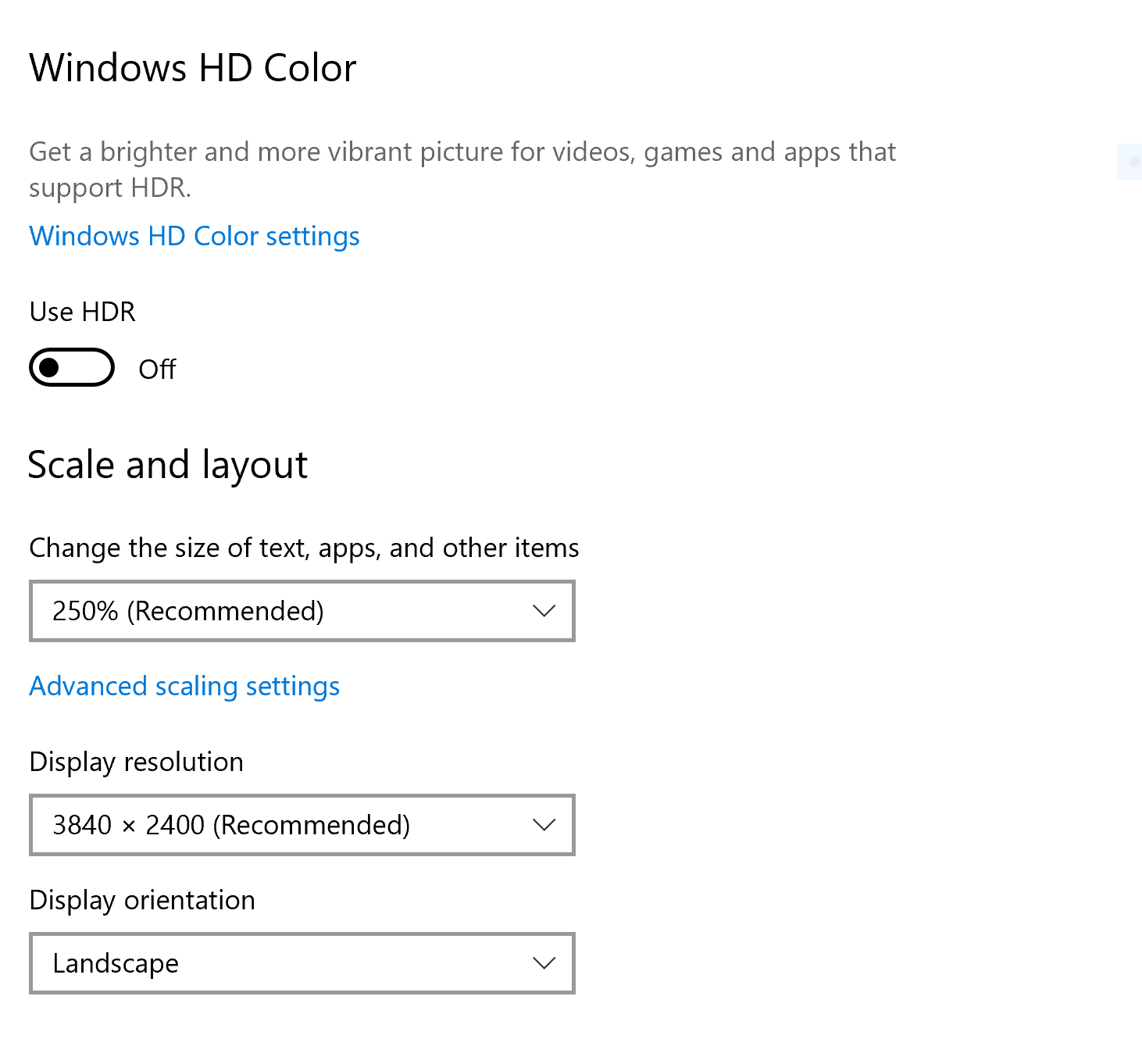
a primary display in the middle with a gigantic resolution (and huge scaling factor - 250%). Add a full HD display on the left (it'll have *negative* coordinates) and another one to the right to get mixed DPI Smiling face with open mouth and cold sweat
Contributor guide
Assessment
This issue has not been assessed yet.