Double-clicking the text in the custom webbrowser component that put into SplitContainer cannot be selected
- Dominant language
- C#
- Stars
- 4.9k
- Forks
- 1.1k
- Avg merge
- 1d 13m
- Merged PRs (30d)
- 85
Description
* .NET Core Version:
.Net Core 3.1.200-preview-015002 from 3.1 Release branch + VS2019 with latest core designer
* Have you experienced this same bug with .NET Framework?:
Yes
**More Info:**
1. This issue cannot reproduce without SplitContainer.
2. This issue cannot reproduce on WebBrowser from Winforms control that put into SplitContainer.
3. This issue cannot reproduce on custom webbrowser component that put into other containers(Panel, TabControl, GroupBox..).
**Steps to reproduce:**
1. Open the attached app “Custom_component_WebBrowser_issue.zip” in VS.
[Custom_component_WebBrowser_issue.zip](https://github.com/dotnet/winforms/files/4254514/Custom_component_WebBrowser_issue.zip)
2. Build and run this application.
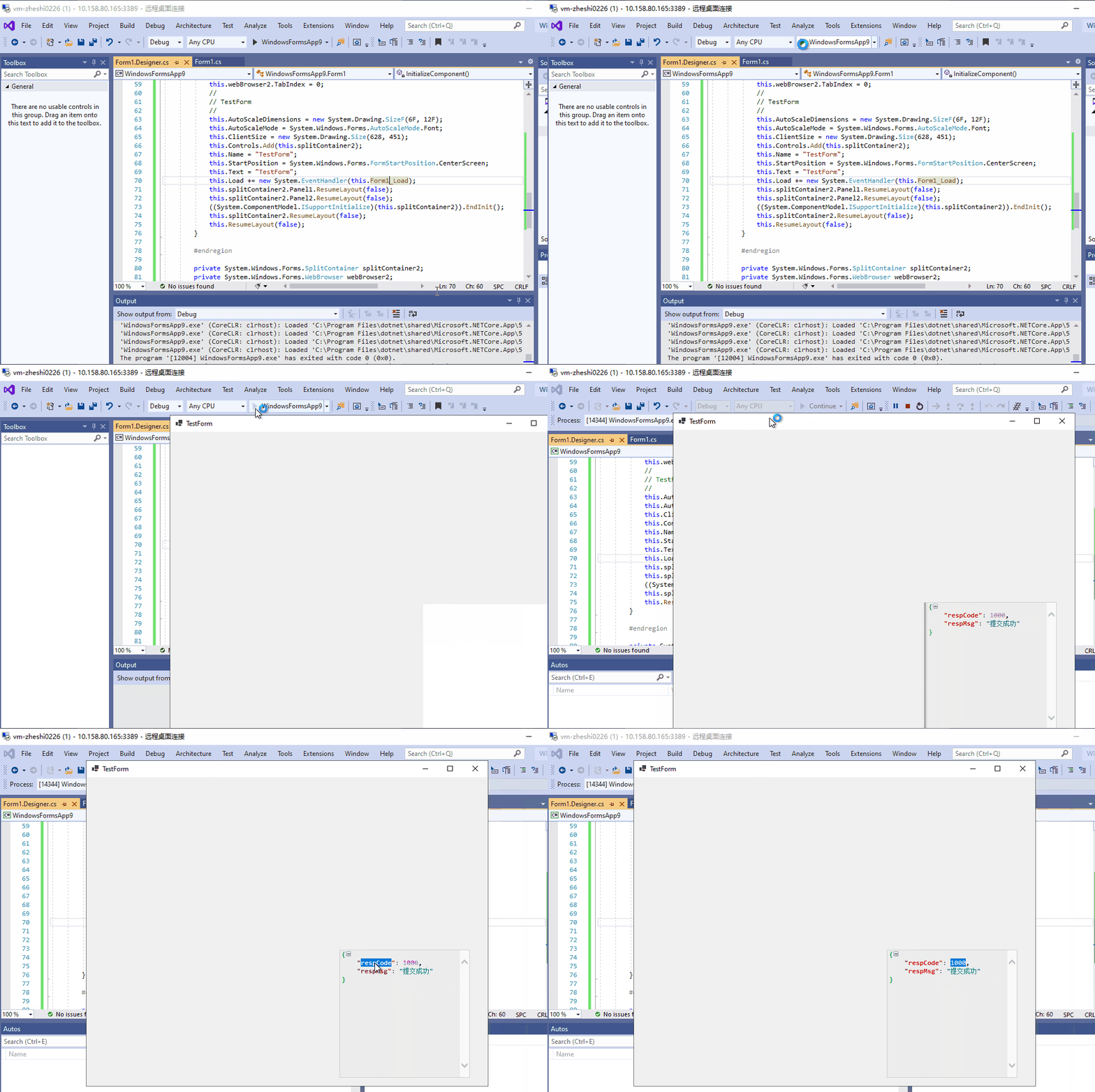
3. Double-clicking the text in the custom webbrowser component and observe the behavior.
**Actual behavior:**
Double-clicking the text in the custom webbrowser component that put into SplitContainer cannot be selected.
**Expected behavior:**
Double-clicking the text in the custom webbrowser component that put into SplitContainer should be selected. The behavior should be like below:
Contributor guide
Assessment
This issue has not been assessed yet.