dotnet / dotnet/project-system
New Property Pages: Csproj editor focus causes unrelated property page to activate
- Dominant language
- C#
- Stars
- 1k
- Forks
- 415
- PR merge metrics
- No merged PRs in 30d
Description
## TLDR
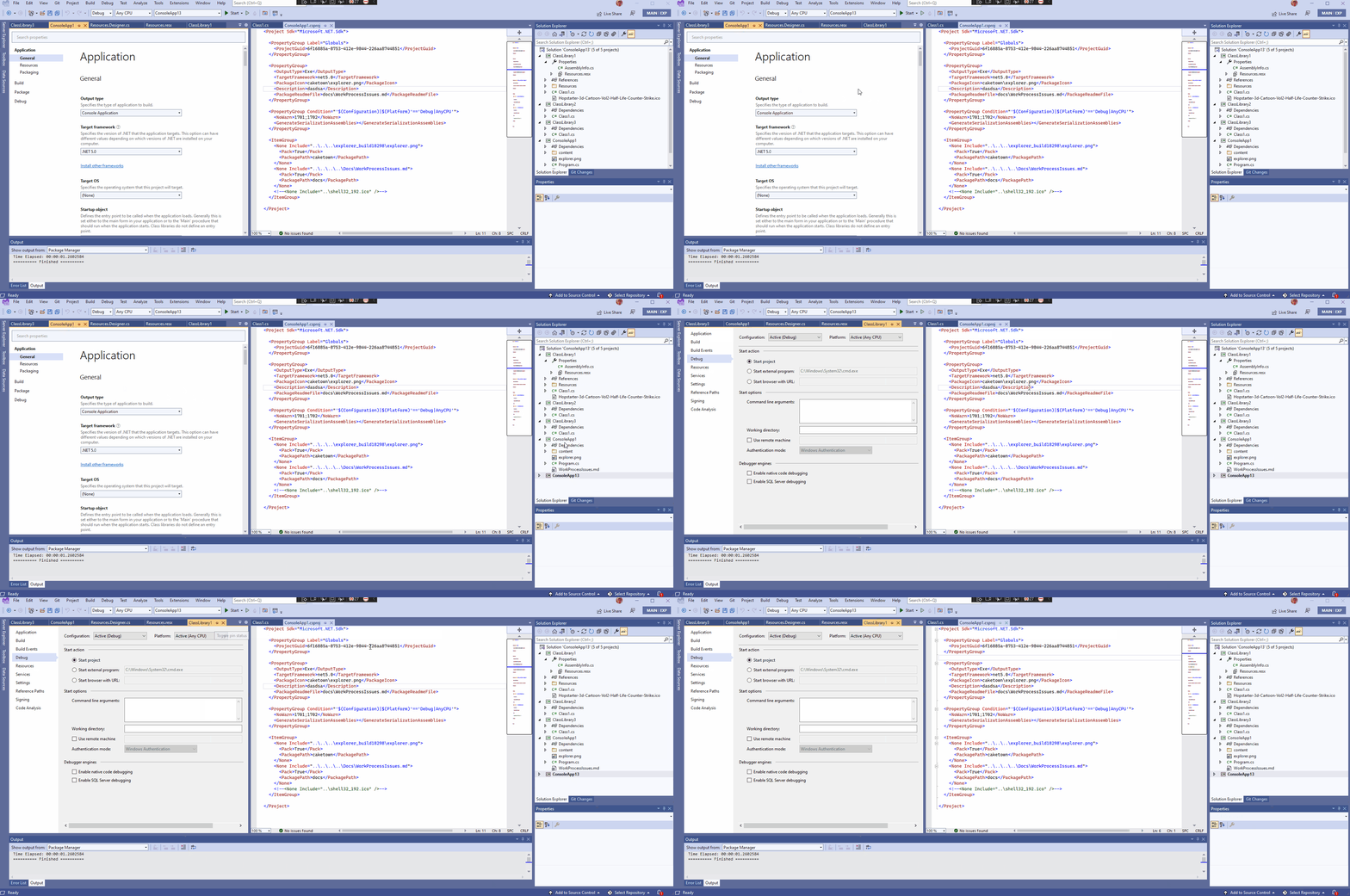
Focusing a CPS-style .csproj editor causes non-CPS-style property page to activate if it is already open.
## Details
If you have a .csproj file open for editing (text editor), it seems to have some logic that links it to the property page of that editor. However, this logic doesn't seem to work properly with the new property pages. I've been observing this for a few weeks and kept forgetting to capture it into an issue. It is easy to repro with a solution that contains 1 CPS-style csproj (SDK-style) and 1 legacy-style csproj (.NET framework). What *seems* to happen is causing any kind of focus (this can just be hovering the cursor over the editor tab, or switching to the tab, or clicking on the editor) causes it to look for the appropriate properties window (if one is open). However, it can't find it because how it is searching does not include the new property page window. So, what happens is it defaults to the first property page (legacy) window it finds. This is clearly not intended and happens every time you open the solution and focus on the .csproj editor for the SDK-style project.
## Repro
1. Create a solution with 2 projects: one is SDK-style and the other is csproj.dll-style (.NET Framework)
2. Open a file editor (Program.cs/Class1.cs), open the .csproj editor for the SDK-style project (Right click -> Edit project file), and open the property page of the .NET Framework project.
3. Make sure focus is on the file editor (Program.cs/Class1.cs).
4. Close Visual Studio and reopen the solution.
5. Wait until Visual Studio is fully loaded (cursor placed in file menu area will stop spinning).
6. Click on the .csproj editor for the SDK-style project.
7. Observe that Visual Studio switches to the tab with the .NET Framework property pages.
## Repro GIF
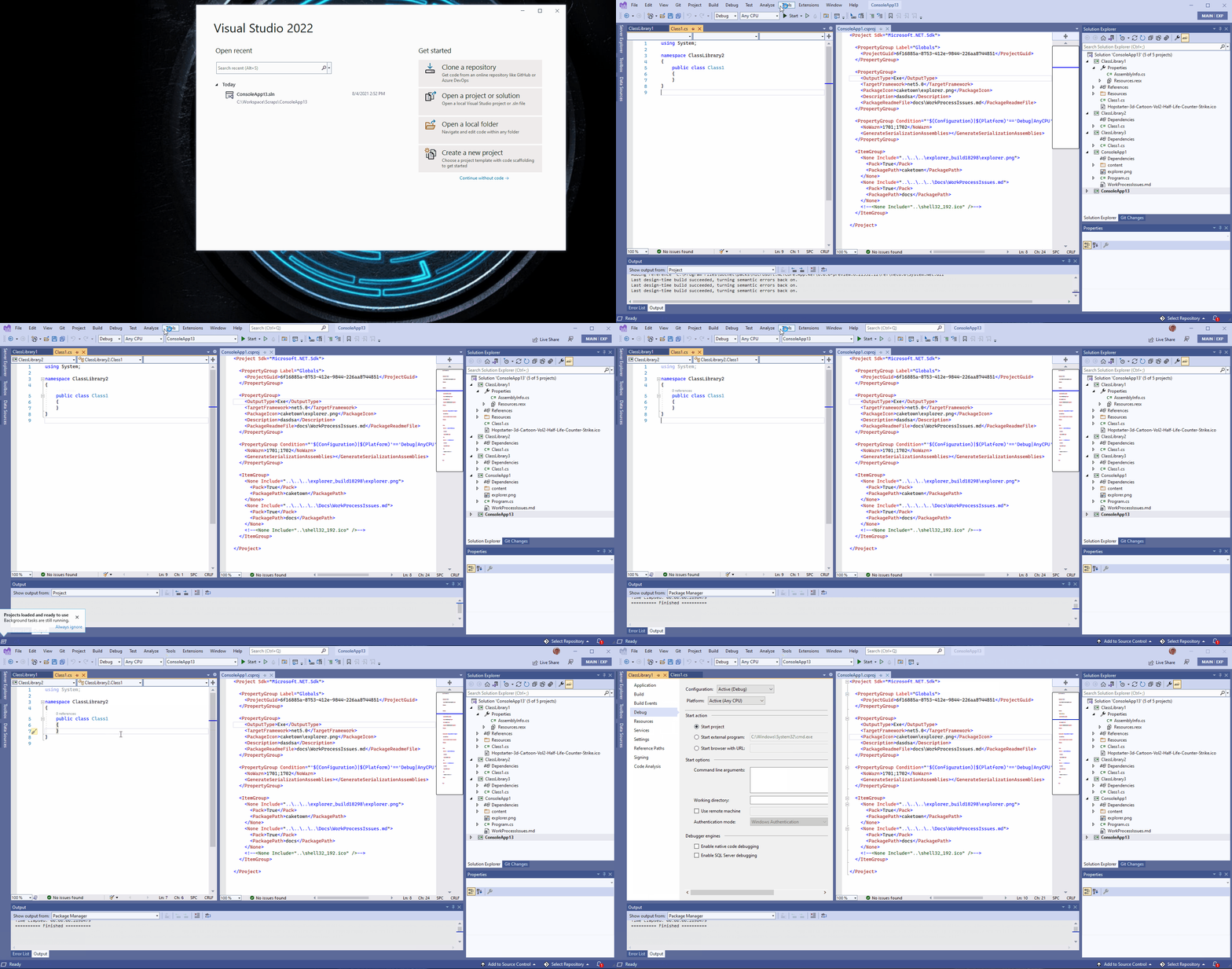
## The scenario I kept seeing this (GIF)
Contributor guide
Assessment
This issue has not been assessed yet.