Incorrect X coordinate of clicking on an element inside the Shell.FlyoutHeader
- Dominant language
- C#
- Stars
- 23.3k
- Forks
- 2k
- Avg merge
- 1d 10h
- Merged PRs (30d)
- 297
Description
### Description
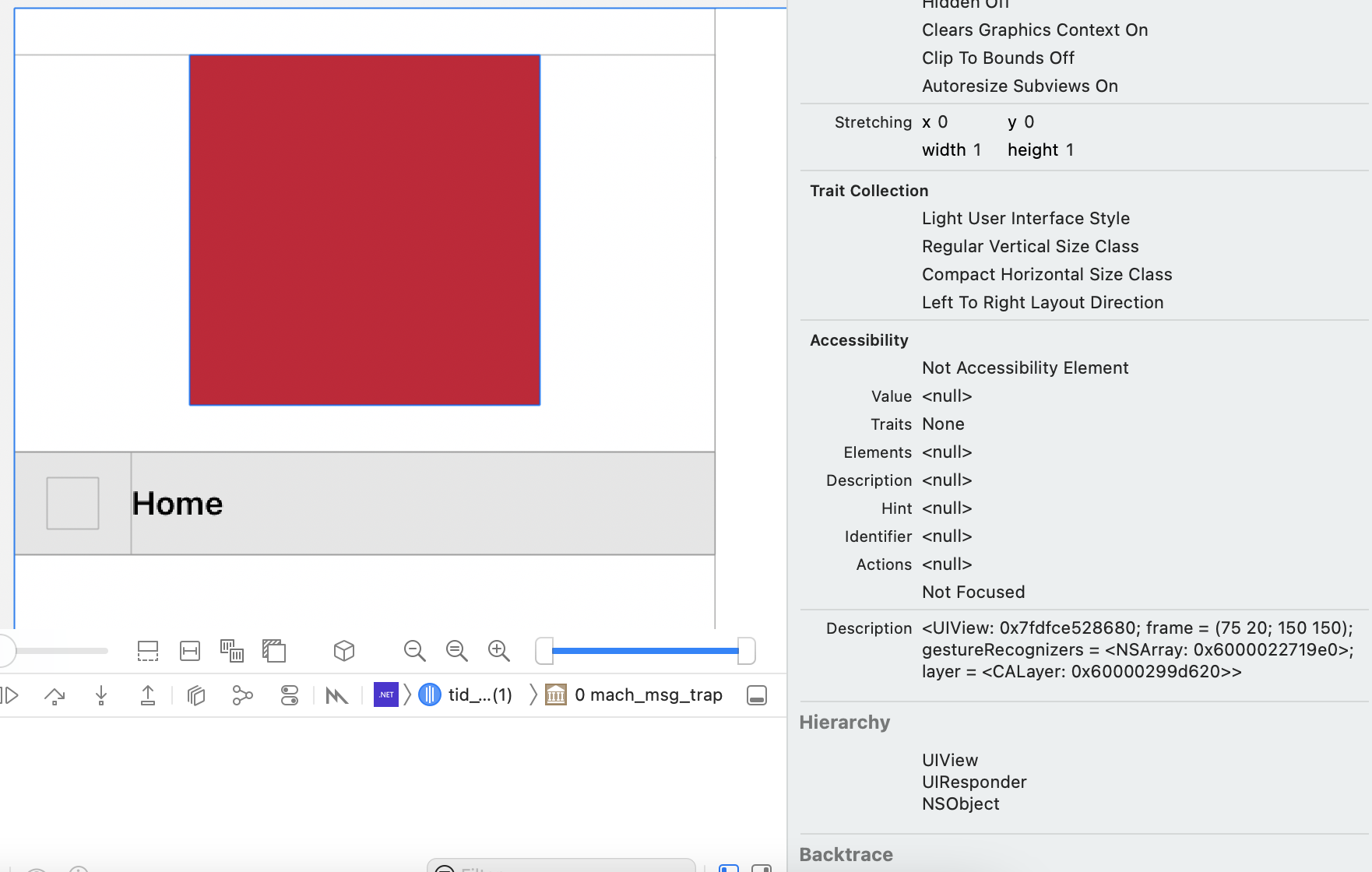
I created a Custom View and added a UITapGestureRecognizer to it. This element is located in the Shell.FlyoutHeader. When clicking on the CustomView, X coordinate value is incorrect (greater than 300).
### Steps to Reproduce
1. Download project from https://github.com/JaneySprings/Maui-iOS-Gesture-Bug
2. Run on iOS.
3. Open Flyout and tap in red square.
4. Check CGPoint coordinates in output (or create breakpoint in "Platforms/iOS/CustomViewHandler.cs -> public void HandleTapGestureRecognizer(UITapGestureRecognizer recognizer)").
### Version with bug
6.0.419 (SR3)
### Last version that worked well
Unknown/Other
### Affected platforms
iOS
### Affected platform versions
all
### Did you find any workaround?
_No response_
### Relevant log output
```shell
2022-07-25 15:30:41.398273+0400 app1[19154:246375] Point in View X:330.5 Y:113
2022-07-25 15:30:41.398464+0400 app1[19154:246375] Point in Window X:105.5 Y:133
```
Contributor guide
Assessment
This issue has not been assessed yet.