GraphicsView clip lines on edge of boundary for Windows and iOS
- Dominant language
- C#
- Stars
- 23.3k
- Forks
- 2k
- Avg merge
- 1d 15h
- Merged PRs (30d)
- 290
Description
### Description
When dawing a path with lines and arcs following the boundary of a GraphicsView, it becomes noticable that on Windows and iOS, the lines get clipped. This is not noticable on Android.
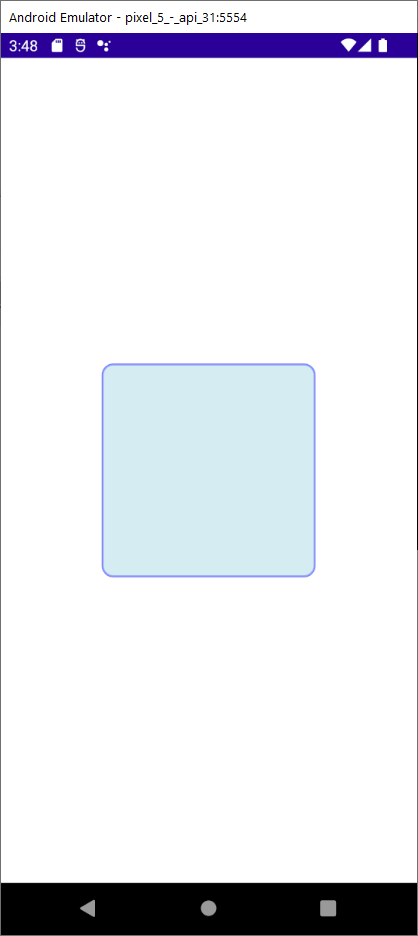
Here is how a "on the boundary" path displays in Android. I am fully aware there is a easier way to draw a rectangle with rounded corners, but this is done for demonstrative purposes.
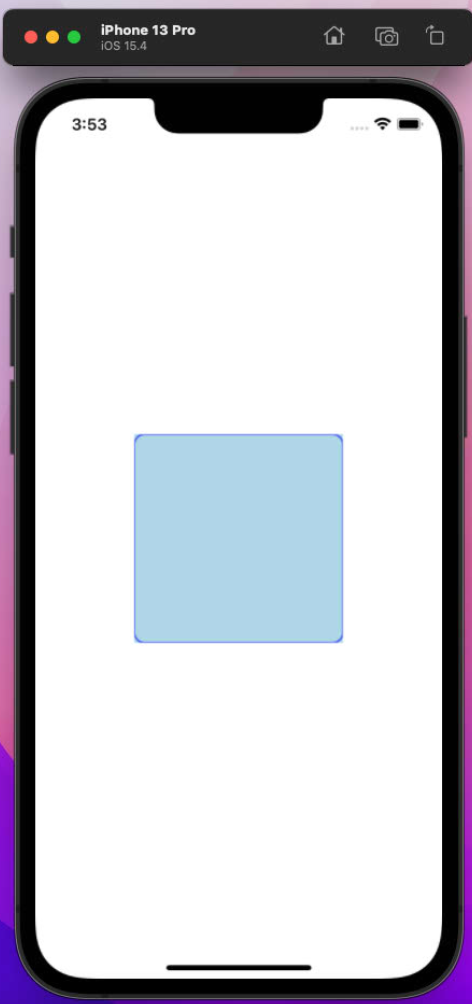
Here is how an "on the boundary" path displays in Windows. Notice the clipping

Here is how an "on the boundary" path displays in iOS. Notice the clipping.
Here is a repro project: https://github.com/hbraasch/ArcTester.git
I think the issue is: Either Android does not clip as it should, or Windows and iOS clip when it should'nt.
### Steps to Reproduce
1. Load repro project from Github into VS and run for each platform.
2. View the difference between them on the display.
### Version with bug
6.0.400 (current)
### Last version that worked well
Unknown/Other
### Affected platforms
iOS, Windows
### Affected platform versions
iOS 15.4 , Windows 10
### Did you find any workaround?
A hack, routing the path 1 pixel inside away from the border. But that should not be necessary
### Relevant log output
_No response_
Contributor guide
Research direction
Start by loading the linked ArcTester repro project in Visual Studio and running it on Android, Windows, and iOS to compare the boundary path rendering. Confirm the clipping behavior on Windows and iOS against Android, then trace the GraphicsView rendering entry points used by those platforms. Done means an on-boundary path renders consistently without the reported clipping, with coverage for the affected platforms.
Written by the indexing model from the issue text.
Assessment
- Tech stack
- csharp
- Domain
- desktop, frontend, mobile
- Issue type
- Bug
- Difficulty
- 4/5
- Estimated time
- 3-5 days
- Activity status
- Stale
- Clarity
- Mostly clear
- Newbie friendliness
- 35/100