Zen-mode hides lsp-ui-sideline.
- Dominant language
- Emacs Lisp
- Stars
- 22.7k
- Forks
- 3.1k
- Avg merge
- 10h 46m
- Merged PRs (30d)
- 4
Description
### What did you expect to happen?
1. Enable lsp-ui-sideline and zen-mode.
2. lsp-ui-sideline is moved to respect the new borders in the buffer.
### What actually happened?
The borders introduced by zen-mode hide lsp-ui-sideline.
Normal lsp-ui-sideline, without zen-mode:
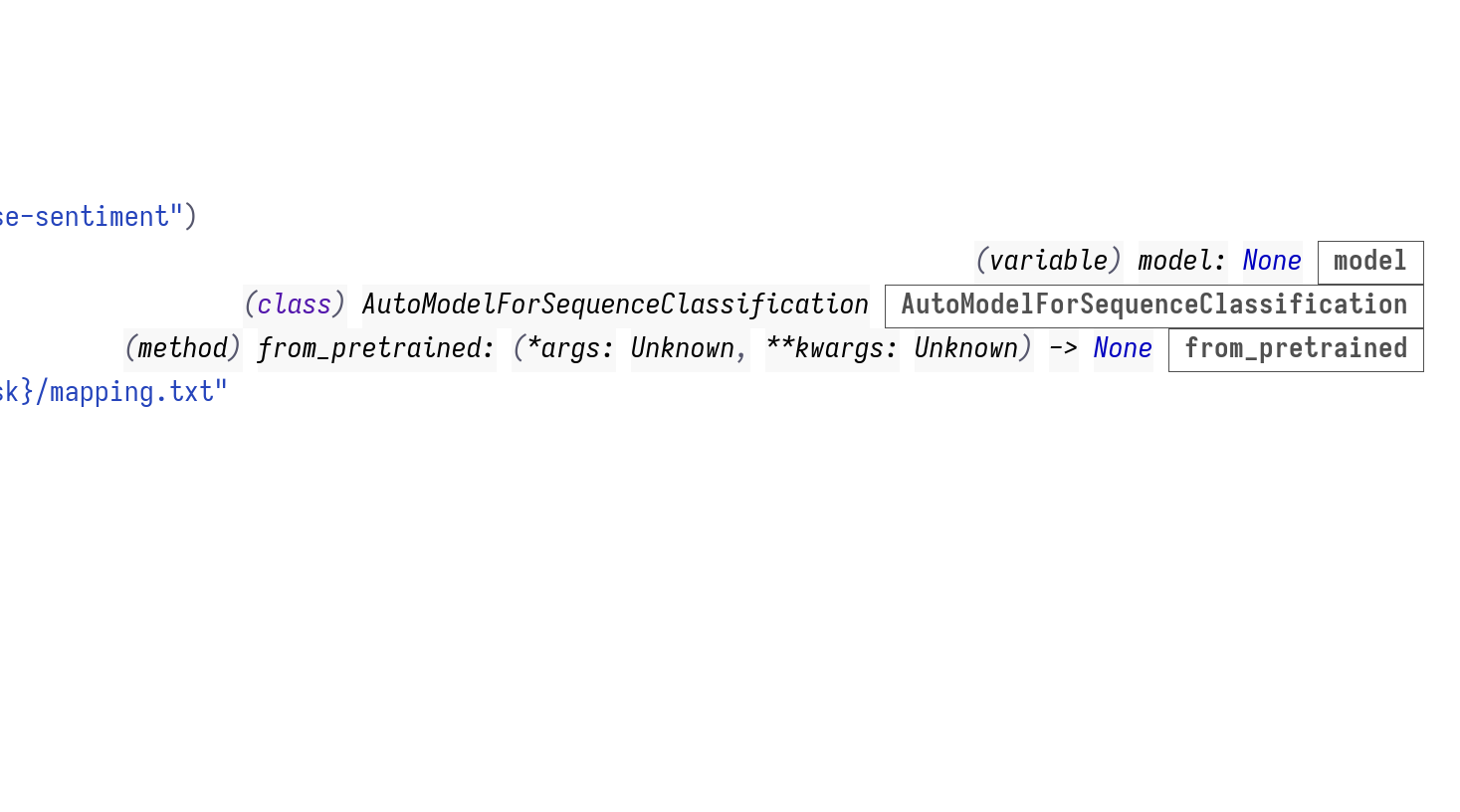
When zen-mode is enabled, content is hidden:
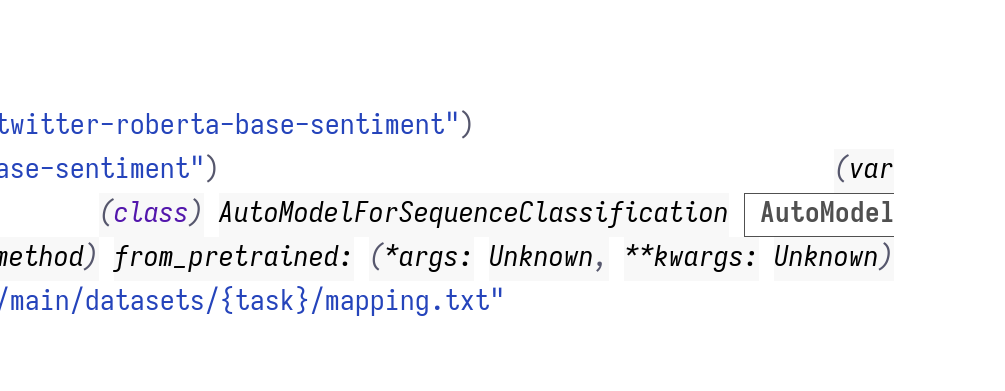
The default `writeroom-witdth` of 80 makes this more severe, and often hides everything. In these screenshots, it was set to 130.
### Describe your attempts to resolve the issue
_No response_
### Steps to reproduce
1. Enable `lsp-ui-sideline`
2. Enable `zen-mode`.
3. Hover over something that would trigger the sideline in a project that uses LSP, like a function name.
### System Information
https://pastebin.com/jARjQKUC
Contributor guide
Assessment
This issue has not been assessed yet.