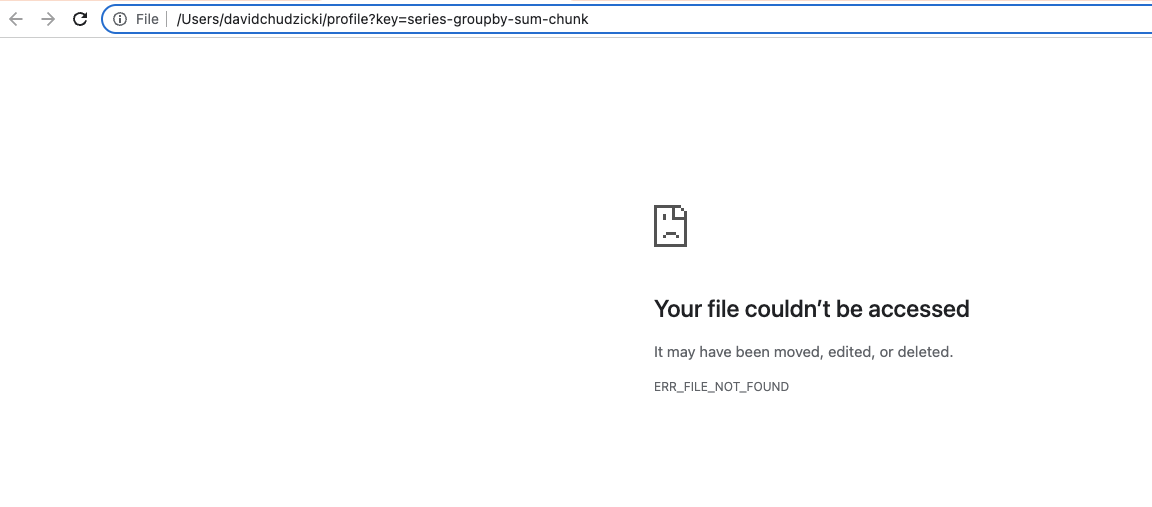
performance report: error when clicking on task
- Dominant language
- Python
- Stars
- 1.7k
- Forks
- 778
- Avg merge
- 2h 50m
- Merged PRs (30d)
- 3
Description
Looking at tasks in the scheduler dashboard:
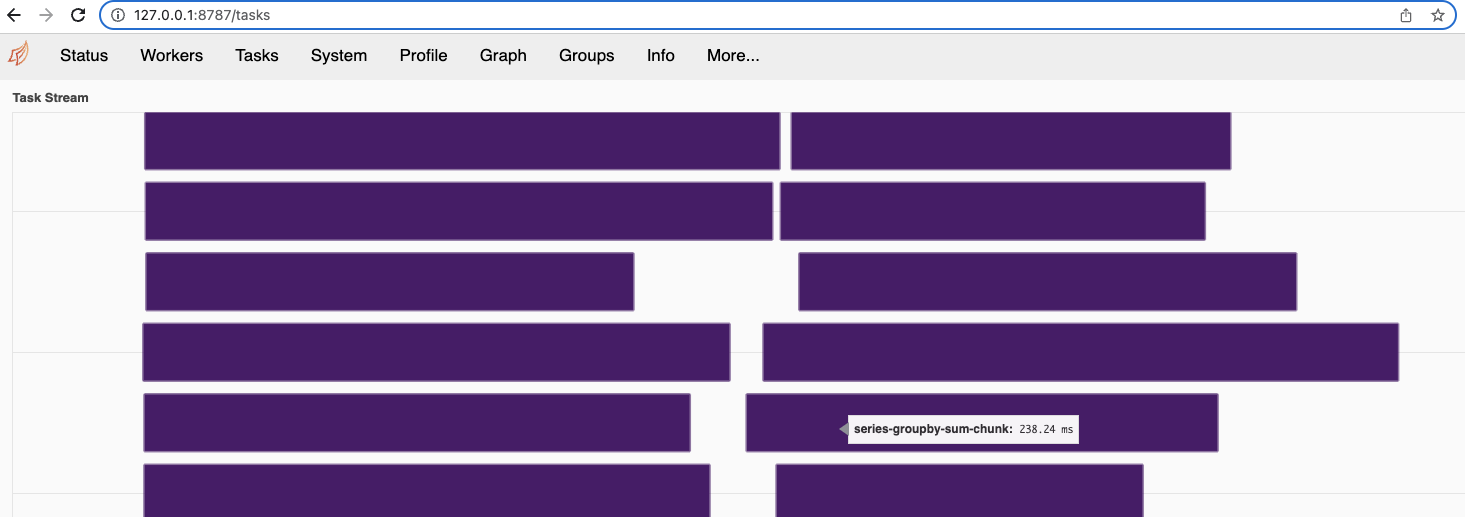
... I can click on one, and get a profile view:
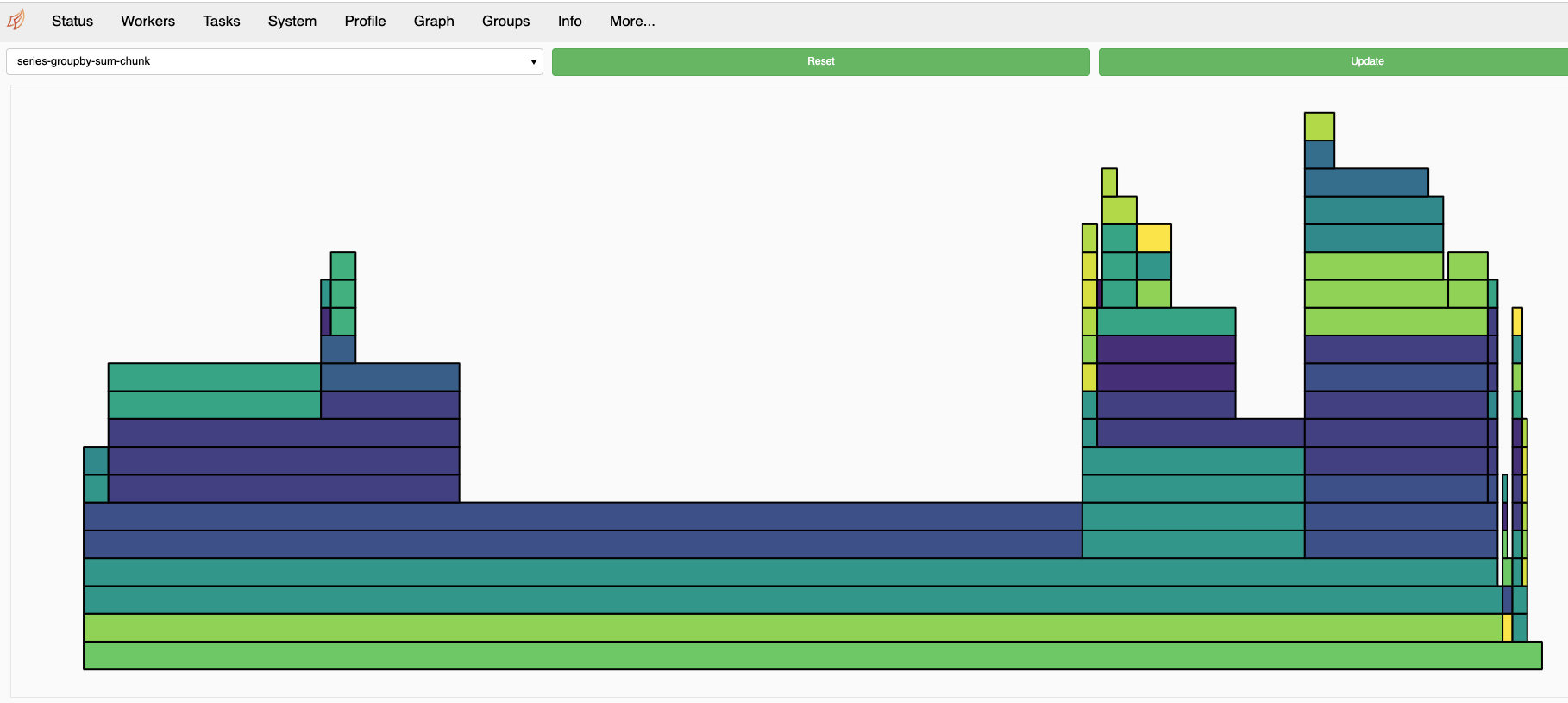
However, if I try clicking on a task in a performance report, I get an error:
Desired behavior:
* ideal: similar to scheduler dashboard
* better than status quo: maybe these shouldn't be links? Or clicking should bring you to a message about about how performance reports don't have everything the dashboard does, sorry?
```
dask 2022.10.0
distributed 2022.10.0
```
Contributor guide
Assessment
This issue has not been assessed yet.