Accessibility of Users landing page
Open
@gcamacho079 is already working on this.
Since Aug 1, 2024.
accessibility :bust_in_silhouette:
bug
- Dominant language
- PHP
- Stars
- 3.6k
- Forks
- 705
- Avg merge
- 1d 5h
- Merged PRs (30d)
- 134
Description
Overview of accessibility issues found on the Users landing page
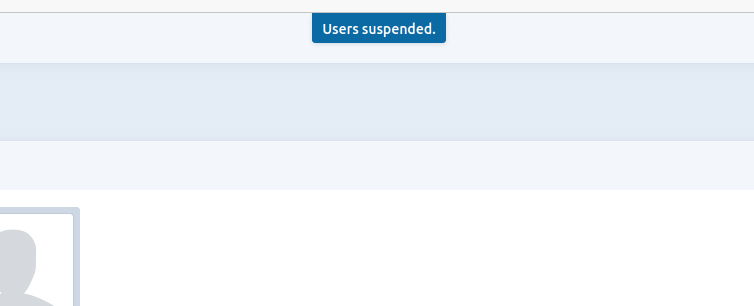
- Status updates are not picked up by screen readers- “User unsuspended”, "User suspended", “User deleted”
- Dialog for deleting a user would benefit from
role=”dialogand an accessible name
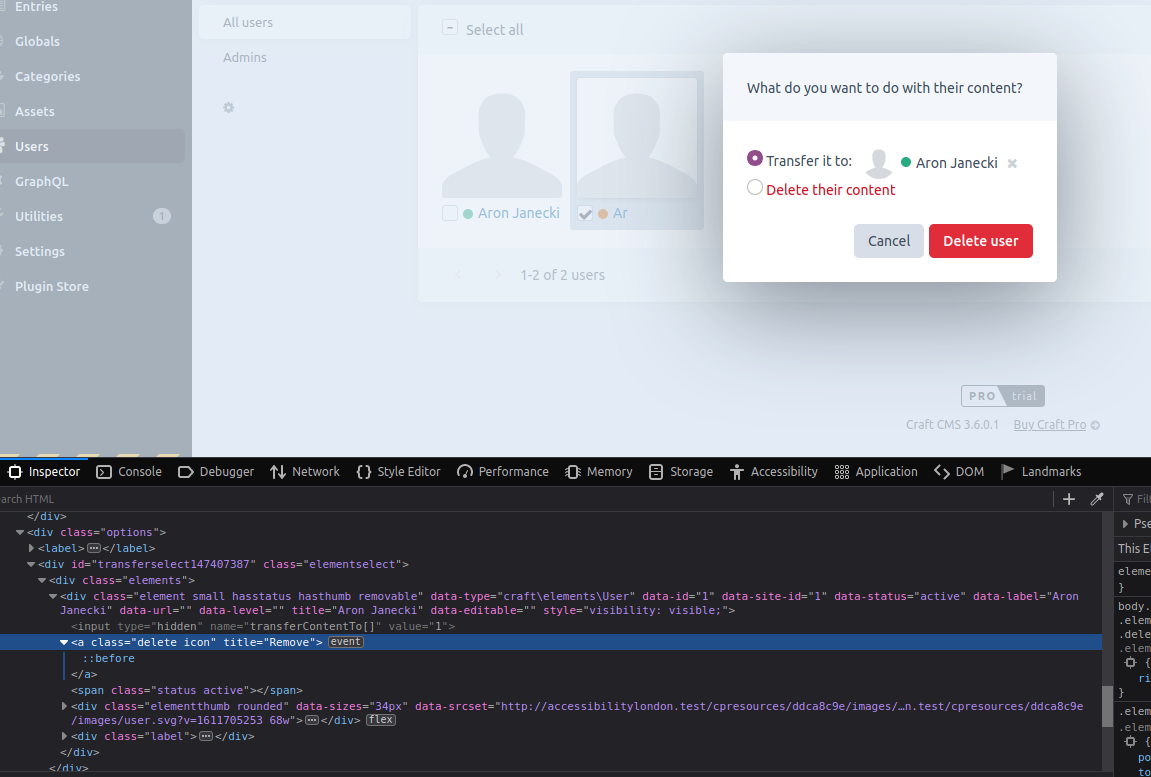
- The same dialog does not trap keyboard focus
- The remove button that deletes selected user is not keyboard accessible
- Label for transferring content to another user might be a bit confusing, it says “transfer to”; my suggestion is to give the radio button the “transfer to another user” label and append the choose user button below the radio buttons
- It would also be good to wrap those radio buttons with
role=”radiogroup”and associate the legend usingaria-labelledby - It’s not possible to select a user that I would like to transfer the content to when using the keyboard only
- Checkboxes in the thumbnail view should have
role=”checkbox”andaria-checked; it’s also a bit confusing that they can be navigated using arrow keys only; I think that it would be better if each of them was a Tab stop
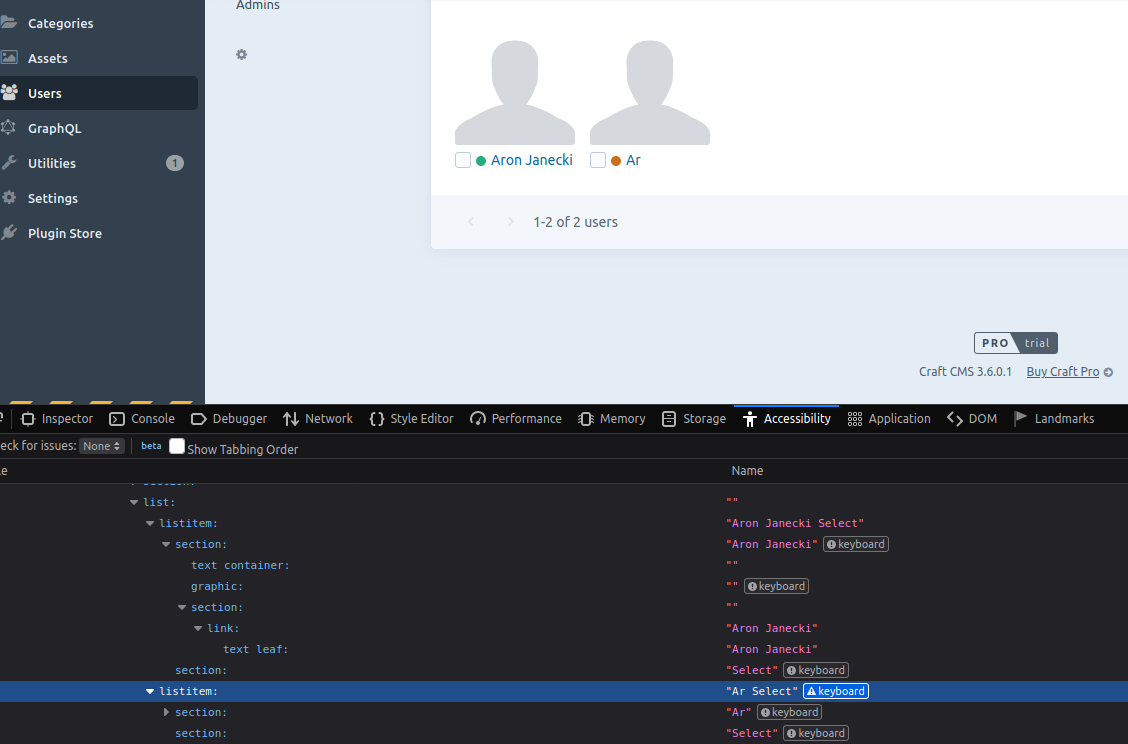
- Icons for user status (e.g "Active") should have a text alternative and they should not rely on colour perception only
- Edit user pop-up would benefit from role=”dialog” and an accessible name
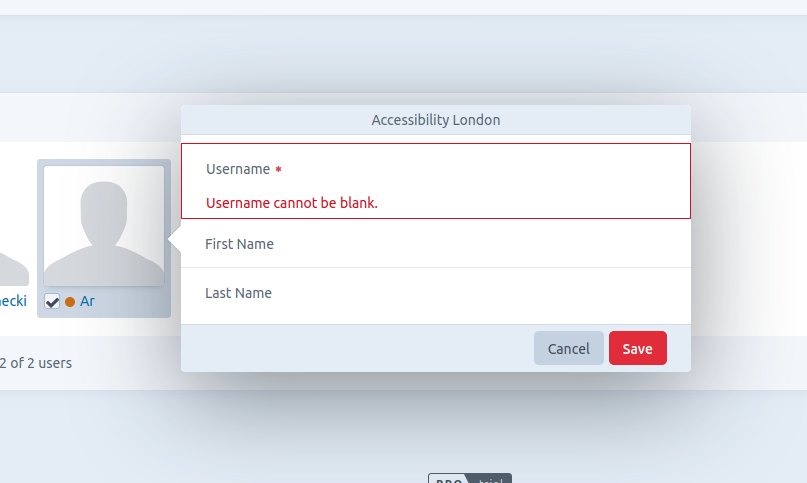
- Error message for missing the required field in the edit pop-up not communicated to screen reader users; my suggestion is to move keyboard focus to the incorrect field and associate the error message with the input using
aria-describedby - Username field in the edit user popup would benefit from the
requiredattribute
Additional info
- Craft version: 3.6.0.1
Contributor guide
First steps
- Read the whole issue, then the project's contributing guide.
- Comment on the issue to say you are picking it up — it saves two people doing the same work.
- Fork the repository and make your change on a branch.
- Open a pull request that references the issue number.
Assessment
This issue has not been assessed yet.