Keyboard Focus- Accessibility
Open
@gcamacho079 is already working on this.
Since Aug 1, 2024.
accessibility :bust_in_silhouette:
bug
- Dominant language
- PHP
- Stars
- 3.6k
- Forks
- 705
- Avg merge
- 1d 5h
- Merged PRs (30d)
- 134
Description
Below are keyboard focus issues/improvements recommendations for the Assets and the Categories section
- When the page is open, the focus is landing on the search button then goes through sort by, view and then to asset/ categories folders (likely to miss the select button for trashed an all); a more logical flow would be to land on the folders and then the filters
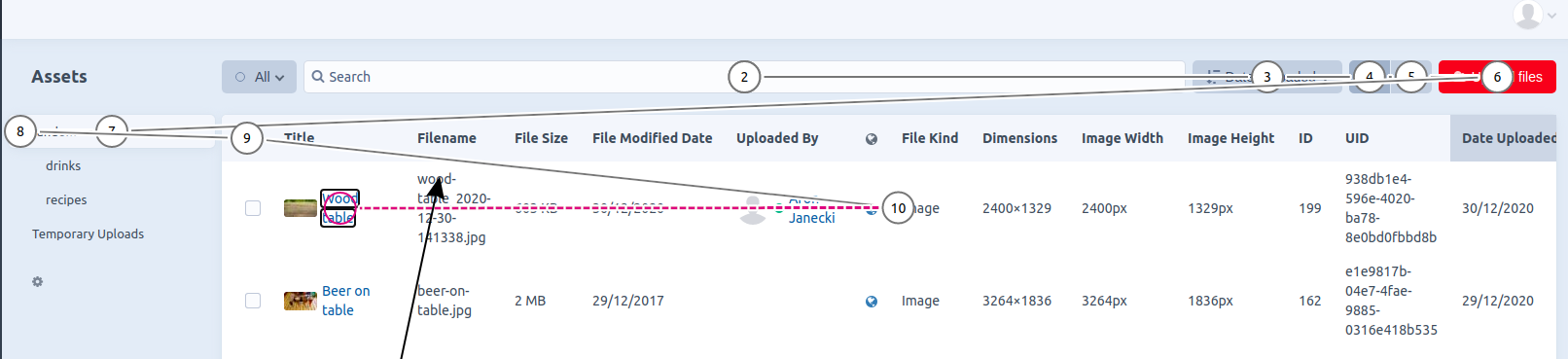
- Poor keyboard focus indication
- Whenever the trigger buttonin the navigation panel is activated using the keyboard, the focus moves away from the component, need to do shift + tab to come back (Assets page only)
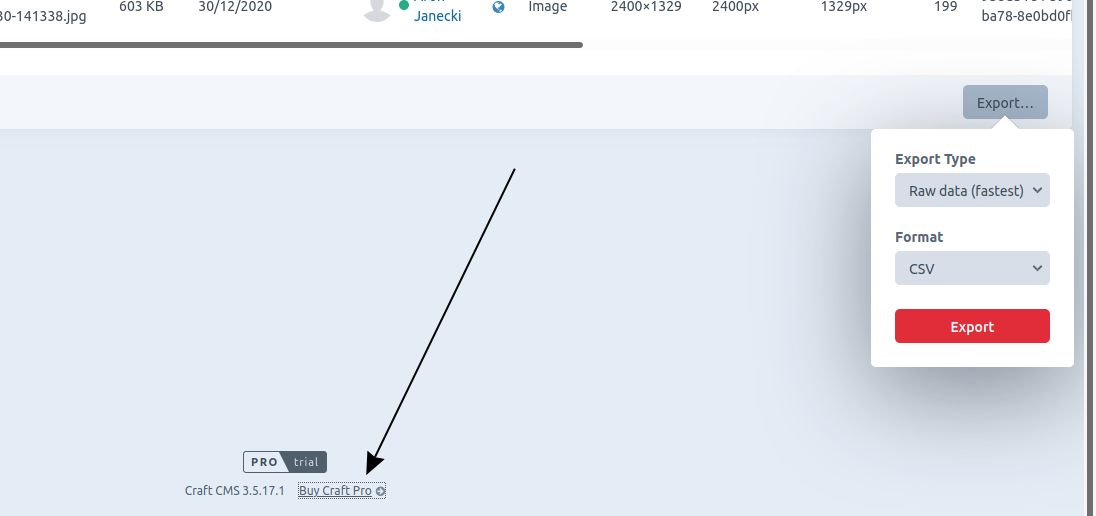
- Illogical focus order for the export button, after it’s activated the next Tab stop is the “By Craft Pro” instead of the “Export type” button
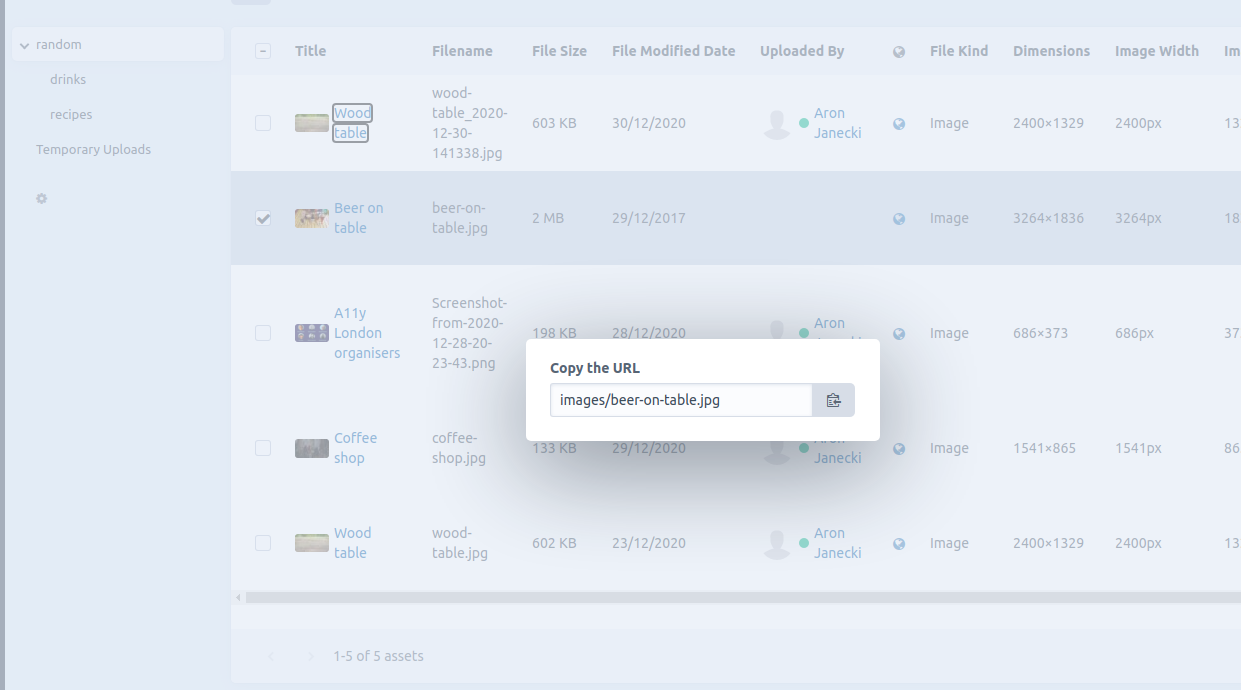
- Copy url and copy reference tag dialogs don’t move keyboard focus into the read-only input and do not trap it (Assets page only)
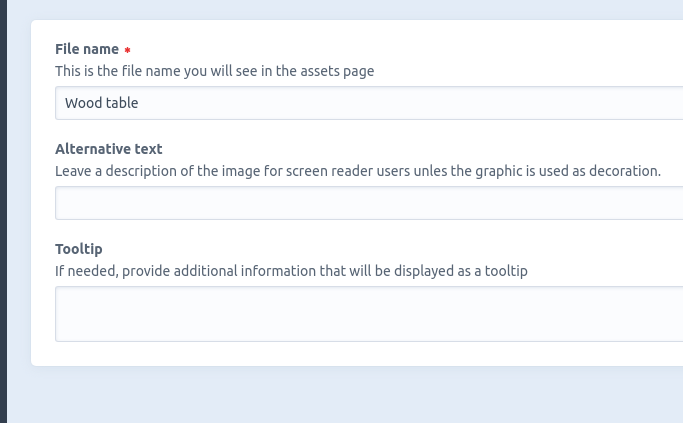
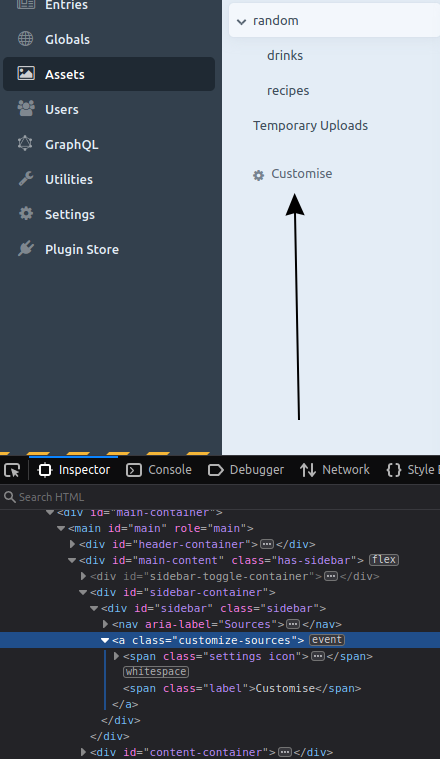
- Focus is not moved inside the customise dialog when activated; it’s also not trapped and doesn’t come back to the trigger; related #7297
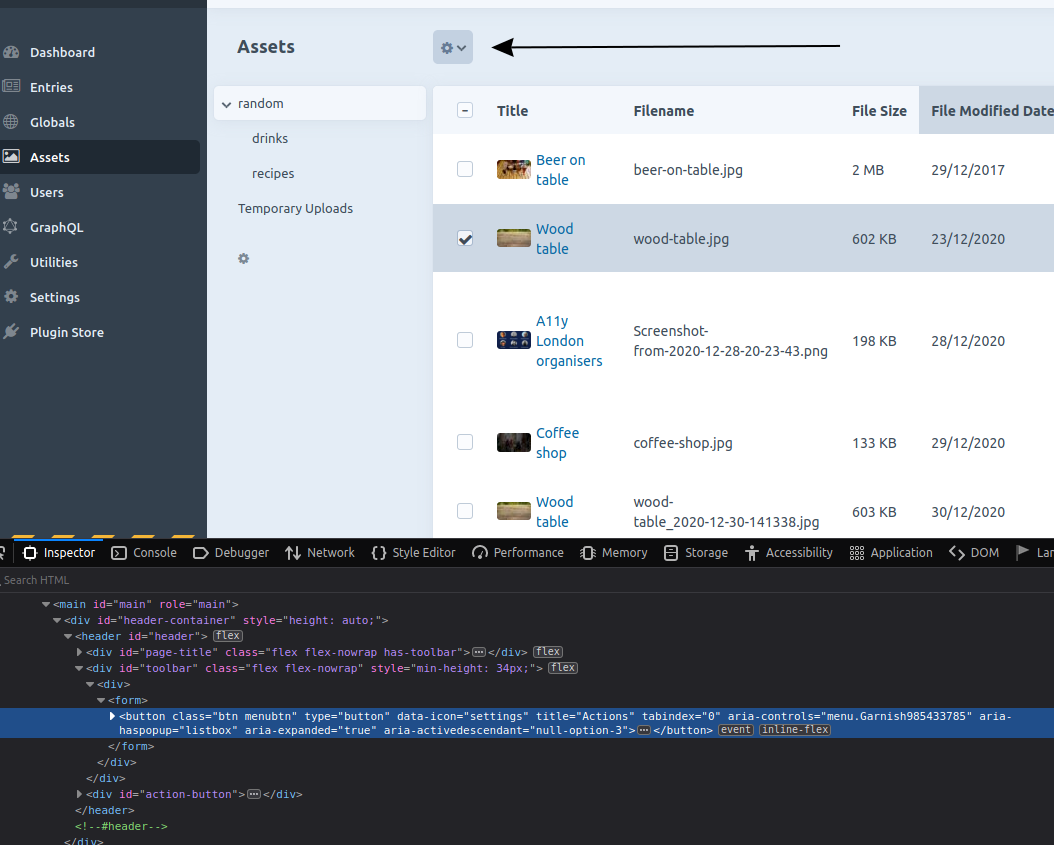
- From a screen reader perspective, it’s possible not to realise that an action button has appeared after selecting an asset; it feels more natural for the button to appear after the table; also, I think that it would be better if the table cells were navigable using the arrow keys and the Tab key would move out of the table- it would improve navigation for keyboard users (just like the grid examples in aria (it should also be a grid because it has some interactive components)
Additional info
- Craft version: 3.5.18
Contributor guide
First steps
- Read the whole issue, then the project's contributing guide.
- Comment on the issue to say you are picking it up — it saves two people doing the same work.
- Fork the repository and make your change on a branch.
- Open a pull request that references the issue number.
Assessment
This issue has not been assessed yet.