codestates / codestates/Memory-It
[Error Handling] 사진 추가 시 이미지 미리보기 기능과 파일이름 표시 기능 관련
- Dominant language
- JavaScript
- Stars
- 1
- Forks
- 2
- PR merge metrics
- No merged PRs in 30d
Description
### 어떤 에러인가요?
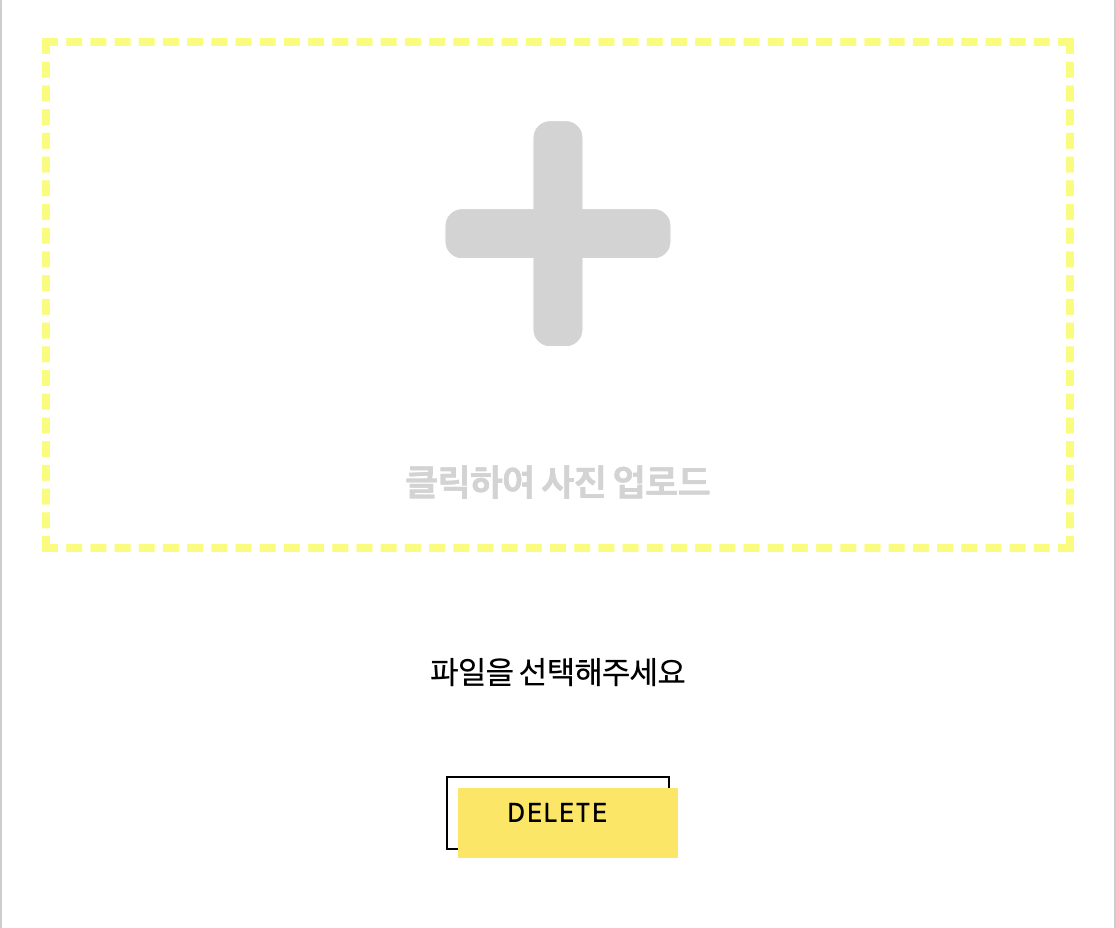
+ 위와 같은 화면에서 파일 여러 개를 넣어도 미리보기가 가장 마지막 1개만 나왔던 부분.
+ 여러 개를 띄우려고 map 함수를 사용했으나 적용되지 않았던 부분.
+ Technically, it wasn't an error but team chief said that it's good to share how to fix it.
### 에러 메시지
```jsx
단순히 실행되지 않았고 따로 에러메세지는 없었다.
```
### 에러 핸들링 방법
- 이미지파일 하나만 처리할 수 있는 코드
```jsx
const processImage = event => {
const imageFile = event.target.files[0];
const fileName = imageFile.name
const imageUrl = URL.createObjectURL(imageFile);
setFileUrl(imageUrl)
setImgTitle(fileName)
}
```
이렇게 하면 imageFile에 사용자가 선택한 이미지가 불러와졌고 이것으로 사진이 가지고 있는 여러가지 정보들 중 원하는 것(이름 등)을 선택하여 사용 할 수 있었다. 다만 이것은 사진을 하나를 선택했을 때에만 해당하는 것이었고 여러개를 불러와도 제일 처음에 있는 정보만이 담겼다. imageFile이 event.target.files의 첫번째 인덱스만을 가져오게 되어있기 때문이었다.
- 여러개의 이미지 파일을 처리하는 코드(수정 전, 작동 오류)
```jsx
const processImage = event => {
const imageFile = event.target.files;
let file;
for (let i = 0; i < imageFile.length; i++) {
file = imageFile[i];
console.log(file.name)
const fileName = file.name
const imageUrl = URL.createObjectURL(file);
console.log(imageUrl)
setFileUrl(imageUrl)
setImgTitle(fileName)
}
}
```
imageFile을 0번째 인덱스 값만 담는 것이 아니라 모든 값을 담게 선언해주고 이를 for문을 이용해 반복문을 적용시켰다. 그러나 이렇게 해도 이미지 파일 미리보기나 파일 이름을 띄우는 곳에는 맨 마지막 사진의 정보만이 나타났다.
스스로는 해결이 안 돼서 팀원들이랑 코드 공유하면서 같이 살펴봤고 팀장인 재하님이 봐 주셔서 아래와 같이 코드를 바꿔서 적용시켰다.
- 여러 개의 이미지 파일을 처리할 수 있는 코드(수정 후, 정상적으로 작동)
```jsx
const processImage = event => {
const imageFile = event.target.files;
const fileName = imageFile.name;
let files = [];
let filesNames = [];
for (let i = 0; i < imageFile.length; i++) {
const imageUrl = URL.createObjectURL(imageFile[i])
const imageName = imageFile[i].name;
files.push(imageUrl);
filesNames.push(imageName);
}
setFileUrl(files)
setImgTitle(filesNames)
}
```
사진을 추가하는 것은 정상적으로 여러 개를 가져오는데 정보만 마지막 사진 것이 떴던 이유는 반복문 안에서 setState를 사용해서 반복적으로 setState를 하기 때문이었다. 따라서 가장 마지막 값의 사진 정보로 띄워지는 것이었다. 이에 setState 부분을 반복문 밖으로 빼서 적용시켜 준 후 화면을 띄우는 부분의 코드도 .map 함수를 사용하여 코드를 바꾸어주었다.
- 사진 띄우는 부분의 코드
```jsx
{fileUrl.length === 0 ? (
클릭하여 사진 업로드
) : (
{fileUrl.map((items, index) => (
))}
)}
```
```jsx
{fileUrl.length === 0 ? (
클릭하여 사진 업로드
) : (
{fileUrl.map((items, index) => (
))}
)}
```
Contributor guide
No contributing guide indexed for this repository
Assessment
This issue has not been assessed yet.