Tab pull focus automatically in split-screen
- Dominant language
- Swift
- Stars
- 6.9k
- Forks
- 746
- PR merge metrics
- No merged PRs in 30d
Description
### Checklist
- [X] Using latest version on the [App Store](http://itunes.apple.com/app/id1156707581)
- [X] Read the [docs](http://blink.sh/docs/)
- [X] Searched for [existing GitHub issues](https://github.com/blinksh/blink/issues)
### Configuration
Running on IpadOS 14.7.1, blink version v13.5.12.262
### Describe the bug
When using on a split screen, I can focus using either a mouse or Command-O to change between Tabs as intended.
But when I use _some_ ncurses-based app such as `varnishtop`, each time the window is redraw/updated, the tab automatically pulls focus. (other typical ncurses-based apps such as `htop` have no problem).
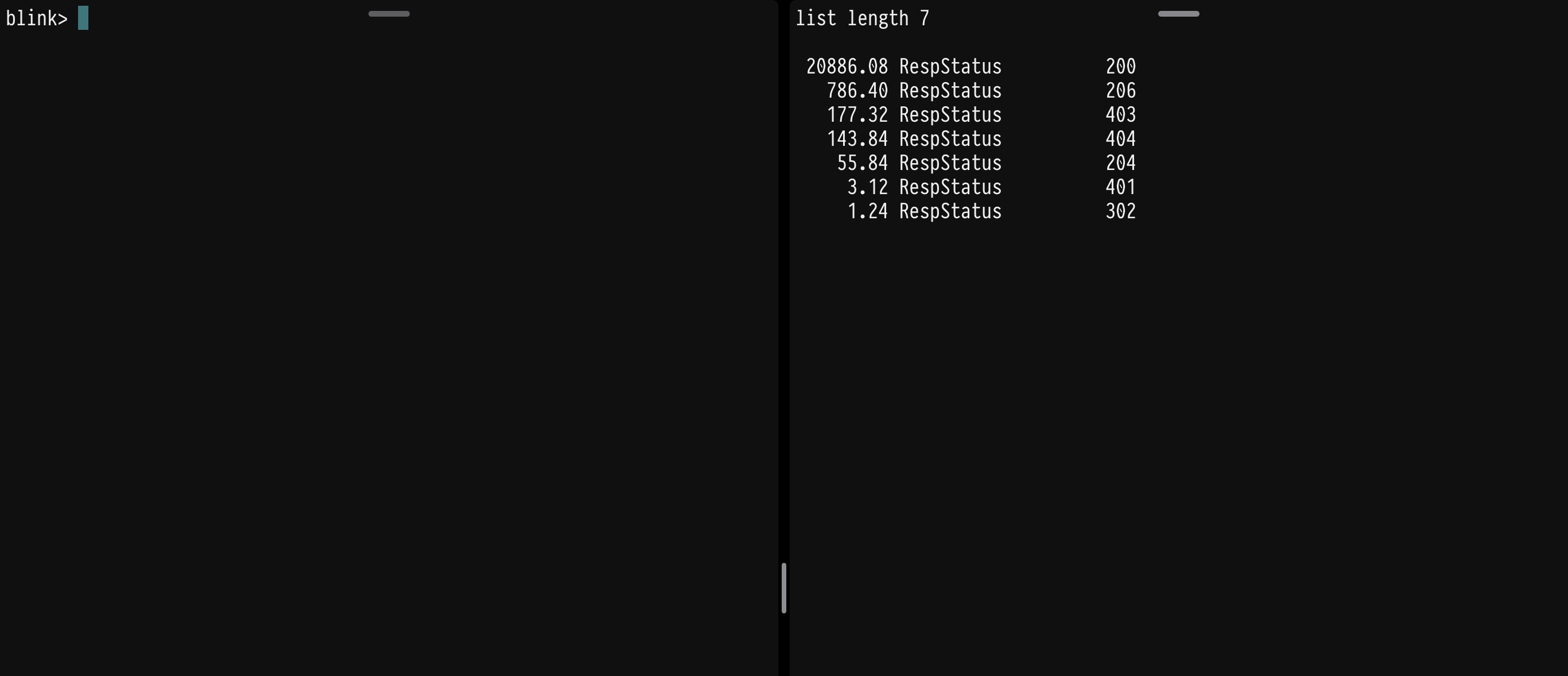
Since my workflow is varnish-intensive, it’s pretty usual for me to have one tab running a typical `varnishtop -i respstatus`, which just shows some http status codes, and the other running some typical maintenance tools.
With the current behavior, I can’t use split-screen on the iPad and have to use dedicated windows for each ssh session.
### Expected behavior
command-O (or a mouse click) on a typical window should maintain the focus on the desired tab.
I have attach a screenshot of the problem (though obviously the problem is the tab focus, so really just the split-screen sessions are shown).
Contributor guide
No contributing guide indexed for this repository
Research direction
Reproduce the issue on iPadOS 14.7.1 with Blink v13.5.12.262 in split-screen, running varnishtop in one tab and another maintenance session. Compare mouse or Command-O focus changes with varnishtop updates; done when the selected tab keeps focus during redraws.
Written by the indexing model from the issue text.
Assessment
- Tech stack
- ios, shell, swift
- Domain
- cli, mobile
- Issue type
- Bug
- Difficulty
- 4/5
- Estimated time
- 3-5 days
- Activity status
- Stale
- Clarity
- Mostly clear
- Newbie friendliness
- 35/100