bitshares / bitshares/bitshares-ui
[3.3.191120-rc1] - White screen after hiding all assets in portfolio
- Dominant language
- JavaScript
- Stars
- 520
- Forks
- 575
- Avg merge
- 12h 7m
- Merged PRs (30d)
- 5
Description
**Describe the bug**
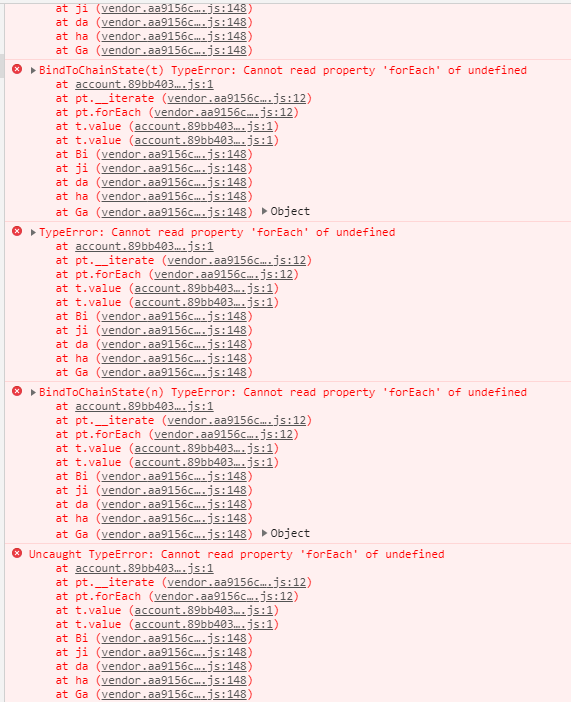
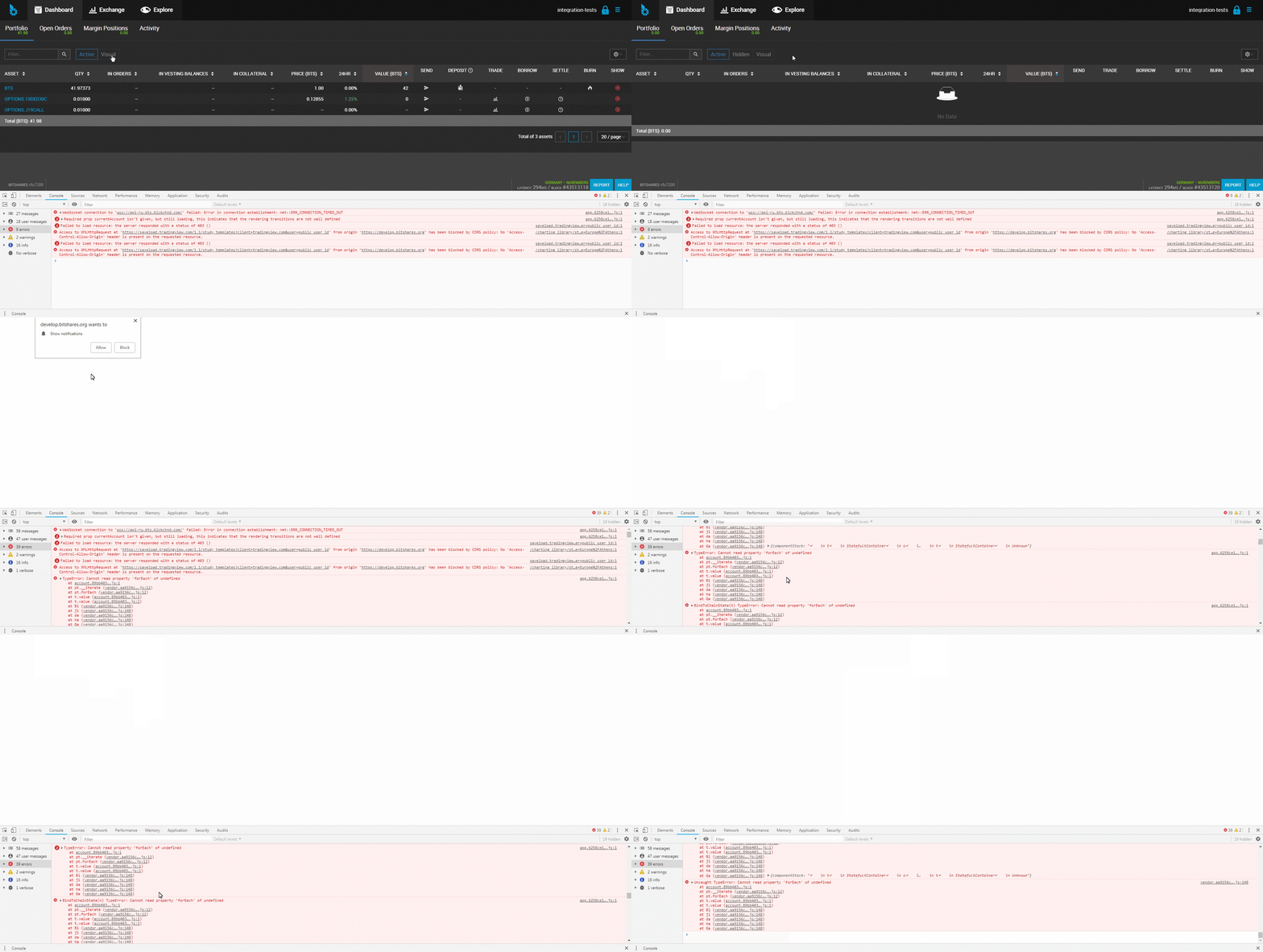
When all assets in Portfolio are hidden and you click on 'Visual', then you can see a white screen. Reloading the page doesn't help.
**To Reproduce**
1. Go to 'Portfolio' (https://staging.bitshares.org/#/account/your-account)
2. Hide all assets
3. Click on 'Visual'
4. Click on 'Active'
5. See white screen
**Expected behavior**
Don`t see a white screen
**Screenshots**
**Desktop (please complete the following information):**
- OS: Windows 7
- Browser: Chrome 71
- BitShares 3.3.191120-rc1
------------
- OS: Windows 10
- Browser: Firefox 71
- BitShares 3.3.191120-rc1
**Additional context**
Pull request #2894 didn`t help solve the problem
Contributor guide
Research direction
Start by reproducing the Portfolio flow: hide all assets, select Visual, then Active, and confirm the white screen persists after reload. Trace the Portfolio view and its Visual/Active state transition; done means switching back to Active renders normally when no assets are visible.
Written by the indexing model from the issue text.
Assessment
- Tech stack
- javascript
- Domain
- frontend
- Issue type
- Bug
- Difficulty
- 3/5
- Estimated time
- 1-2 days
- Activity status
- Stale
- Clarity
- Mostly clear
- Newbie friendliness
- 35/100