aws / aws/aws-toolkit-visual-studio
Failed to bind to address error
- Dominant language
- No language data
- Stars
- 135
- Forks
- 37
- PR merge metrics
- No merged PRs in 30d
Description
**Describe the bug**
Running a brand new Serverless application results in an "Unknown error occurred causing process exit: Failed to bind to address http://localhost:5050." error
**To Reproduce**
**Expected behavior**
The project should run without any error
**Screenshots**
See screenshots
**Computer (please complete the following information):**
- Windows Version: Windows 10 Enterprise 10.0.16299 Build 16299
- Visual Studio Version: 2019
- AWS Toolkit for Visual Studio Version: 1.17.1.0
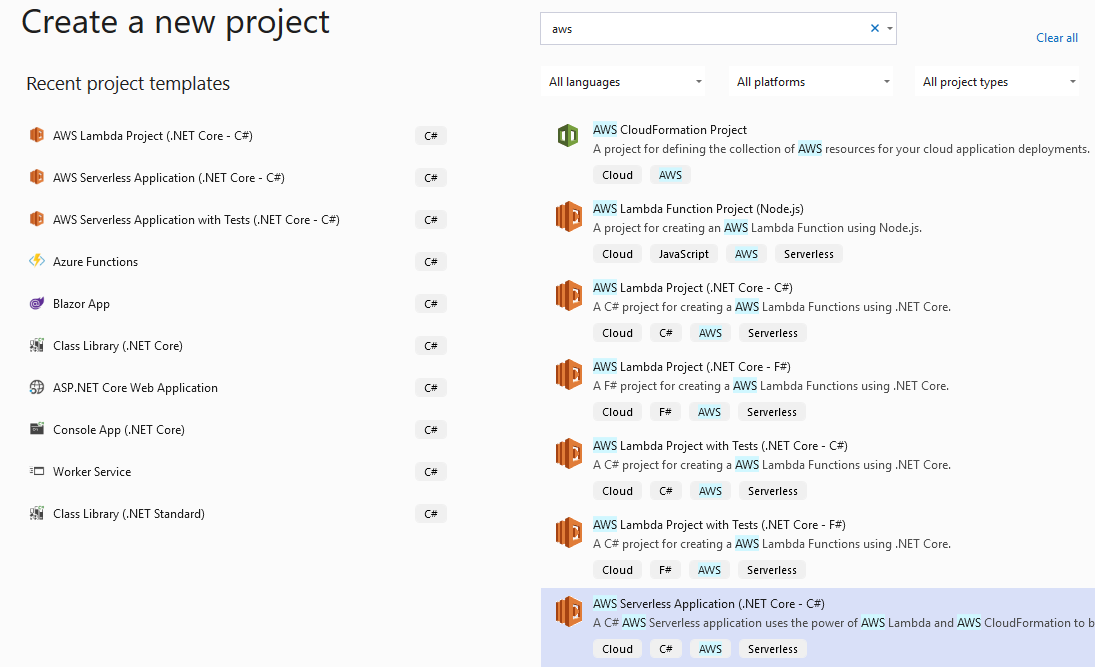

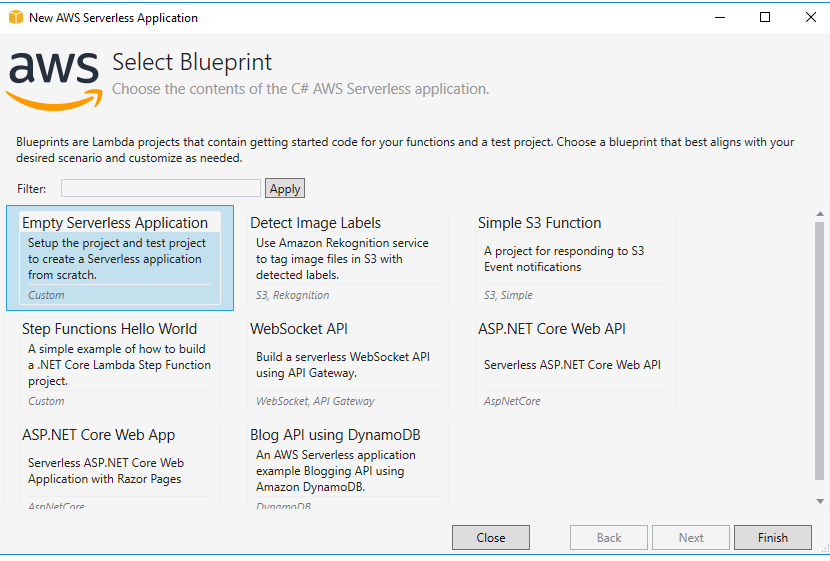



**Additional context**
Contributor guide
Research direction
Start by reproducing the failure with a brand-new Serverless Application in Visual Studio 2019, launched through the Mock Lambda Test tool, using the reported Windows and AWS Toolkit versions. Trace the local process startup around http://localhost:5050 and compare the behavior with a working project. Done means the application starts without the failed-to-bind error.
Written by the indexing model from the issue text.
Assessment
- Tech stack
- aws
- Domain
- devtools
- Issue type
- Bug
- Difficulty
- 4/5
- Estimated time
- 3-5 days
- Activity status
- Stale
- Clarity
- Needs clarification
- Newbie friendliness
- 25/100