aws-amplify / aws-amplify/amplify-studio
Support batch resolvers out of the box with the @model directive
- Dominant language
- No language data
- Stars
- 135
- Forks
- 32
- PR merge metrics
- No merged PRs in 30d
Description
Use Case:
In Schema.graphql
type ThemeConfiguration @model {
parameter : String
value : String
}
type Customer {
customerId: Int
name: String
primaryEmailId: String
primaryPhoneNumber: String
secondaryEmailId: String
secondaryPhoneNumber: String
}
Both schemas are saved in AppSync, ThemeConfiguration is attached to DynamoDB, and Customer has attached to "Lambda" resolver.
one for DynamoDB(ThemeConfiguration) and one for Lambda function(Customer) in same schema.graphql.
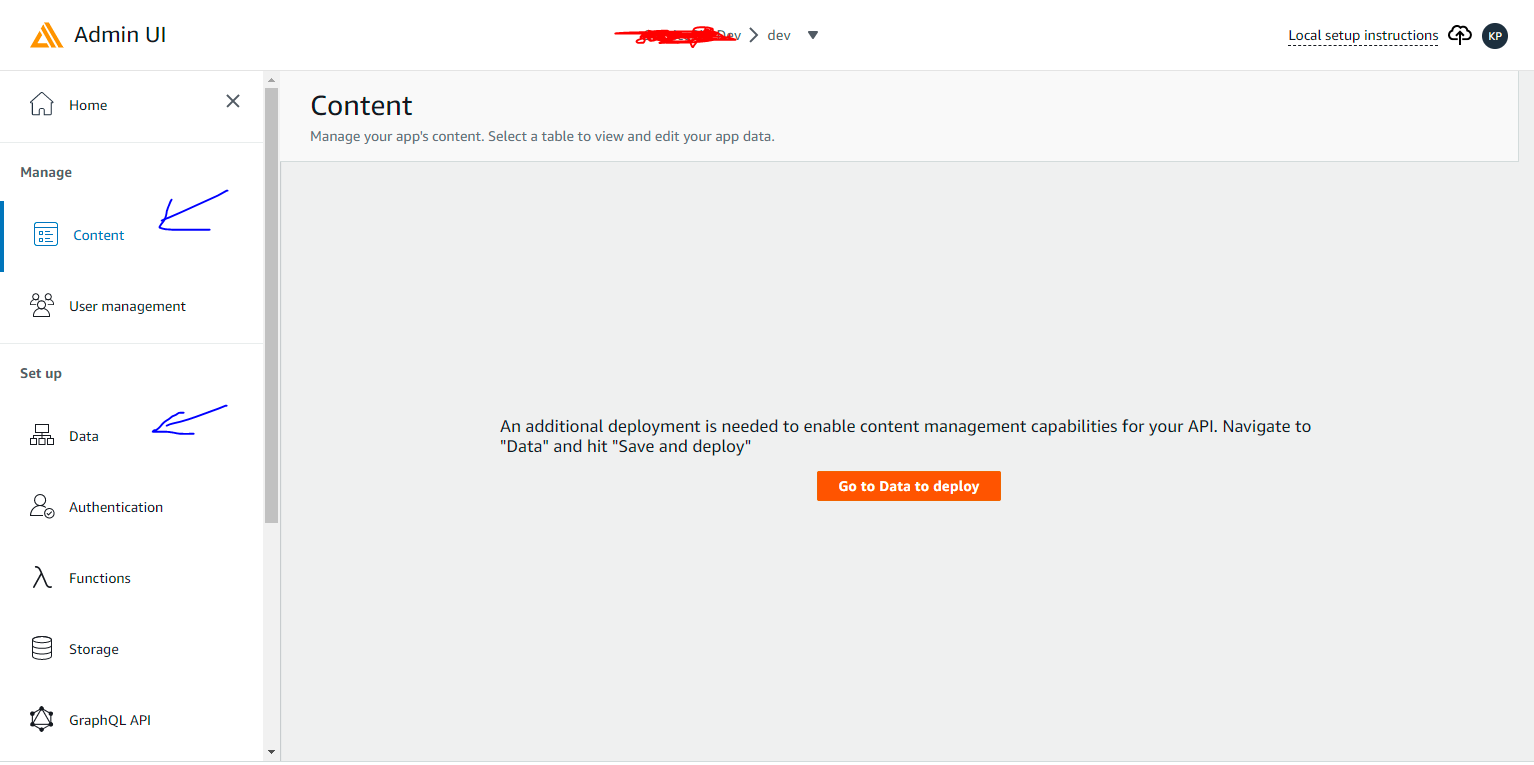
Issue: On the Amplify Admin Panel, In the Content Section not able to view and data model and when I click on Data then a blank screen, looks like there is an error.
If I remove the Customer then it works but not with customer.
Contributor guide
Research direction
Start with the Schema.graphql example containing both the @model ThemeConfiguration type and the Lambda-backed Customer type, then reproduce the blank Data screen in the Amplify Admin Panel. Compare the Content and Data views with Customer removed. Done means both models are visible and the Data view loads when the DynamoDB and Lambda-backed types coexist.
Written by the indexing model from the issue text.
Assessment
- Domain
- api, backend-api-design
- Issue type
- Bug
- Difficulty
- 4/5
- Estimated time
- 3-5 days
- Activity status
- Stale
- Clarity
- Needs clarification
- Newbie friendliness
- 25/100