aws-amplify / aws-amplify/amplify-hosting
Weird 404 redirect issue on pages with -index in the URL path
- Dominant language
- Dockerfile
- Stars
- 481
- Forks
- 123
- PR merge metrics
- No merged PRs in 30d
Description
**Describe the bug**
Hey there 👋
I'm seeing a rather odd bug where navigating to pages on our site with a `-index` suffix in the name result in a 404 page. What's worse is that because those pages exist, our site, running on Gatsby, loads the page and munges the result together with our 404 layout.
This only seems to be happening if I try and visit a page without the trailing slash. You can see an example here:
https://docs.newrelic.com/docs/synthetics/synthetic-monitoring/pages/synthetic-monitors-index
If you add a trailing slash, this URL works fine. If you remove it, you'll notice we first get the 404 page before the actual page content loads in on an odd place. While our pages are built using trailing slashes (the default with Gatsby), we'd like Amplify to handle redirecting to the trailing slash link for us. This happens perfectly on all other pages. Feel free to click around the site and update the URL to remove the trailing slash and you'll notice the pages work great. This only seems to be an issue on pages that end with `-index`.
I can't tell if this is a misconfiguration of our redirects or if this is a bug/edge case in Amplify itself. We have this redirect rule in place:
* **Source address**: `/<*>`
* **Target address**: `/404.html`
* **Type**: `404 (Rewrite)`
We like having the URL stay put on all pages that don't exist. I've googled redirects like this quite a few times and most recommendations I see have the above configuration.
**To Reproduce**
Steps to reproduce the behavior:
1. Visit our page at https://docs.newrelic.com/docs/synthetics/synthetic-monitoring/pages/synthetic-monitors-index (no trailing slash)
2. Notice the page becomes mangled
You can manually add the trailing slash to see this render correctly.
**Expected behavior**
Pages that end with `-index` work the same as all other pages.
**Screenshots**
When I say "mangled" here is what I'm referring to:

The page should render like this:
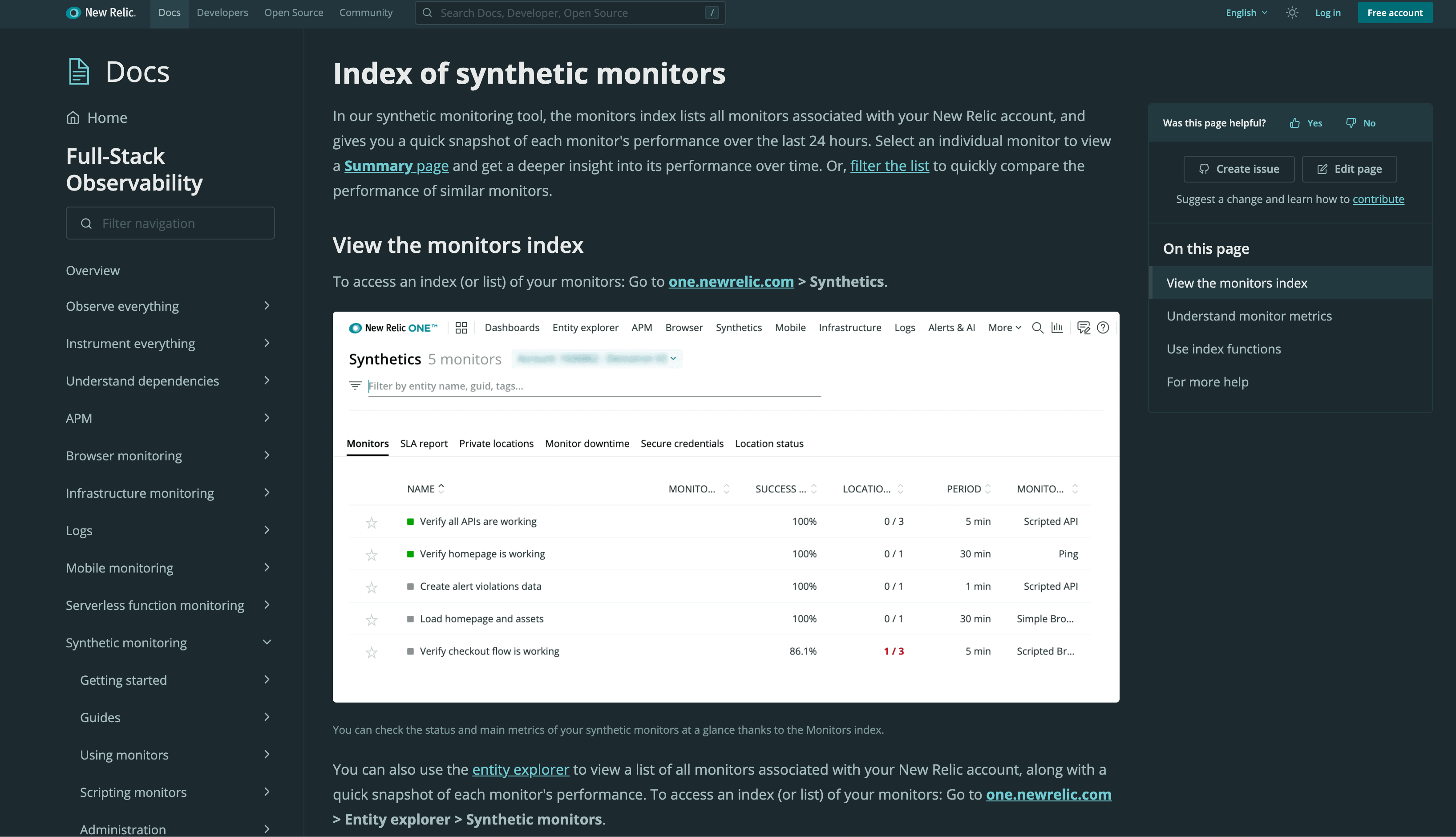
If you inspect the network request, you can see we get a 404 for this page (unexpectedly. This should be a 301):

**Desktop (please complete the following information):**
- OS: macOS
- Browser: Chrome
- Version: 88
Any help would be appreciated! I'm not sure if we can tweak our redirect to fix this, or if this is something that needs to be done on your end. Thanks!
Contributor guide
Research direction
Reproduce the issue using the documented URL with and without a trailing slash, then inspect the configured `/<*>` 404 rewrite and the resulting network requests. Compare the `-index` path with another page that redirects correctly; done means the affected page follows the expected redirect and renders without the 404 layout.
Written by the indexing model from the issue text.
Assessment
- Tech stack
- aws
- Domain
- cloud, web-dev
- Issue type
- Bug
- Difficulty
- 4/5
- Estimated time
- 3-5 days
- Activity status
- Stale
- Clarity
- Needs clarification
- Newbie friendliness
- 25/100