authgear / authgear/authgear-server
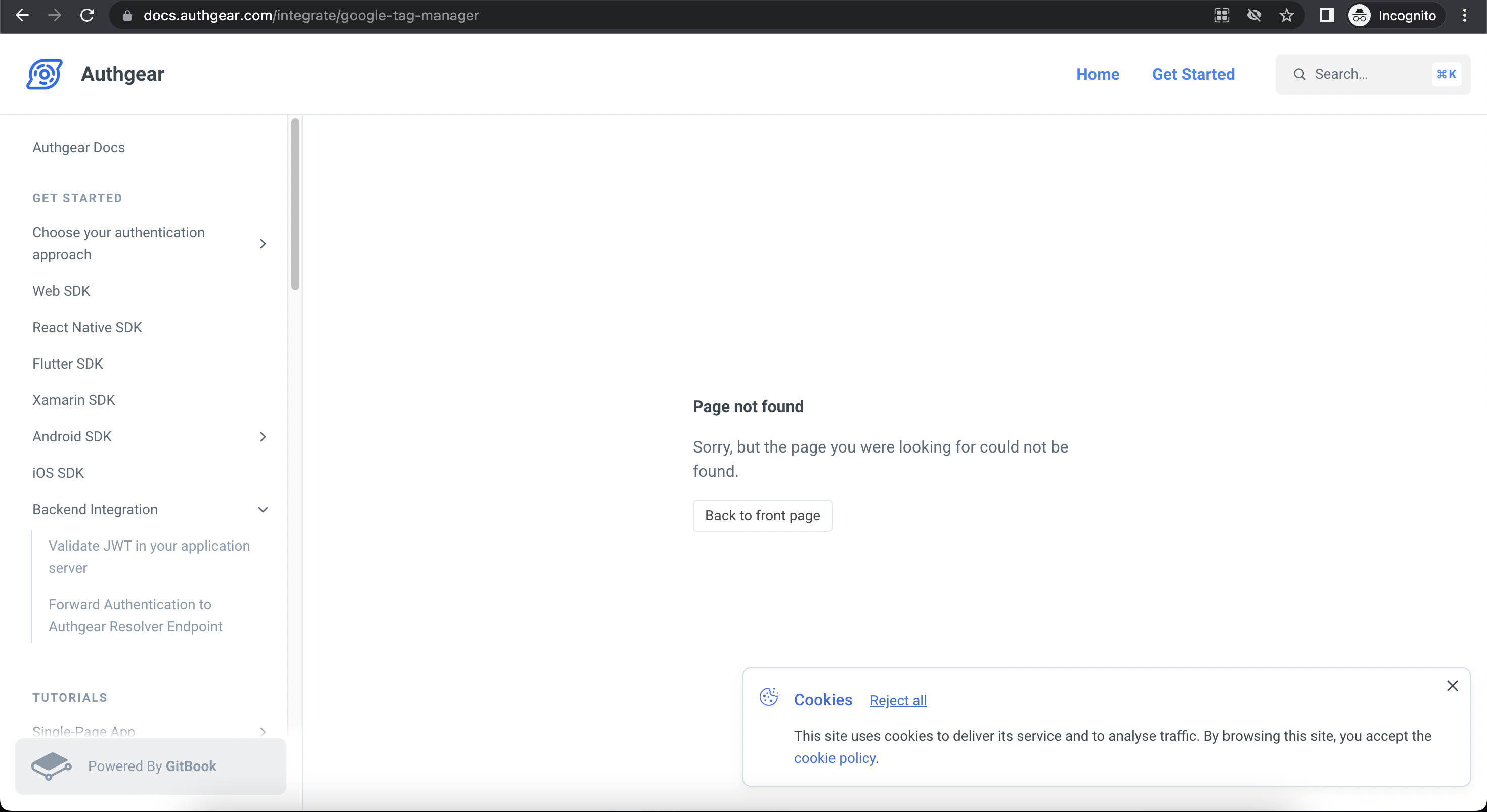
[Portal, Integrations] "Page not found" when click on "integration guide" for Google Tag Manager
- Dominant language
- Go
- Stars
- 2k
- Forks
- 125
- Avg merge
- 2d 17h
- Merged PRs (30d)
- 32
Description
**Describe the bug**
When the user clicks on integration guide for Google Tag Manager, he will see "Page not found" screen.
**To Reproduce**
Steps to reproduce the behavior:
1. Log in to portal
2. Select any project
3. Select Integrations > Click "Connect" for Google Tag Manager
4. Click integration guide
5. See "Page not found" screen
**Expected behavior**
Should show guide to integrating Google Tag Manager
**Screenshots**
**Client Env (if applicable, please complete the following information):**
- Device: Chrome on Macbook air
Contributor guide
Research direction
Start by reproducing the path in Portal > Integrations for Google Tag Manager and inspect where the integration guide link leads. Trace the missing page from that entry point; the issue is done when clicking the guide displays the Google Tag Manager integration guide instead of a “Page not found” screen.
Written by the indexing model from the issue text.
Assessment
- Domain
- frontend
- Issue type
- Bug
- Difficulty
- 3/5
- Estimated time
- 1-2 days
- Activity status
- Stale
- Clarity
- Mostly clear
- Newbie friendliness
- 35/100