authgear / authgear/authgear-server
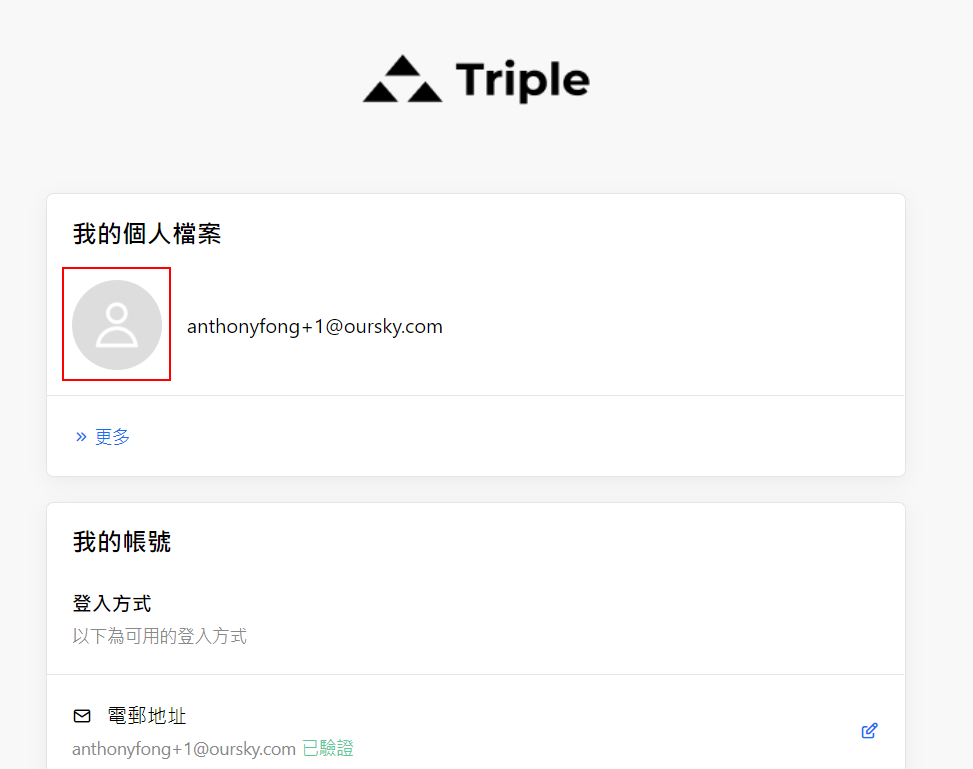
[Profile pic] Profile picture shown though that access right is set to 'hidden'
- Dominant language
- Go
- Stars
- 2k
- Forks
- 125
- Avg merge
- 2d 17h
- Merged PRs (30d)
- 32
Description
bug/minor
## Background:
- Device / Browser (OS version): Chrome 99.0.4844.82/Firefox 98.0.1/Edge 99.0.1150.46 on Win 10
- Build: Staging, demo-enterprise-25032022, demo-webapp-cookie-25032022, demo-webapp-refresh-token-250322
- Version Tag: staging-2022-03-01.1
- Reported by: Jasonns
## Description:
Admin users can still view the user profile picture even though that access right is set to 'hidden' already.
## Steps to reproduce:
1. Log in to the admin portal
2. Select any application (e.g. "demo-enterprise")
3. Go to the User profile tab > Standard attribute
4. Set the admin access right on the profile picture to 'hidden'
5. Go to the User management page > select any user with a profile picture
6. See the user profile picture is still shown on its details page
## Expected result:
Should hide the user profile picture if that access right is set to hidden
## Screenshot:
https://user-images.githubusercontent.com/93981572/160382343-45af59c0-1b80-4340-b14d-7ba73a81796d.mp4
(profile picture is hidden on user portal after setting the access right to 'hidden')
Contributor guide
Assessment
This issue has not been assessed yet.