athityakumar / athityakumar/colorls
Use colors of the terminal theme.
- Dominant language
- Ruby
- Stars
- 5.1k
- Forks
- 396
- PR merge metrics
- No merged PRs in 30d
Description
### Description
I used colorls on other system, and it used the terminal colorscheme to display icons and etc
Screenshot:
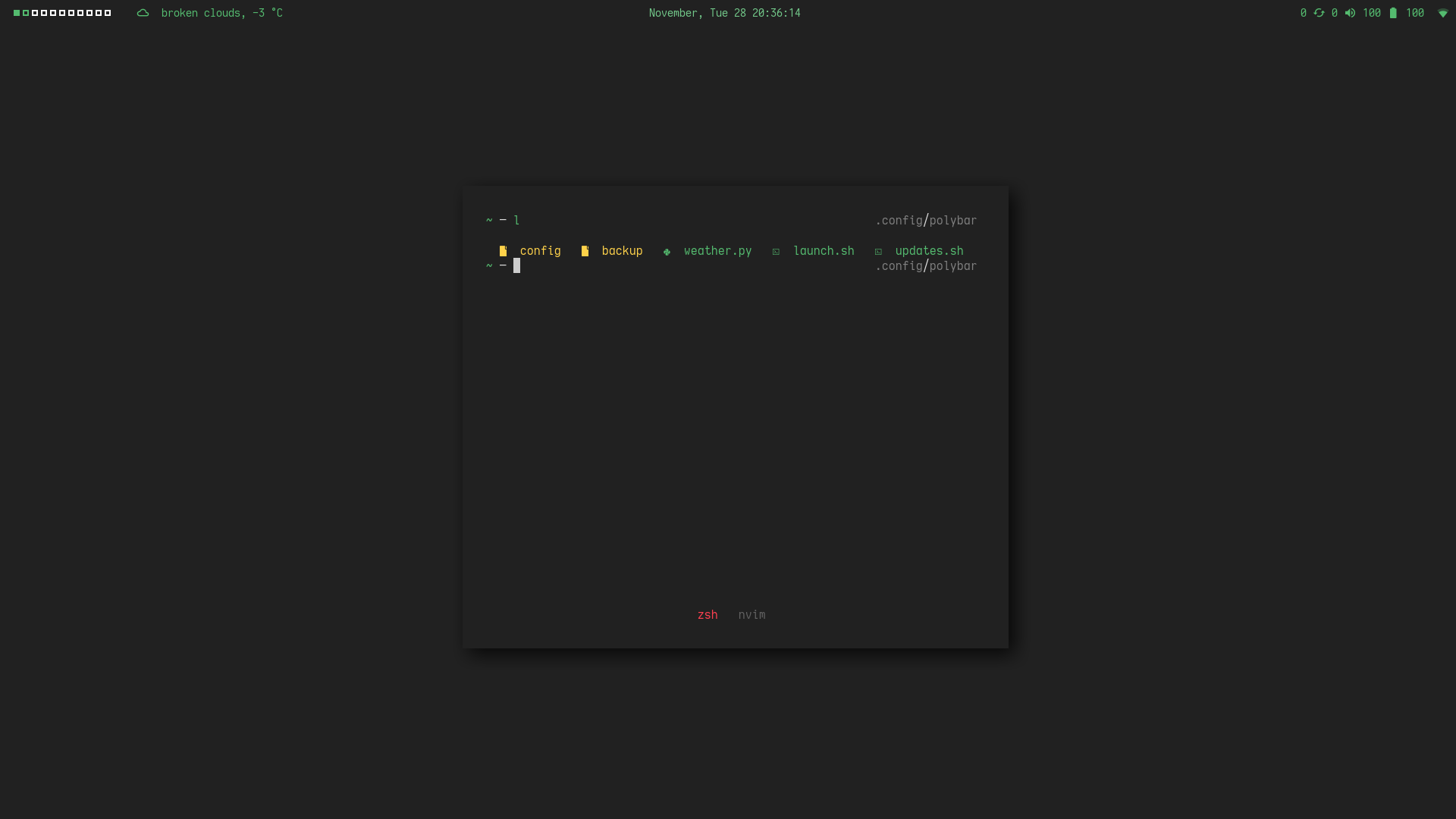
And now I install on other laptop, same terminal colorscheme, same terminal emulator, but is used the other colors
Screenshot:
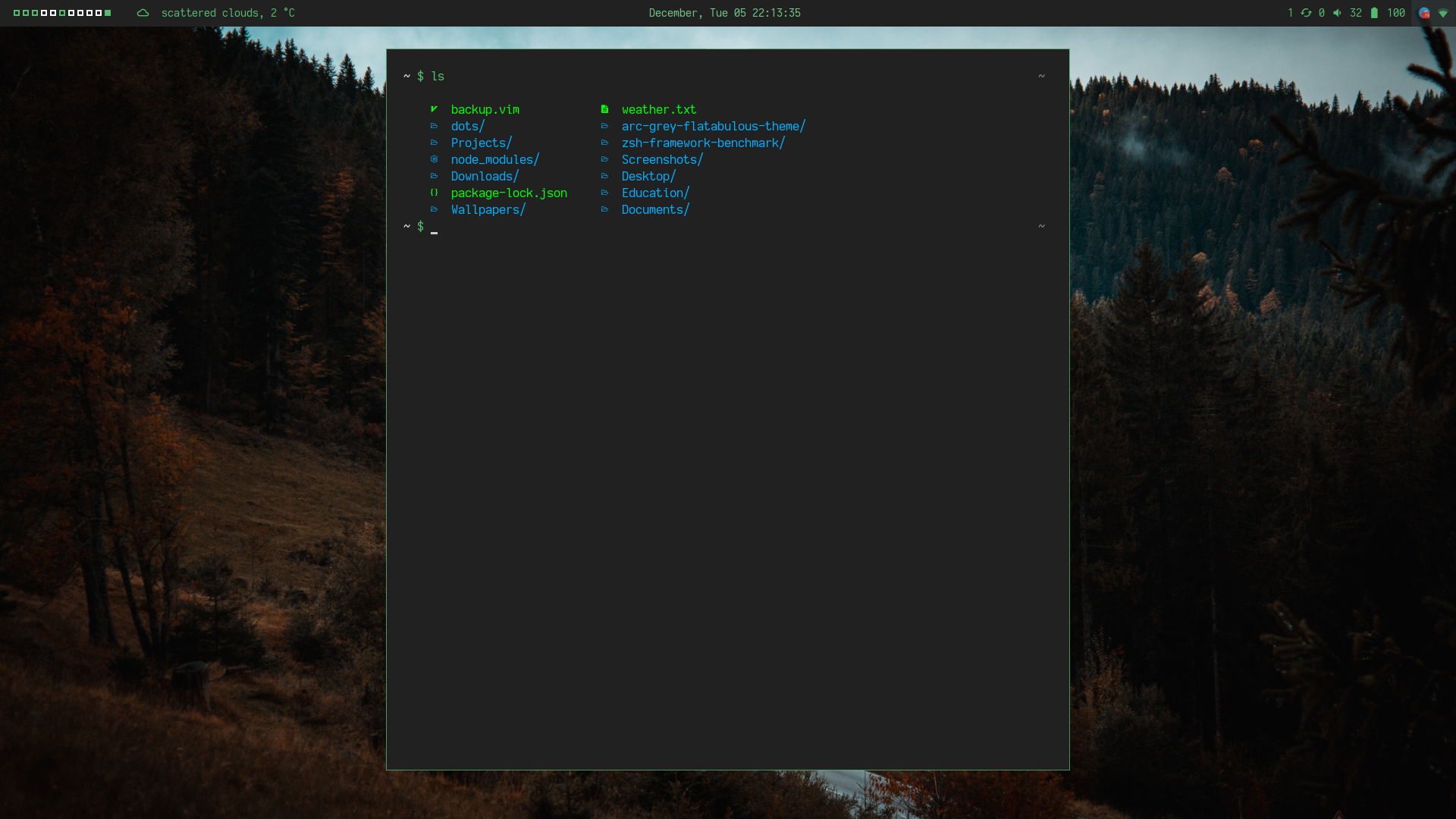
I haven't change nothing on the first system in the config, so maybe I can do that without set colors manual?
Thank you.
Contributor guide
Research direction
Start by reproducing colorls on the two terminal setups described in the issue, using the same terminal color scheme and emulator, and compare the rendered icons and colors. Read the color and terminal-output paths that determine whether theme colors or manual colors are used. Done means colorls consistently uses the terminal theme without requiring manual configuration.
Written by the indexing model from the issue text.
Assessment
- Tech stack
- ruby
- Domain
- cli
- Issue type
- Bug
- Difficulty
- 4/5
- Estimated time
- 3-5 days
- Activity status
- Stale
- Clarity
- Needs clarification
- Newbie friendliness
- 35/100